How to Sell Books on Shopify in Just 4 Steps (2025)

Selling books today goes far beyond bookstore shelves. Whether you’re a self-published author, indie publisher, or vintage book reseller, Shopify offers the tools needed to run a modern, professional, and scalable online bookstore. This guide walks through how to sell books on Shopify effectively: from setup to shipping, marketing, and scaling.
Why Sell Books on Shopify?
Shopify is one of the most dominant e-commerce platforms there is.
Let’s say you want to sell books online.
You need: a website builder to create your storefront, a way to set up shipping & payment, and other marketing tools to finally launch your store.
Shopify has it all, and more.
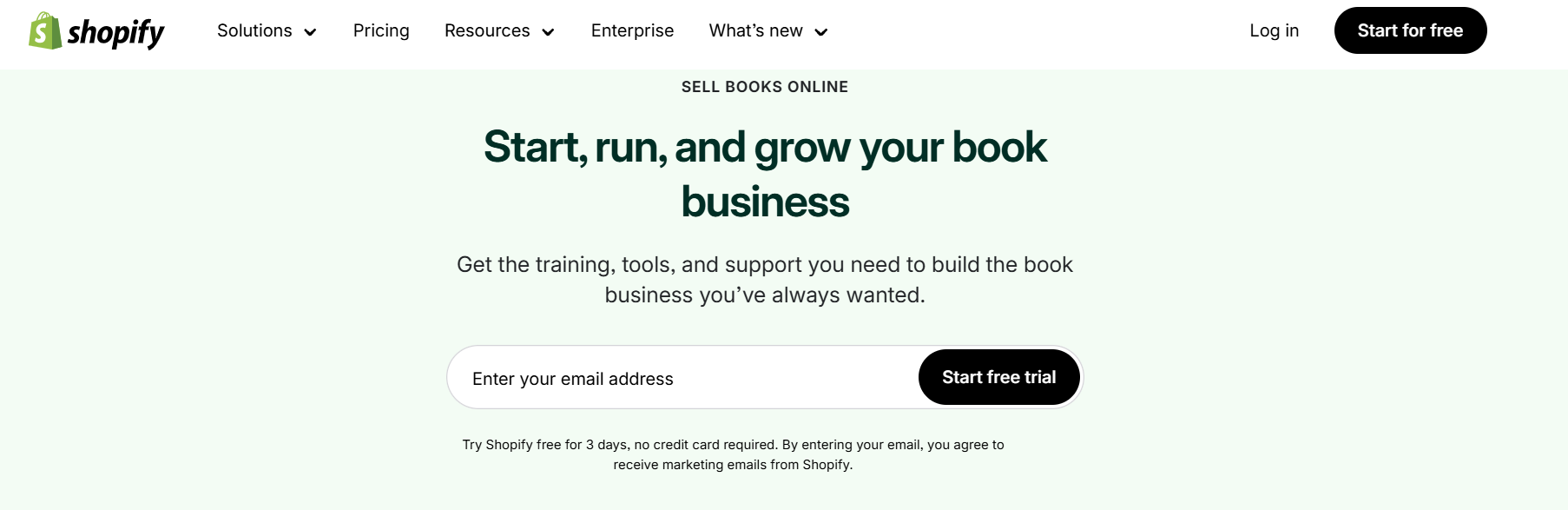
It doesn’t matter who you are: a self-published author, an indie publisher, a drop shipper,… Shopify can help you get started in minutes.
Now, stay with us to know how you can get the most out of Shopify.
4 Steps to Sell Books on Shopify
Step 1: Find your niche and suppliers
To sell books on Shopify, first pick what kind of books you want to sell.
Some people go broad with fiction or nonfiction. Others stick to niches like antique books or used college textbooks. In my experience, niche stores attract the most loyal customers.
Once you know your category, it’s time to gather inventory. You can sell your own writing or source books from trusted suppliers:
- Amazon: Great for resellers. You can source new or used books through their marketplace.
- Book Depot: Sells bargain books in bulk. Ideal for discount resellers.
- IngramSpark: Offers a massive global distribution network. Great for self-publishers wanting access to libraries and bookstores.
- Lulu: Print-on-demand platform for custom books. Good for niche projects or personalized editions.
- AbeBooks: Known for rare, used, and out-of-print books. Perfect for antique sellers or collectors.
You can also build relationships with independent bookstores or local used bookshops. Additionally, some sellers also attend library sales or estate auctions. You’d be surprised how many gems show up at those events.
Having multiple suppliers gives you pricing flexibility and keeps your store stocked. Just remember to ask about prices, shipping policies, and returns & refund rules.
Step 2: Set Up Your Shopify Store
Visit shopify.com and begin the 3-day free trial. Choose a plan when you’re ready to go live.
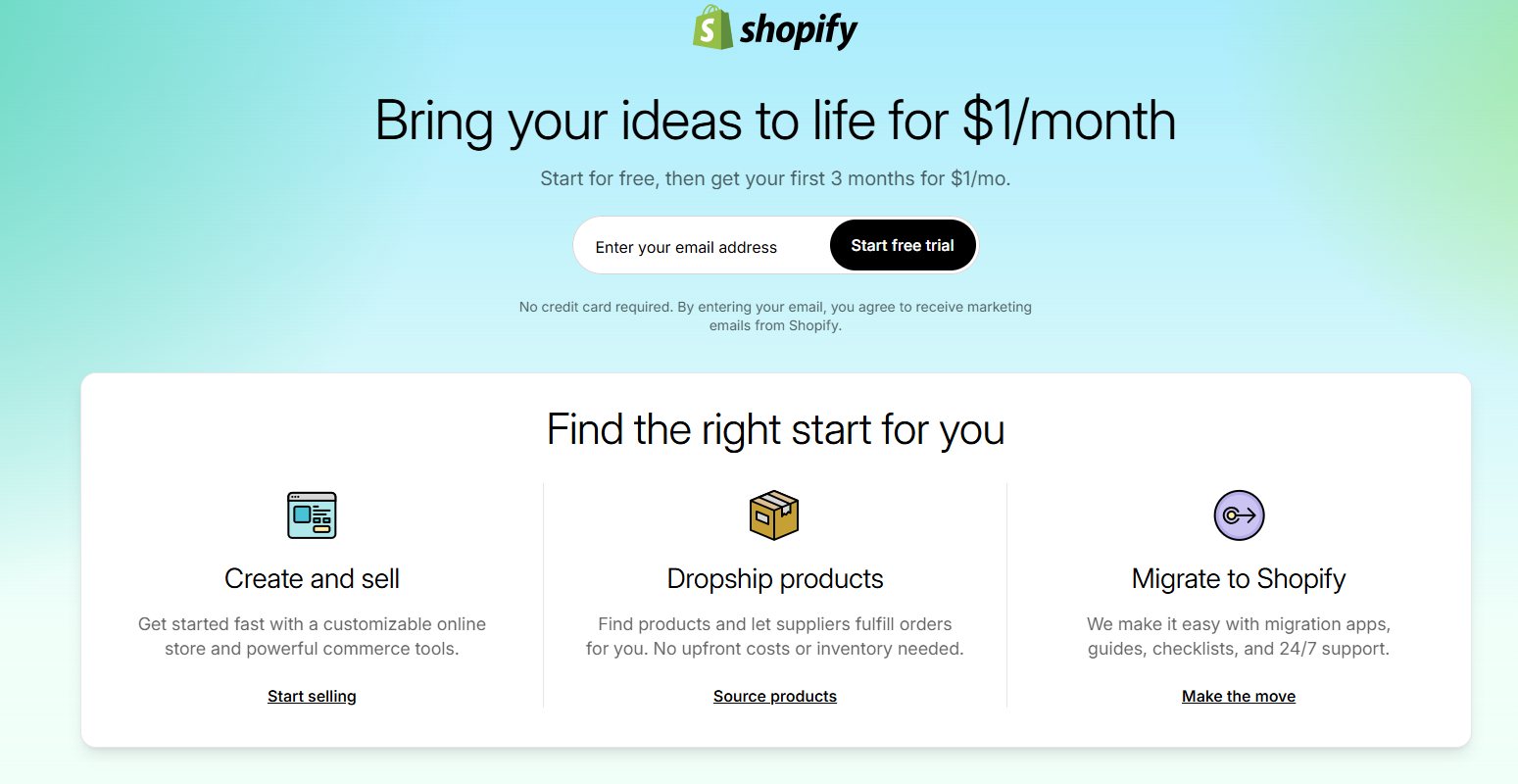
Important: In 2025, you can start Shopify with only $1 for the first 3 months. Grasp that opportunity to test your ideas.
Add Book Products
The next step to sell books on Shopify is go to Products > Add product.
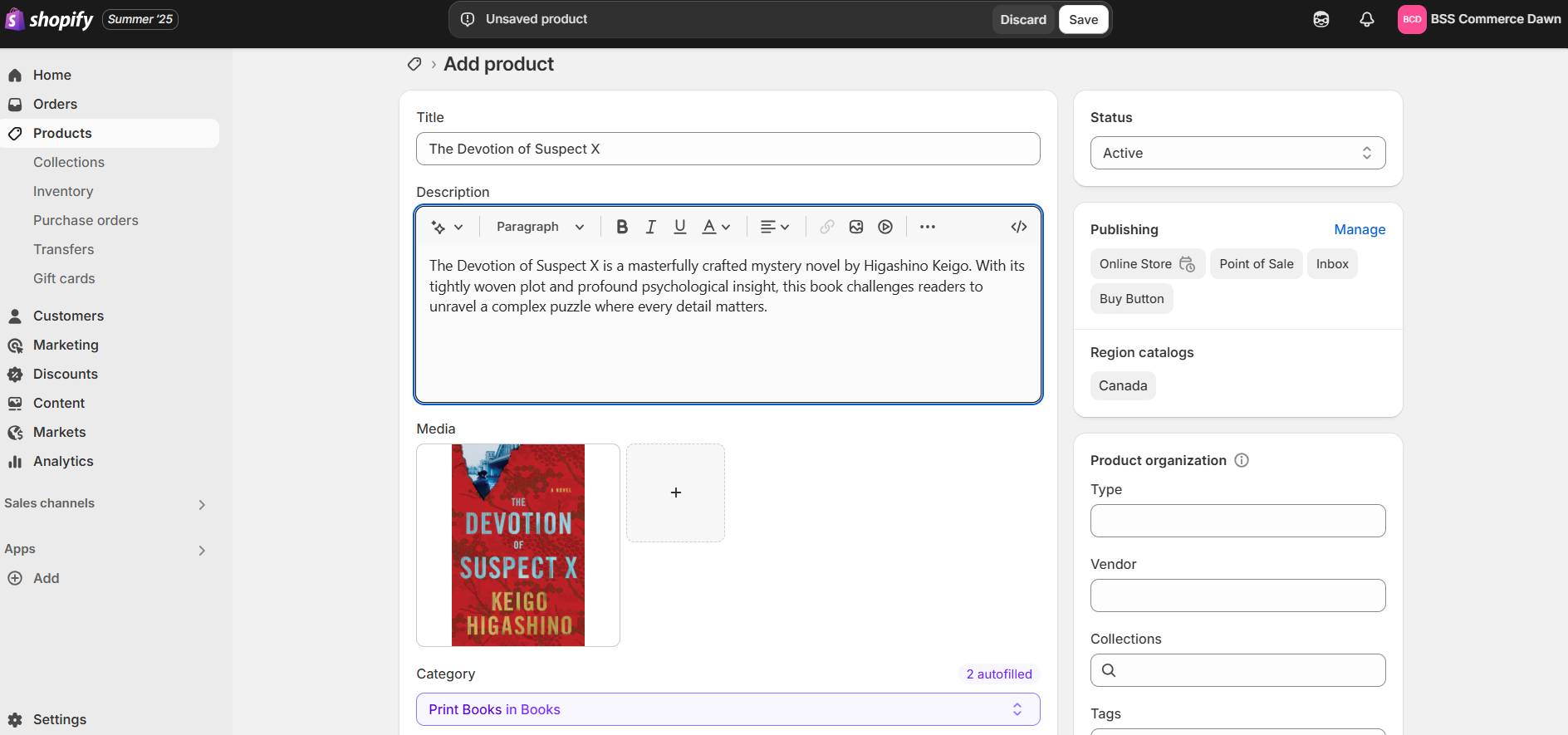
Each product page should include:
- Title and author
- High-quality book cover image
- Blurb or synopsis
- ISBN (for credibility)
- Variants (e.g. paperback vs hardcover)
Configure Shipping for Physical Books
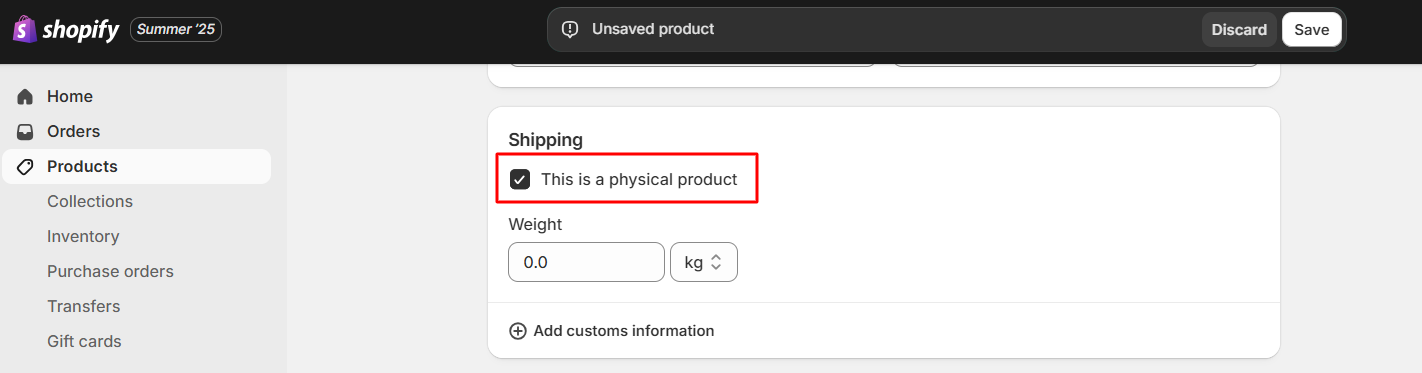
In the same page, scroll down a bit.
You will see a checkbox saying “This is a physical product”. Keep it checked if you are selling printed books
Relevant reading: In case you want to sell e-books, check out our detailed article about Selling Ebooks on Shopify: Easy Step-by-step Tutorial
Create Book Collections and Categories
In Shopify Dashboard, go to Collections and click Add collection.
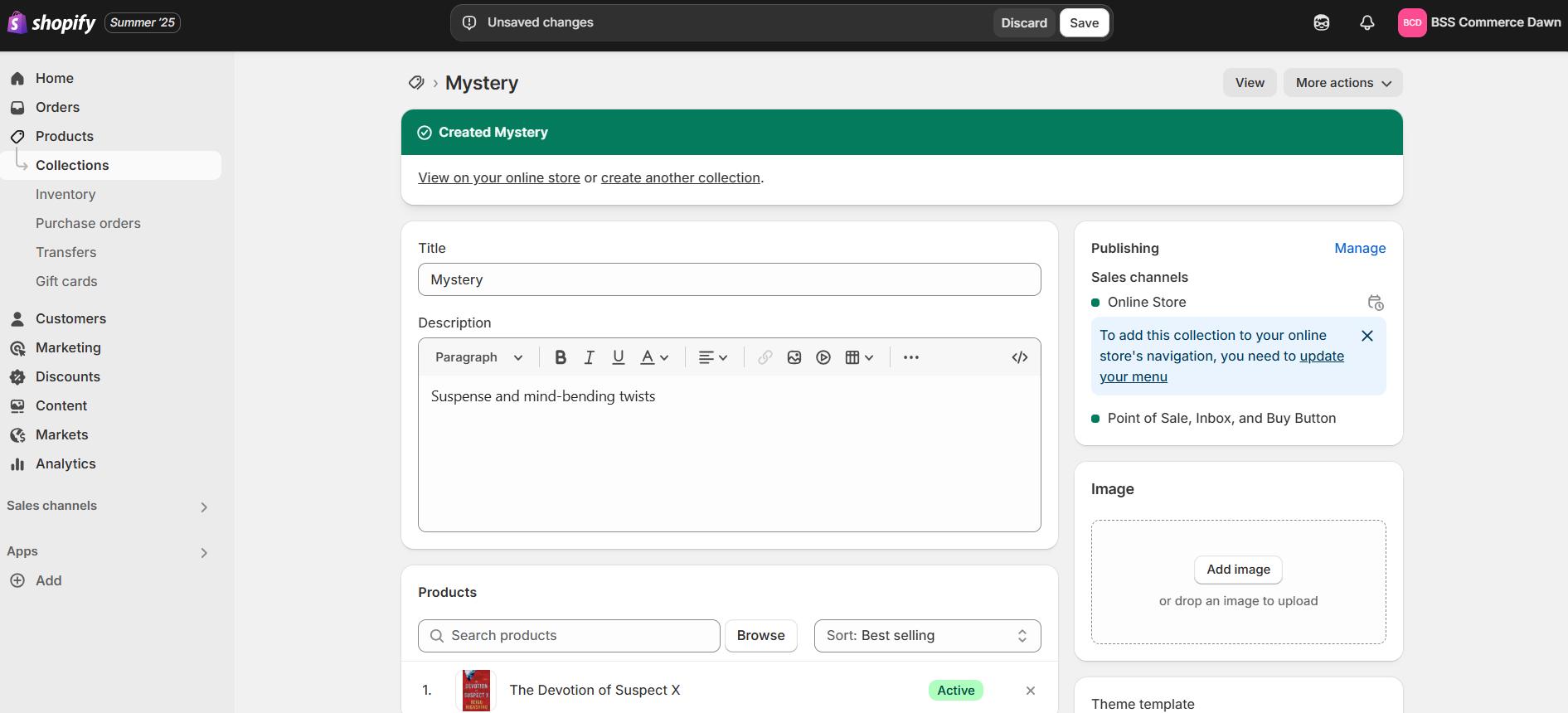
Organize products by:
- Genre (fiction, non-fiction, poetry)
- Target audience (children, adults, students)
- Author or publisher
- Theme or special edition
Book lovers usually come with a specific title or category in mind. Organizing your store well helps them find it faster, and buy faster too.
Choose a Theme and Customize Your Store
Now for the fun part: making your store look and feel similar to your vision. It’s especially easy with Shopify’s drag-and-drop editor, which is very beginner-friendly.
During my in-house testing, themes with clean layouts and readable fonts performed best.
Shoppers want to focus on titles, covers, and categories. They don’t want to scroll through distracting blocks (many of them may go and search for a title right away).
That’s why free themes like “Dawn” or “Publisher” are great choices. They highlight product images and allow space for long descriptions or excerpts. Again, they cost you $0.
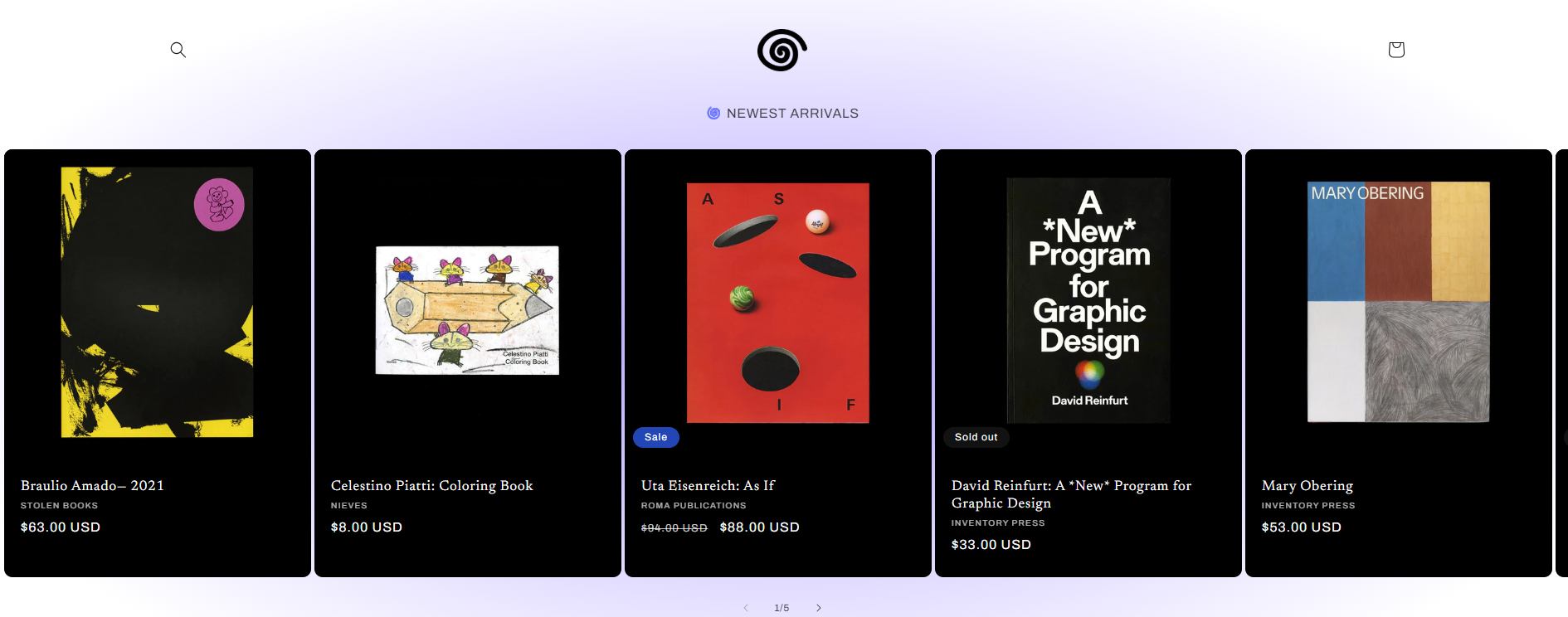
If you need something more stylish, premium themes are available and often cost from $150-$300.
Step 3: Configure Checkout and Payment Settings
Set up shipping profiles by weight, zone, or courier (e.g. USPS, FedEx). Shopify supports real-time shipping rates via integrations or custom setups.
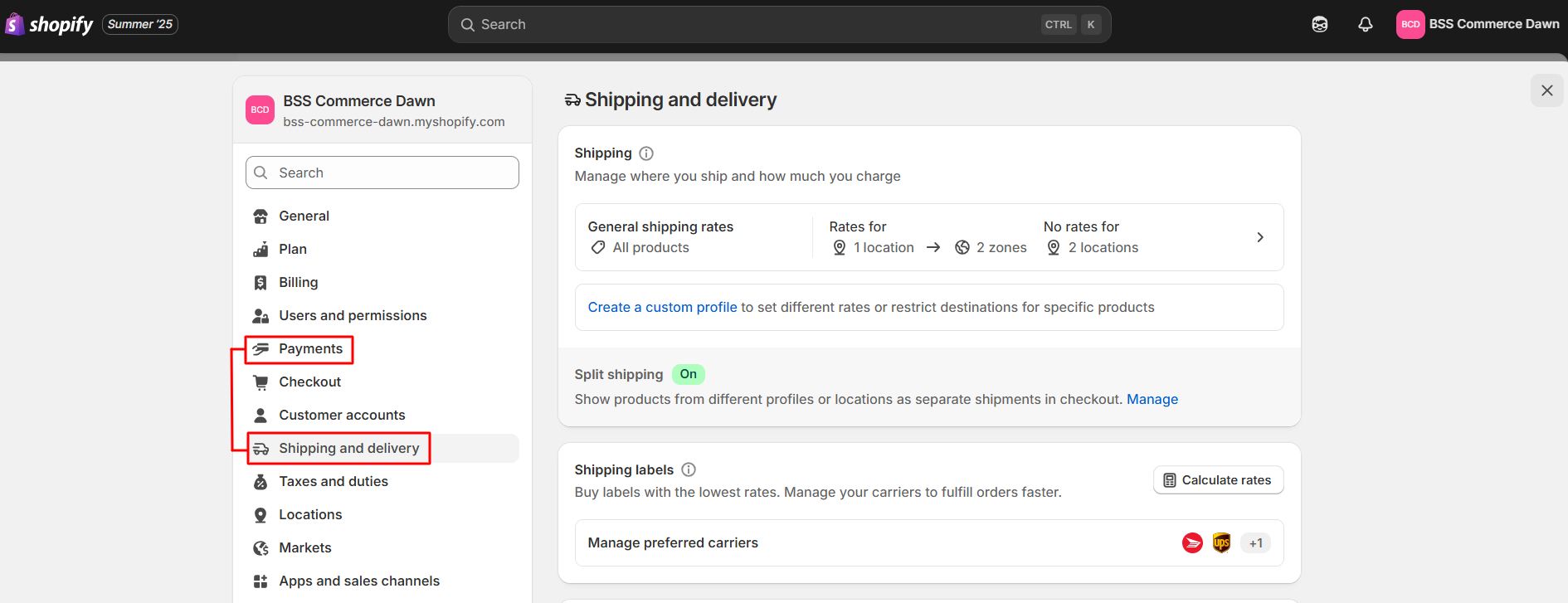
Regarding payments, enable Shopify Payments for lower transaction fees and fast integration with Visa, Mastercard, and Apple Pay. You can also choose PayPal or Buy Now Pay Later options.
If you’re selling internationally, enable multi-currency. That way, readers can see prices in their local currency.
Step 4: Launch and Promote Your Book Store
Before launch, test every element and REMOVE your password; that’s important. Otherwise, customers will not be able to access your store.
Now that you’ve built the store, it’s time to bring customers in. Here are some ways we can recommend for you based on experience:
- Build an author or store brand
Create a distinct identity readers can connect with. Whether it’s your author voice, a genre niche, or a mission-driven store, a clear brand builds recognition and trust. - Content marketing & blogging
Use Shopify’s blog to share content that boosts search visibility. You can write about your writing journey, publish book reviews, or share reading lists. In my experience, stores with active blogs see more return visitors. - Email list & newsletter funnel
Use Shopify Email or tools like Klaviyo to build your list. Offer a free chapter, discount, or exclusive story to get signups. Then send regular updates about new launches, limited bundles, or events. - Social media & influencer collaborations
Showcase your books on TikTok, Instagram, or YouTube. Post cover reveals, packaging videos, or behind-the-scenes looks. Collaborate with influencers to create buzz through reviews or live reads. - Paid ads (Meta, Google, TikTok)
Install the Shopify Pixel to track ad performance. Launch targeted ads for specific genres, seasonal offers, or keywords like “best seller mystery book.” Retarget previous visitors to remind them what they left behind.
From what I’ve seen, stores that combine a couple of these channels see more engagement. No need to do all at once; start small, test, and expand based on what works.
Real Store Examples Selling Books on Shopify
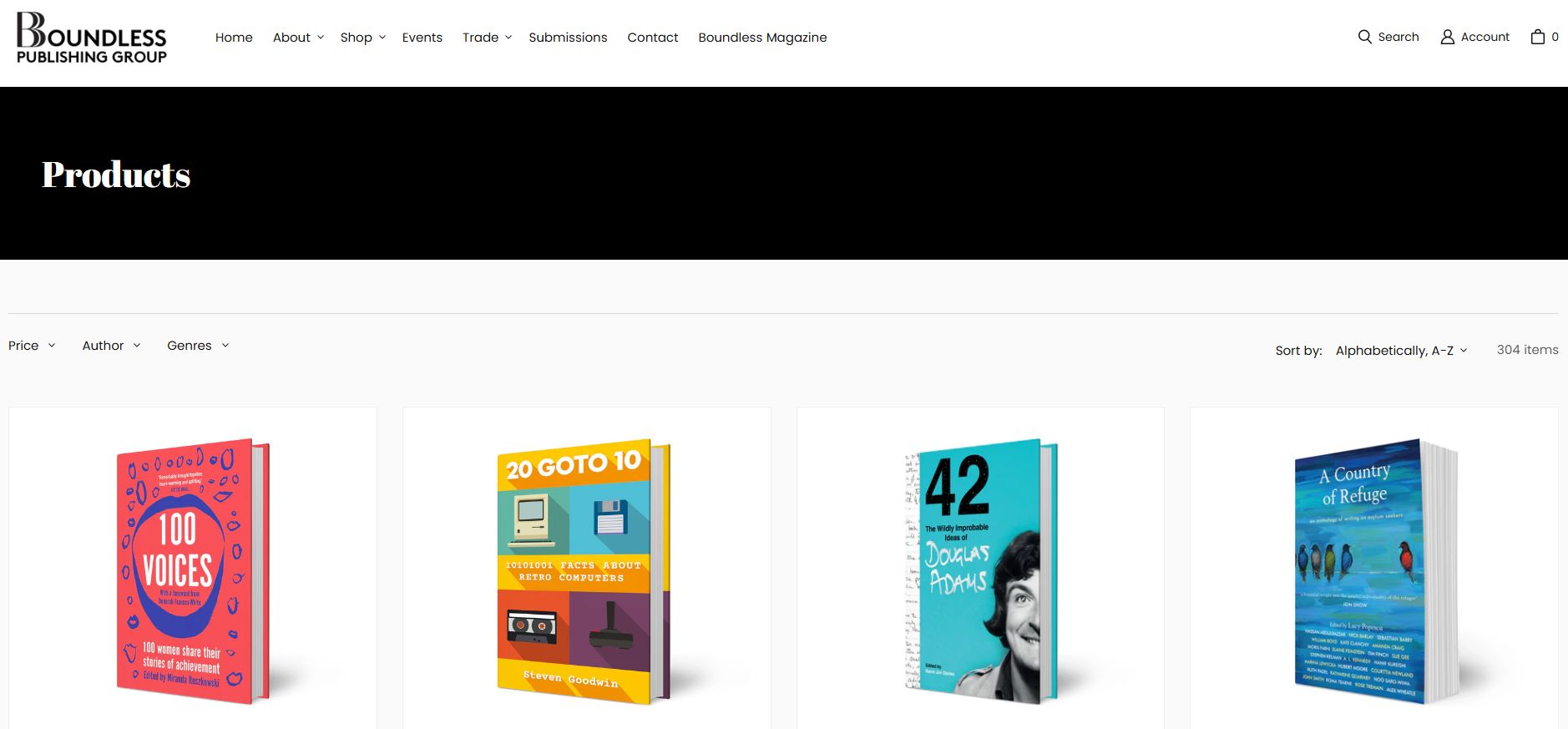
It’s best to see real Shopify book stores for clarification! See for yourself what kind of layouts and features Shopify can offer book sellers.
- Boundless Publishing Group uses Shopify to crowdfund and distribute author-backed books.
- Bookishly sells classic book crates, art prints, and literary gifts.
- Juniper Books specializes in curated book sets with custom covers.
Each store blends creative presentation with seamless shopping experience to elevate the reading experience.
FAQs about Selling Books on Shopify
1. Can I sell books on Shopify?
Yes, you can sell both physical and digital books on Shopify. The platform offers customizable storefronts, inventory management, as well as shipping & payments configuration.
2. Which is the best place to sell books online?
The best platform depends on your goals. Amazon dominates traffic and discoverability but takes a cut and controls pricing. Shopify is ideal for full control, direct customer relationships, and building a long-term brand. Many successful authors and booksellers use both: Amazon as a supplier, Shopify for selling.
3. How much does it cost to sell books on Shopify?
Shopify plans start at $5/month (Starter) for link-based selling and $39/month (Basic) for a full online store. You’ll also pay a higher transaction fee unless using Shopify Payments. Additional costs may include domain name, premium apps, and themes. Overall, it’s affordable for creators wanting to build their own brand.
>> Further reading:
- Shopify Pricing Plans Review: How Much Does Shopify Cost (2025)?
- How Does Shopify Work 2025: What Sellers Must Know
4. Can you sell KDP books on Shopify?
Yes, you can sell KDP books on Shopify, but only in indirect ways. Since Amazon KDP doesn’t allow direct integration or external checkout, you can’t list the book for direct sale. Instead, link your Shopify product page to your book’s Amazon listing.
See Shopify and Amazon integration apps.
Final Thoughts: Is Shopify Right for Book Sellers?
Overall, Shopify is a great place to start for book businesses of all levels. BSS Commerce hopes that after reading our article, you have all the necessary knowledge to sell books on Shopify and can launch your business without hassles.
Do need a Shopify expert? CONTACT US for consultation and full store setup services.

Finn Nguyen
Finn is a Shopify expert with 5+ years of experience helping new business owners launch and grow online stores. Specializing in store setup, theme selection, and optimization, he provides practical guidance to turn ideas into successful eCommerce businesses