Shopify B2B Registration Form: Step-by-Step Guide (2026)
Shopify B2B registration form is an effective way to engage with your customers, enhance overall experience. It can help you collect the information you need in a user-friendly format, then set up an automation that sends an email to that customer asking them to open a wholesale account.
In this post, we’ll discuss the benefits of using form for B2B customers and then guide you through the simple process of customizing registration forms for your wholesale store. Let’s get started!
Benefits of Using Shopify B2B Registration Forms
For Shopify B2B merchants, B2B registration forms are a useful tool to collect comprehensive information, streamline operations and enhance the experience. Here are some points to explain why your Shopify B2B store needs to use a B2B wholesale registration form.
1. Onboard B2B Customer With Ease
Replacing the manual method of reviewing and approving wholesale accounts, which is extremely time-consuming, the B2B register form comes with a complete guide that helps you collect essential business details like company name, tax identification, and other business verifications in a few minutes and automatically approve verification, leading to saving time and effort. Also, the form allows you to effectively segment customers for better management, ensuring only verified businesses see and view the wholesale pricing and place bulk orders.
2. Enhances Customer Experience
Once a customer successfully signs in, Shopify swiftly applies automatic wholesale discounts and pricing tiers based on the order volume without manual adjustments. Customers, therefore, are able to access the new products that are relevant to their business categories and enjoy the tailored purchasing terms like personalized promotions, shipping and payments.
3. Improves Security and Fraud Prevention
Strangers or unverified customers are one of the reasons that lead to misusing wholesale discounts. By using a proper registration form system, you can avoid fraud since it checks and verifies business legitimacy before granting wholesale access. Consequently, only legitimate businesses are able to view your wholesale strategy, which protects your store from unauthorized bulk orders that cause it to lose.
4. Ensures Compliance and Tax Exemptions
If you are a tax-exempt business, a Shopify B2B registration form can be a powerful tool that lets you verify tax documentation upfront, provides accurate billing without unnecessary taxes, and removes delays raised from missing tax documentation. Thankfully, you can stay compliant while deducing administrative headaches and put all effort into other important aspects of your store operation.
How To Customize Your Shopify B2B Registration Form
There are generally 2 ways to do this:
Way 1: Using a B2B app
Utilizing a dedicated third-party app will be the fastest and most effective way to customize a Shopify B2B registration form. It gives you advanced customizable options and can help you monitor registration data in one single admin.
Now, let’s take the most rated app for example:
BSS B2B Solution

Rating: 4.8 ★ (900+ reviews)
Centralize all B2B operations in one single admin.
Step 1: Install the app via Shopify App Store.
Step 2: In the app, go to Customer management ⇒ select Configuration in Registration Forms.
Step 3: Customize the form based on your business needs. You can add and remove fields, change label text, input descriptions for each field, etc.
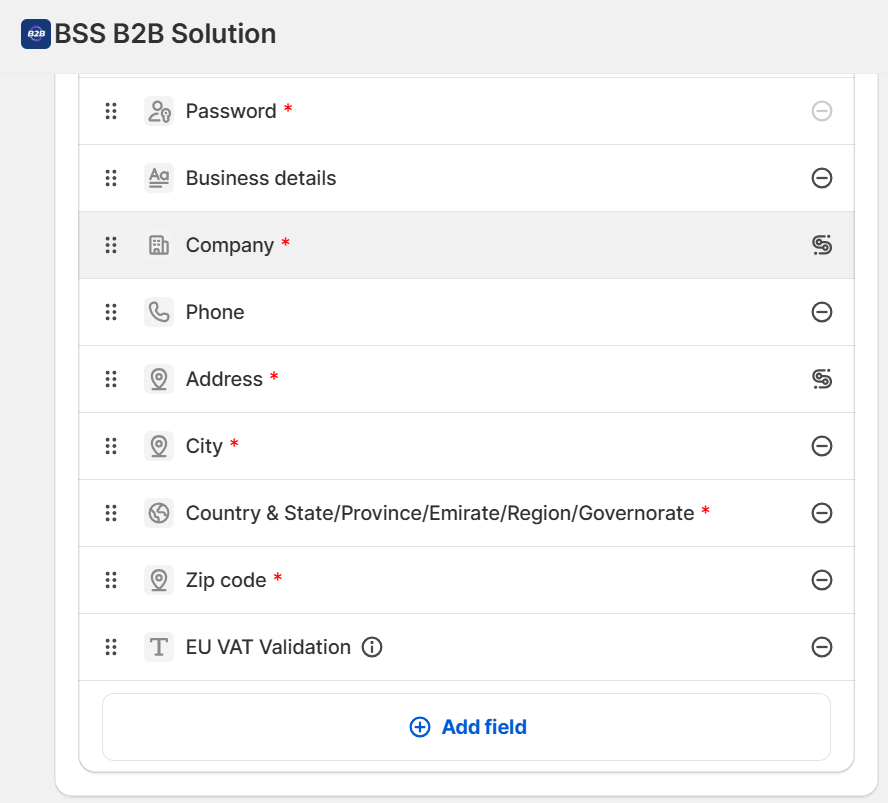
There are advanced options to streamline your B2B onboarding such as:
- Send sellers and customers email notifications
- Add Google reCAPTCHA
- Support file upload,
- Auto-exempt VAT
- Redirect users to a custom page after they have registered.
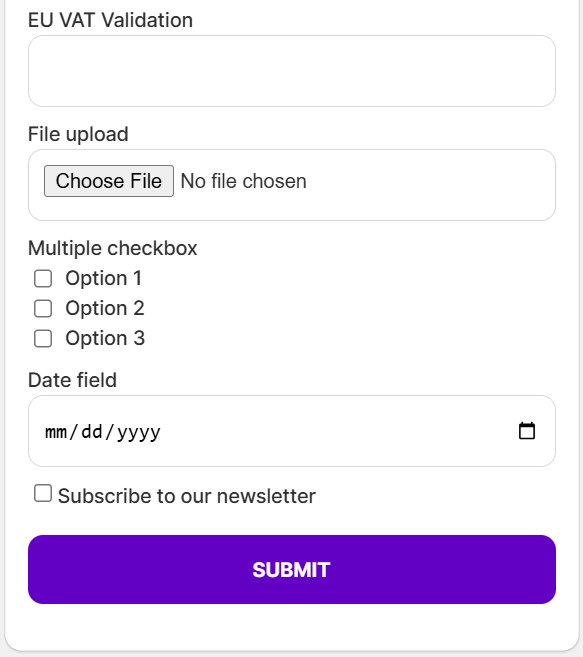
Even the form’s style, including its checkboxes, dropdown menu, radio choices, date, text, and other elements, can be altered to fit your brand.
Step 3: Save and test the new form. Make sure all your settings work, if not, contact in-app support chat for any questions.
Way 2: Adding codes directly in the Shopify theme
This method is for advanced users who excel at programming and want to have full control over the customized B2B restoration form. It does not only let you add custom fields as you want beyond the default settings but also allows you to control approval workflows and tag more precisely.
Step 1: Access the Shopify admin panel
Step 2: Navigate to the Online Store ⇒ Click Actions button and select Edit code.
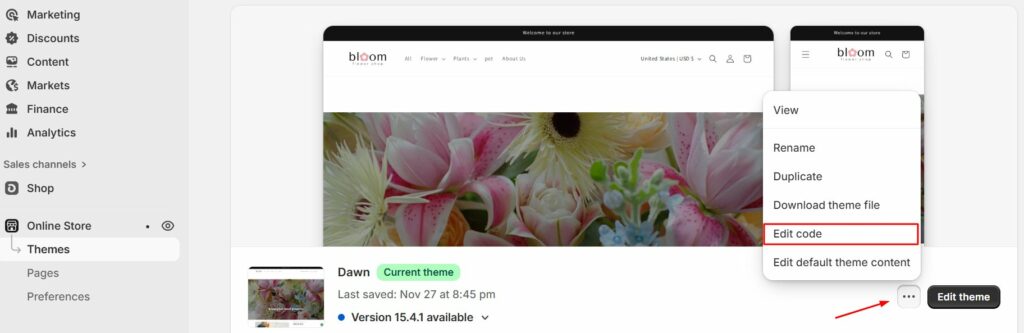
Step 3: Under the ‘templates’, choose the customers/register.liquid file
Step 4: In the file you have just opened, locate the schema tag “{% form ‘create_customer’ %}” and “{% endform %}”
Step 5: Depending on your requirements, you can paste the code before, after, or between available areas, and your code will be identified by the sort of form field that you want to create. Here are some recommendations for you to copy and create a text box for your B2B wholesale registration form.
- Text field:
| <label for=”CustomerFormAllergies”>Allergies</label><input type=”text” id=”CustomerFormAllergies” name=”customer[note][Allergies]” placeholder=”Allergies”> |
- Radio buttons:
| <label>Do you prefer tea or coffee?</label><br><input type=”radio” id=”CustomerFormTea” name=”customer[note][Tea or Coffee]” value=”Tea” /> Tea<br> <input type=”radio” id=”CustomerFormCoffee” name=”customer[note][Tea or Coffee]” value=”Coffee” /> Coffee |
- Drop-down menu:
| <label for=”CustomerFormFlavor”>Choose a flavor</label><select id=”CustomerFormFlavor” name=”customer[note][Flavor]”> <option>Chocolate</option> <option>Vanilla</option> <option>Strawberry</option> </select> |
- Check box:
| <label for=”CustomerFormKitten”>Would you like a free kitten?</label><br><input type=”checkbox” id=”CustomerFormKitten” name=”customer[note][Kitten]” value=”Yes, please!” /> Yes, please! |
Step 6: Add custom scripts and CSS to ge advanced functionality for your customer registration form for B2B.
Here is an example of custom CSS for your reference:
Add custom styling in the “theme.scss.liquid” or “theme.css” file.
| #registerForm label {font-weight: bold; }#registerForm input { margin-bottom: 10px; } |
Step 7: After adding the custom code, select Save and now you have a new personalized Shopify B2B registration form.
Best Apps For Creating Shopify B2B Registration Form
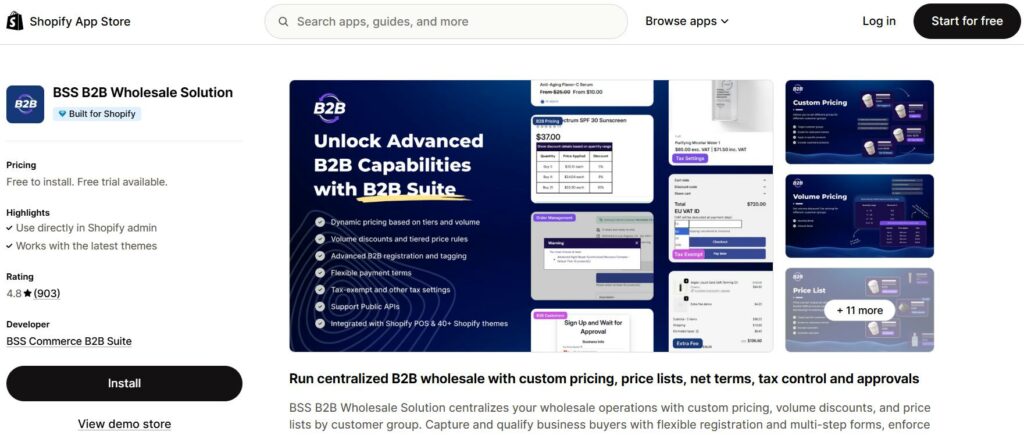
BSS B2B Solution
Overview
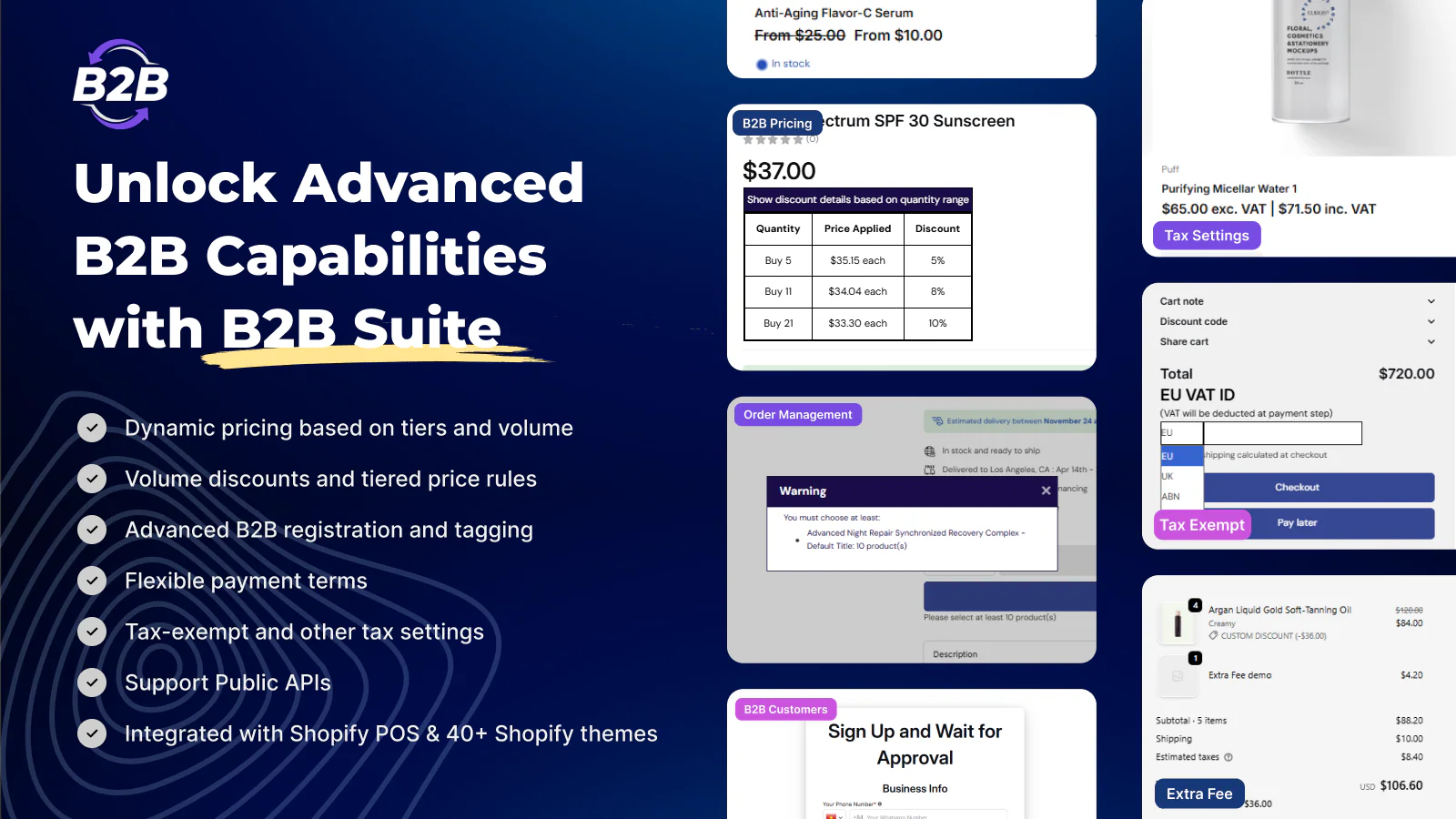
This all-in-one Shopify B2B solution provides essential features for managing business registrations, customer group segmentation, and exclusive pricing. It’s perfect for stores that want to set up B2B registration forms and control access to wholesale pricing.
Key Features
✅ Custom B2B Registration Forms – Add fields like tax ID, business license, and company name.
✅ Auto & Manual Approval – Automatically approve or manually review wholesale applications.
✅ Customer Tagging – Assign B2B tags based on registration data.
✅ Wholesale Pricing & Discounts – Show different prices to registered wholesale buyers.
✅ Net Payment Terms – Allow Net 15, Net 30 payments for approved customers.
Pricing
- Free plan available with basic features.
- Paid plans start from $25/month to $100/month (advanced wholesale features).
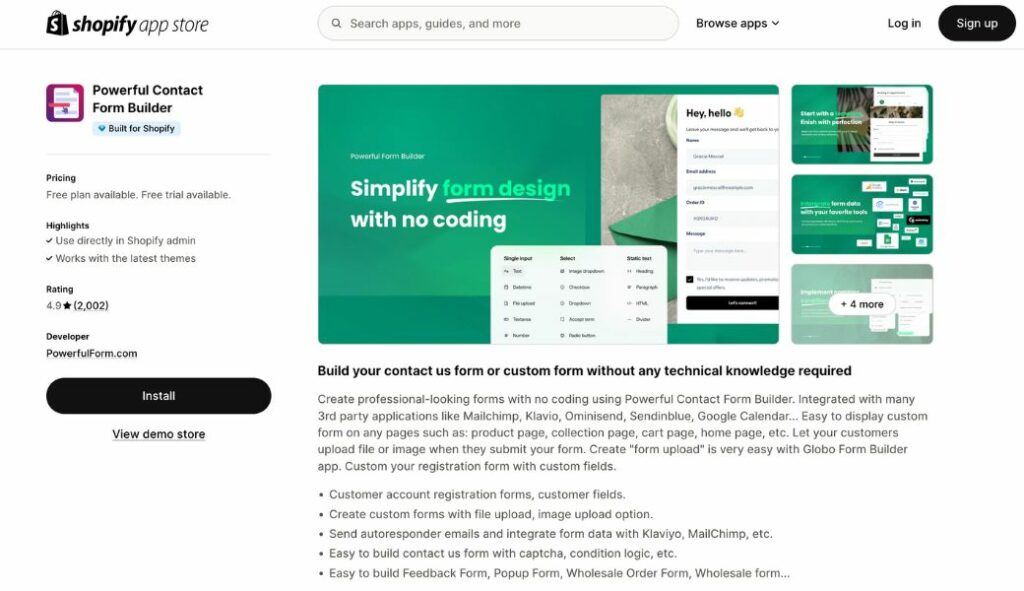
Powerful Contact Form Builder
Overview
This app is perfect for creating custom registration and contact forms. It offers a drag-and-drop builder, making it easy to design B2B or general customer signup forms.
Key Features
✅ Drag & Drop Form Builder – No coding needed to create custom forms.
✅ Conditional Logic – Show/hide fields based on user responses.
✅ File Upload Support – Allow users to attach business licenses or documents.
✅ Email Notifications – Get notified when a user submits a form.
✅ Google reCAPTCHA – Prevent spam registrations.
Pricing
- Free plan with basic forms.
- Paid plans start from $9.99/month (includes file uploads and conditional logic).
[Free Template] 12 B2B price list are available for free download
Close deals faster with 12 ready-to-use pricing template on Google sheets
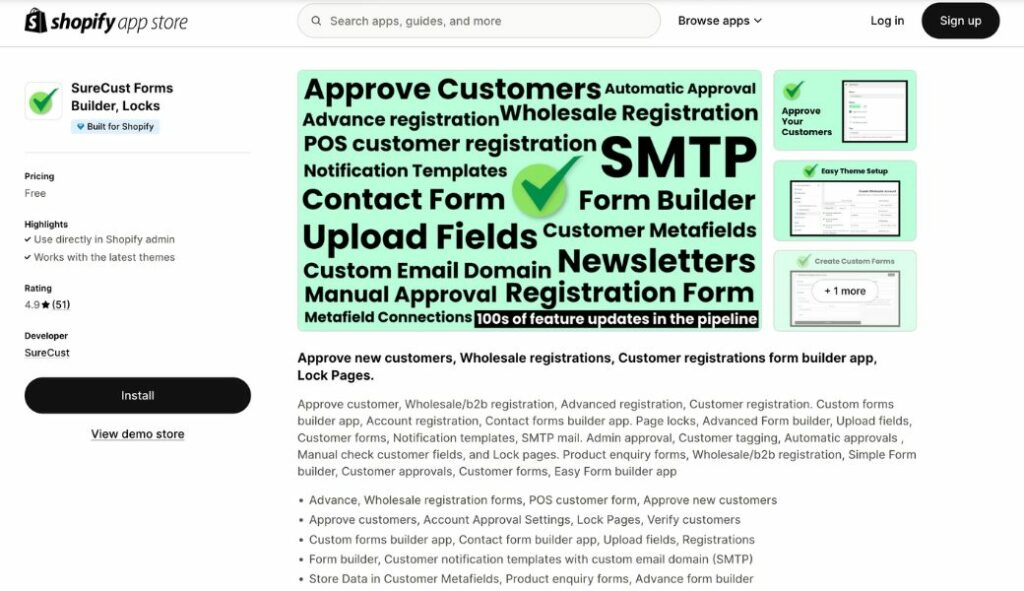
SureCust Forms Builder, Locks
Overview
SureCust Forms Builder is a versatile form app that helps merchants create registration, login, and contact forms while locking access to specific content. Ideal for wholesale stores that want to restrict access to certain products or pages.
Key Features
✅ Custom Registration Forms – Add extra fields for detailed customer data.
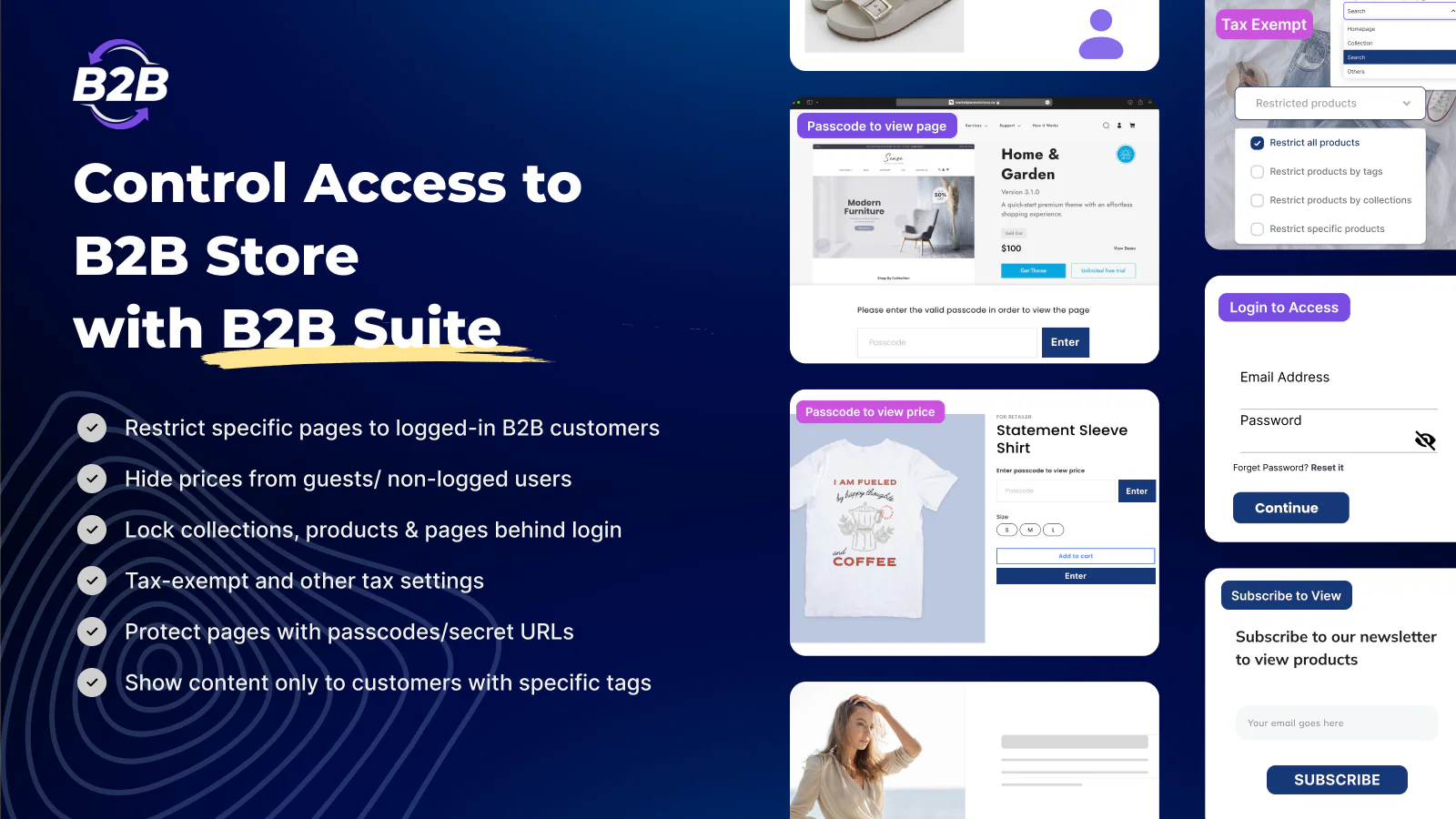
✅ Access Control – Lock pages, products, or prices based on customer status.
✅ Auto Approval & Tagging – Automatically approve users or assign custom tags.
✅ Multi-Step Forms – Reduce form abandonment with step-by-step signup.
✅ Email & Webhooks Integration – Connect with email marketing and CRM tools.
Pricing
- Free trial available.
- Paid plans start at $14.99/month (for advanced form and access control features).
FAQs about Shopify B2B Registration Form
What to put on a wholesale registration form?
Common fields include company name, contact person, business email, phone number, billing and shipping addresses, tax ID or resale certificate, website or sales channel, and estimated order volume.
How to create a B2B customer on Shopify?
You can create a B2B customer on Shopify Plus by setting up a customer account. On other plans, an all-in-one B2B app enables account approval, custom pricing, and restricted access. This approach keeps B2B and DTC operations organized and scalable.

Finn Nguyen
Finn is a Shopify expert with 5+ years of experience helping new business owners launch and grow online stores. Specializing in store setup, theme selection, and optimization, he provides practical guidance to turn ideas into successful eCommerce businesses