How to Create Digital Products and Sell Online
Looking for the exact and comprehensive guide of how to create digital products on Shopify?
You’ve come to the right place. This article is for you. Whether you want to sell eBooks, online courses, software, or digital arts on Shopify, we make it super simple for you to get started.
Let’s scroll down to explore!
What Are Digital Products?
Digital products, also known as digital downloads, are a type of intangible product or service that primarily exists in a non-physical or digital file. Unlike traditional physical goods, the creation, distribution, and consumption of digital products happen in a digital environment.
The common types of digital products that are most consumed now include:
- Digital content: E-books, music, videos, podcasts, photography,…
- Digital services: Online course, telemedicine, digital marketing services,…
- Online platforms: Social media platform, e-commerce websites, online marketplace
- Software applications: include productivity applications for mobile, desktop, laptop, or games, streaming services,…
- SaaS (Software as a Service): Customer Relationship Management (CRM), Cloud-based collaboration,…
Digital products are bought and sold for a certain price, exchanged for barter, given away for charity purposes, or free of charge. Determination of digital product price depends on the good’s added value, time, and effort for the creation.
5 Reasons Why You Should Sell Digital Products
Low startup costs
Digital products remove the financial burden for manufacturing, inventory, storage, and shipping fees. High profit margins and short turnover times are what digital product sellers really love about this type of business.
With just a small investment for equipment, tools, and time, you can easily set up an online store to sell your digital products. Especially with ecommerce platform promotions, such as Shopify 3 MONTHS FOR JUST $1 promotion created exclusively to remove the price barrier for new entrepreneurs.

Easy to enter
Launching a digital product online store is much easier than a store that sells physical products because all you need to prepare is your professional skill and one or 2 electronic devices to produce. That’s all for creating, publishing and selling your products to the market. Moreover, with low upfront costs, you are free from stakeholders or vendors. Selling what you want and getting all the earnings.
You can distribute to anywhere
While physical products can be affected by quality standards, weight, packaging, shipping, delivery, and tons of problems, digital products can be sold worldwide 24/7. No matter who your customers are, where they are from, or what time it is in their location, it does not matter for them to purchase your products. With just a few minutes, they can get your creation and bring your product to the global.
Easy to scale
Digital products are created to serve a large audience without additional resource requirements; that’s why you can innovate or create new products to meet the audience’s needs with your time and skills only, making it easy to expand your business catalog.
On the other hand, digital products allow you to incorporate in many ways, like providing a free product to collect email data, a paid subscription to access exclusive content, or licenses to use your digital products permanently or in a fixed-term.
>> Read more: 15 Best Digital Products To Sell On Shopify
How to Create Digital Products?
1. Pick Your Niche and Identify Your Target Audience
First thing first, it is crucial to choose a niche you will join. You can identify your niche by analyzing your interest, skill set, and feasibility. Ask yourself some questions to find out the right niche to get started:
- What am I good at?
- What’s the degree of my experience and skill set?
- How can I help my customers?
- Who will find my product useful?
- In what way can I bring my community of customers together?
- Can I guide customers on how to use my products?
2. Choose The Type of Digital Product to Sell
Now, it’s time to determine what you want to sell. From ebooks to online courses and software, there are various forms to create and sell, but the right one should perfectly match your expertise, along with your target customer’s needs and preferences.
3. Conduct Market Research
You knew what you wanted to sell and who would consume your digital product, and the next step is to research the market to make your product more relevant to your customer’s needs.
In this stage, you have to make clear some points:
- Understand your target customers: You need to have a picture of buyer personas like age, gender, location, income level, goals, challenges, value, and shopping preference
- Explore online communities: Visit Facebook groups, Reddit, and other forums where your target customers discuss and look for solutions for their pain points. You can also take advantage of social media to see what is popular among your target customers.
- Check out the competition: Browse the comments and reviews sections of your competitor’s products to see what kinds of questions their followers are asking and get ideas for your products
To conclude, understanding your customer’s behaviors and needs will help you equip well for the product they love and encourage repeat purchases.
4. Create Your Digital Product
The final stage of how to create digital products is definitely to create them.
- Plan and create your digital products: It is important to outline the content and structure of the products to have an overview of what you will do to create the product and how it would look. After that, choose the right tool to support your implementation. Once your product is done, make it polished and professional.
- Package your products: This is about what can contain your product. It can be PDFs for ebooks and printables; MP4 for music and videos; PNG, JPEG, SVG for digital art; and ZIP for bundled products. Do not forget to design attractive covers, mockups, and preview images to make it more impressive.
- Choose a selling platform: One of the most popular platforms for selling digital products is Shopify. In addition, you can sell your products on marketplaces like Etsy, Gumroad, Creative Market, and other subscription platforms such as Patreon, Ko-fi, and Substack.
Now, let’s move to the how to create and sell digital products with top-notch tools and popular platforms.
DISCOVER: Top 10 Shopify Stores Selling Digital Products To Inspire You
Must-Have Tools for Creating Digital Products
1. The Leap
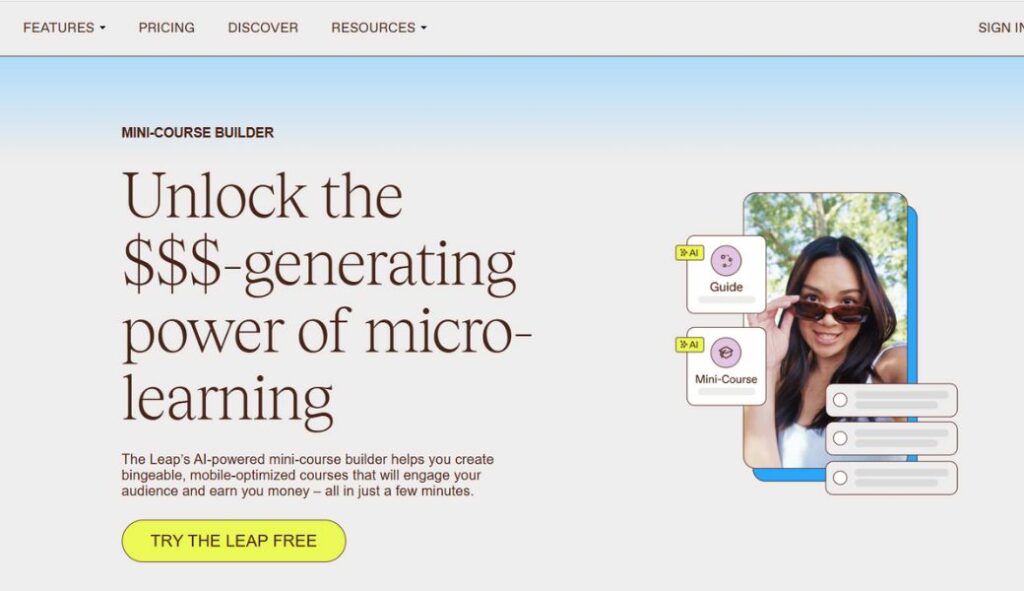
Best for: Guides, challenges, tutorials, mini-courses,…
Pricing:
- Free: $0 per month
- Pro: $19 per month
- Elite: $59 per month
How to create digital products for free quickly and easily? Look no further than The Leap, an innovative AI-enabled digital product builder by Thinkfic. Using The Leap, your journey of earning the first dollars as a content creator is easier than ever thanks to its user-friendly authoring tools, versatile commerce storefront, built-in powerful e-commerce features,… all things you need to create and sell your digital products in one central place.
2. Google Workspace

Best for: templates, worksheets, ebooks, and online course content
You may wonder how to create digital products to sell with Google Workspace, right? Google Workspace is a system that contains Docs, Sheets, and Slides that allows users to share written content effortlessly. Think about creating an editable résumé, a data tracker spreadsheet template with Google Workspace, you can help many people solve their challenges in minutes and earn money from sharing those templates for others’ usage.
Pricing:
- Free: $0 per month
- Business Starter: $3.5 per month
- Business Standard: $8.4 per month
- Business Plus: $22 per month
3. Canva

Best for: Ebooks, templates, downloadable art prints
If you are a beginner designer or do not have time to master Photoshop, do not worry about it. That’s where Canva, a free graphic design tool, comes in to help you create visually appealing artwork. With a huge library of thousands of templates, photos, graphic elements and drag-and-drop tools, you can draw on your own personalized artwork effortlessly. Overall, the free plan provides you with the basic features for creating your own digital products. However, if you need more advanced features, you’ll have to upgrade to the pro version and pay a subscription.
Pricing:
- Canva Free: $0 per month
- Canva Pro: $12.99 per month
- Canva Teams: $14.99 per month
4. Adobe Illustrator

Best for: Artwork, Ebooks, app designs, web/social media graphics
For those who are looking to design and sell licensed digital art, Adobe Illustrator is a top-of-mind choice. This is a popular vector graphics software used by skilled designers to create digital illustrations with income potential. Even though Adobe Illustrator is well-known for the steep learning curve and high price point, this is a worthwhile investment for creating professional art prints.
Pricing:
- Adobe Illustrator: $22.99 per month
- Adobe Creative Cloud: $59.99 per month
5. OpenShot
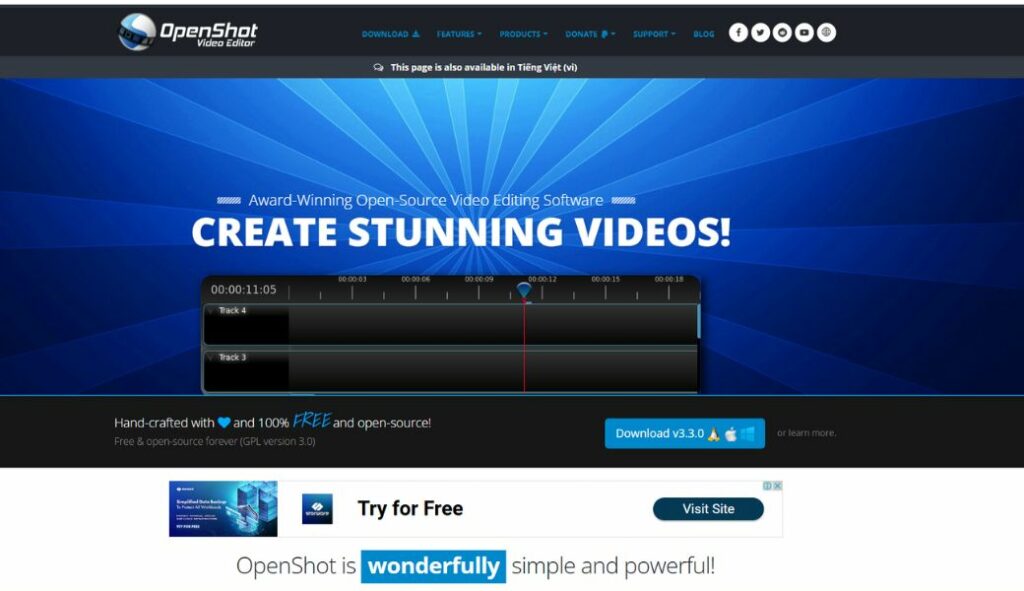
Best for: Video, online course
OpenShot is a 100% free and open-source video editor that you can never miss out if you want to launch a digital online store with video products. OpenShot has more than you can see in a free video editor tool. They are powerful animation frameworks, 3D animations, video effects, photos,… everything you need to create an interesting and informative video. Many users found that OpenShot is the easiest and friendliest video editing software ever, so it deserves our try to see how effective it is.
Pricing: FREE
Top 5 Platforms for Selling Digital Products
1. Shopify
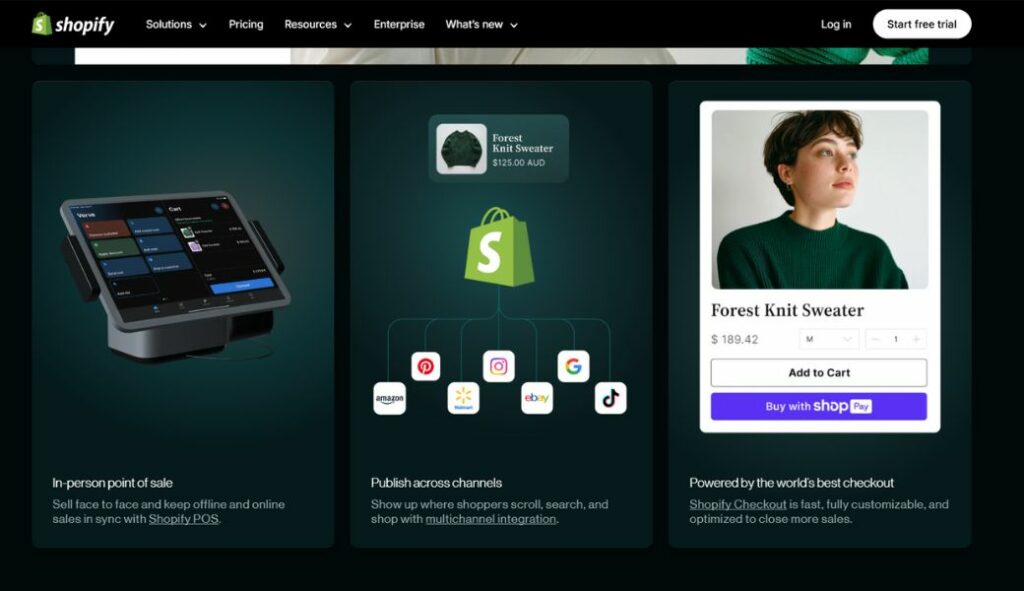
Shopify is one of the most popular eCommerce platforms for sellers of both digital and physical products. From robust e-commerce tools, an extensive customizable theme store, and a wide range of app marketplaces, Shopify provides users with a huge opportunity to expand your store and maximize success. And the best part that every user loves at Shopify is that you can experience the full potential of this platform with the 3-month $1 deal and evaluate the results yourself just by signing up for a free trial.
2. Gumroad
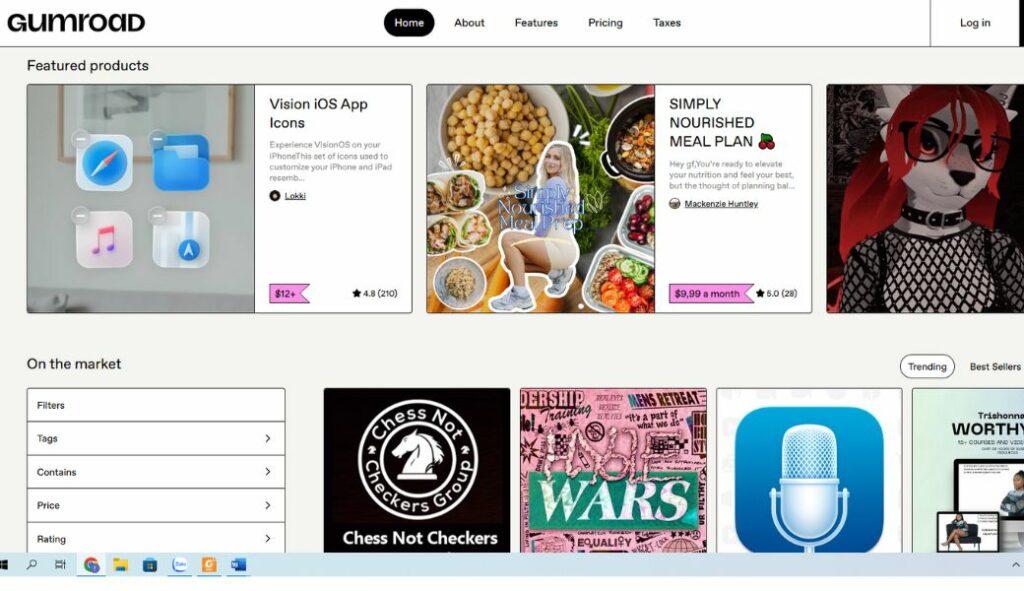
Gumroad is a user-friendly marketplace that empowers content writers, designers, software developers, and artists to publicize and sell digital products directly to customers with minimal hassle. With an easy-to-use interface and various useful tools for sale analytics, customer management, and product launches, Gumroad enables you to build a store effortlessly and operate efficiently. Also, what makes Gumroad shine among the digital product selling platforms is its pay-what-you-want pricing model, which lets buyers pay their desired amount for a specific commodity. This pricing strategy makes it easier for new sellers to join the market without setting the fixed prices.
3. Etsy
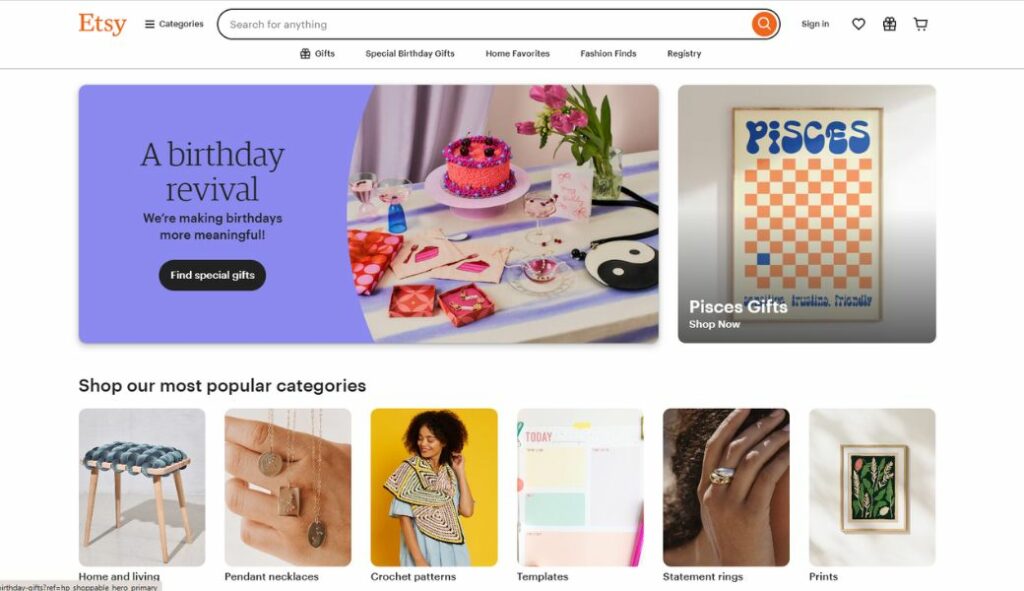
With over 91.50 million active buyers by 2024, Etsy is an ideal choice for sellers who specialize in unique and handmade digital products such as craft patterns, artworks, and printables. Thanks to its diverse customer base, Etsy is the most accessible and appealing powerhouse for selling digital downloads, helping you effortlessly tap into the community of audience appreciating uniqueness and craftsmanship.
You may concern: 20+ Best Things to Sell on Etsy to Make Money
4. Udemy

When it comes to educational content, we prefer the Udemy platform, the best marketplace to sell courses across a vast range of topics with over 40 million learners of technology, software development, creative art, business, finance,…The platform is flexible for teaching a variety of skills since it offers video courses, tests, and coding activities. Instructors receive a sizable share of course revenues under its revenue-sharing model, particularly if they refer students from outside of Udemy.
5. Creative Market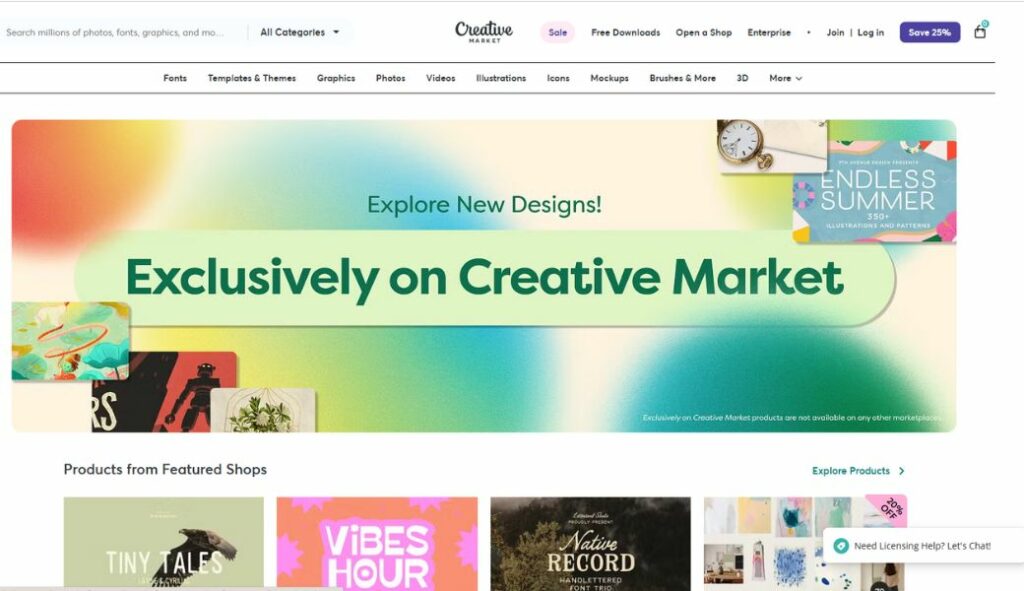
Home to more than 10,000+ artists, Creative Market serves as a dynamic platform for designers and creative professionals, offering an extensive collection of digital elements like fonts, templates, graphics, and themes that are tailored to different digital design needs. Being a seller on Creative Market, you can have the freedom to set the price based on your effort for creating that product and the opportunity to take advantage of the platform’s partner incentive, enhancing your store’s visibility.
Start Selling Your Digital Products on Shopify
You knew how to create digital products and supportive tools for designing your digital downloads for selling. Now it’s time to start selling on Shopify.
Step 1: Sign Up to Shopify
Shopify is a simple and easy-to-set-up platform. You just need to browse Shopify.com and follow the instructions to register a Shopify account. You will need to subscribe to a plan to start designing your store and sell products for the long term. For a limited time, you can take advantage of the Shopify 3-month for $1 plan. This is the perfect chance to test out all the features of Shopify to see whether it is right for you or not before subscribing to a plan.
Step 2: Upload Your Products to Shopify
To start selling, let’s add your digital products to the Shopify store. Please follow these steps:
- From the Shopify admin, navigate to Products on the left sidebar
- Click on Add Product
- Enter the product name, description, and price
- Scroll down and find the Digital Downloads section. Here you can upload your files
- Choose the Fulfillment to set product type and download limit
- You can disable the Track Quantity so that your product will not be labeled as Sold out
- Click Apply to save the information
Step 3: Optimize Your Shopify Store
Before publishing your store to the market, make sure it looks good and works well. Therefore, you should finish some points to make it better so that you can sell more:
- Choose a theme that matches your products; customize the store design to make it more unique and reflect your brand’s and product’s value
- Add high-resolution images to show how your products will be
- Write compelling content to attract people
- Set up checkout options so customers can buy without hassle.
Step 4: Test Your Workflow and Start Selling
Every process needs a test to ensure all order email templates and download links work as they should. It is important to guarantee that the steps to buy and sell digital products are under control:
- Activate testing payments
- Continue purchasing the goods from the business as you would if you were a frequent client. In order to avoid entering your payment card information at this time, change the product price to $0.
- Check the emails in your inbox.
At this moment, you can launch your store and begin selling
In a Nutshell
No need for inventory or overhead costs; selling digital products on Shopify is the easiest and greatest way to make your first online sale. The key to success is to choose the right products, use your creativity and time to create useful products, and the best platform to reach your audience. Now that you know how to create digital products, it’s time to put your plan into action and start building your digital empire!

Finn Nguyen
Finn is a Shopify expert with 5+ years of experience helping new business owners launch and grow online stores. Specializing in store setup, theme selection, and optimization, he provides practical guidance to turn ideas into successful eCommerce businesses