Atelier Shopify Theme Review (Pros & Cons, Examples)
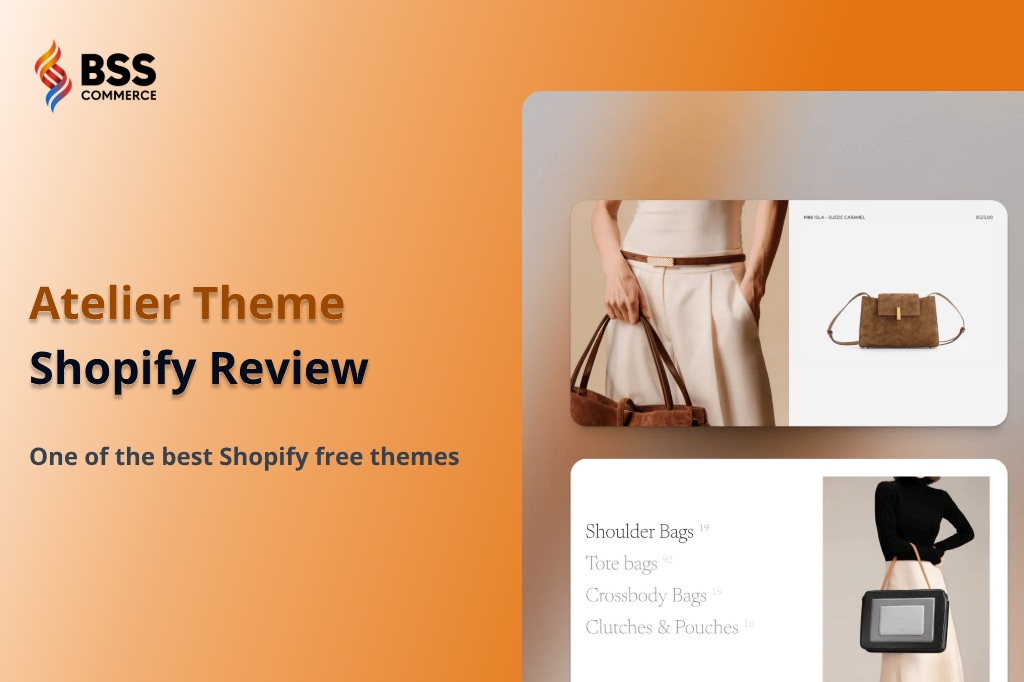
Shopify’s Summer Edition 2025 introduces ten new free themes, offering merchants more modern, performance-optimized options than ever. Among them, Atelier stands out for its sleek, editorial design tailored to premium, image-driven brands.
In this review, we take a closer look at the Atelier Shopify theme – exploring its key features, customization options, and ideal use cases—to see why it’s quickly becoming one of the most talked-about themes in this new collection.
Atelier Shopify Theme Overview
Atelier, one of Shopify’s newest FREE themes, is designed for brands that prioritize visual storytelling and elegant presentation. Its spacious, minimalist layout offers plenty of room to showcase high-quality imagery, making it an ideal choice for fashion, lifestyle, or boutique stores.
Here is a summary table for Atelier Shopify Theme:
| ATELIER SHOPIFY THEME | |
|---|---|
| Pricing: FREE | |
| Rating: 21 reviews, 24% positive 👍 | |
| ✅Pros | ❌Cons |
|
|
Best for:
| |
Design & Layout
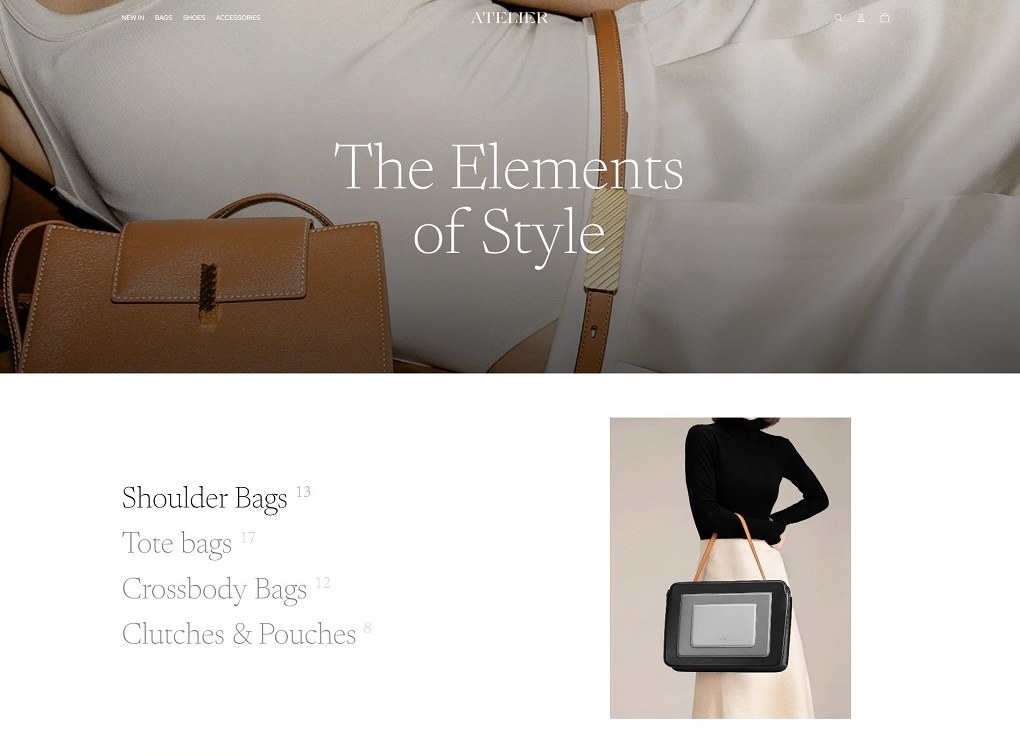
At first glance, Atelier may remind you of Dawn – the most popular free Shopify theme. Both have clean, minimalist layout that put focus on imagery and storytelling.
The difference is, Atelier combines bold typography with immersive media sections to create a refined layout that feels both modern and luxurious. It has built-in mega menu, product filtering and quick-buy buttons, which significantly enhance shopping experience for customers.
Key Features of Atelier Shopify Theme
Let’s examine all the core features of Atelier that can improve user experience.
Smart Navigation & Product Discovery
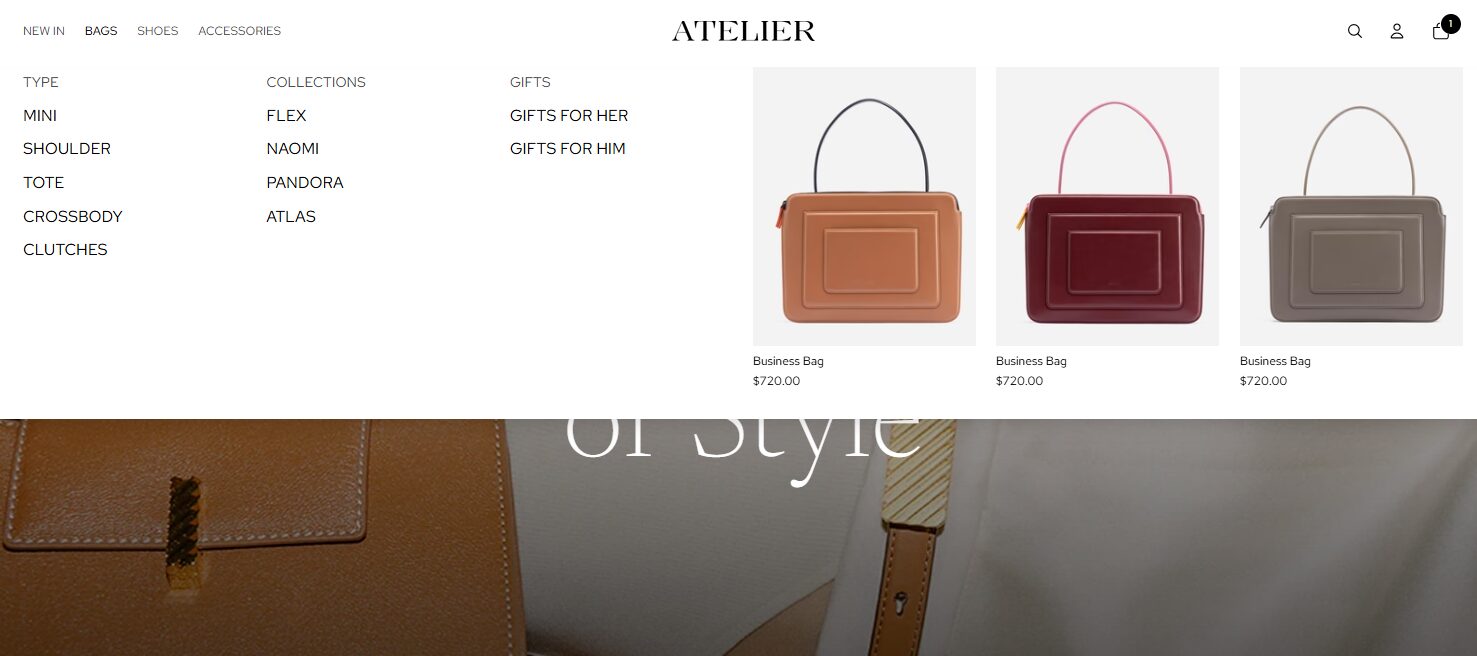
Atelier comes packed with smart navigation features that help customers find products quickly and effortlessly—something rarely seen in free themes.
- Mega menu: A standout feature allowing merchants to organize collections with images and submenus.
- Sticky header: Keeps the menu visible as shoppers scroll, improving site usability.
- Infinite scroll: Loads more products as you scroll, enabling smooth, continuous browsing without page clicks.
These tools enhance browsing experiences, making Atelier a strong option for stores with growing product lines.
Product & Collection Features
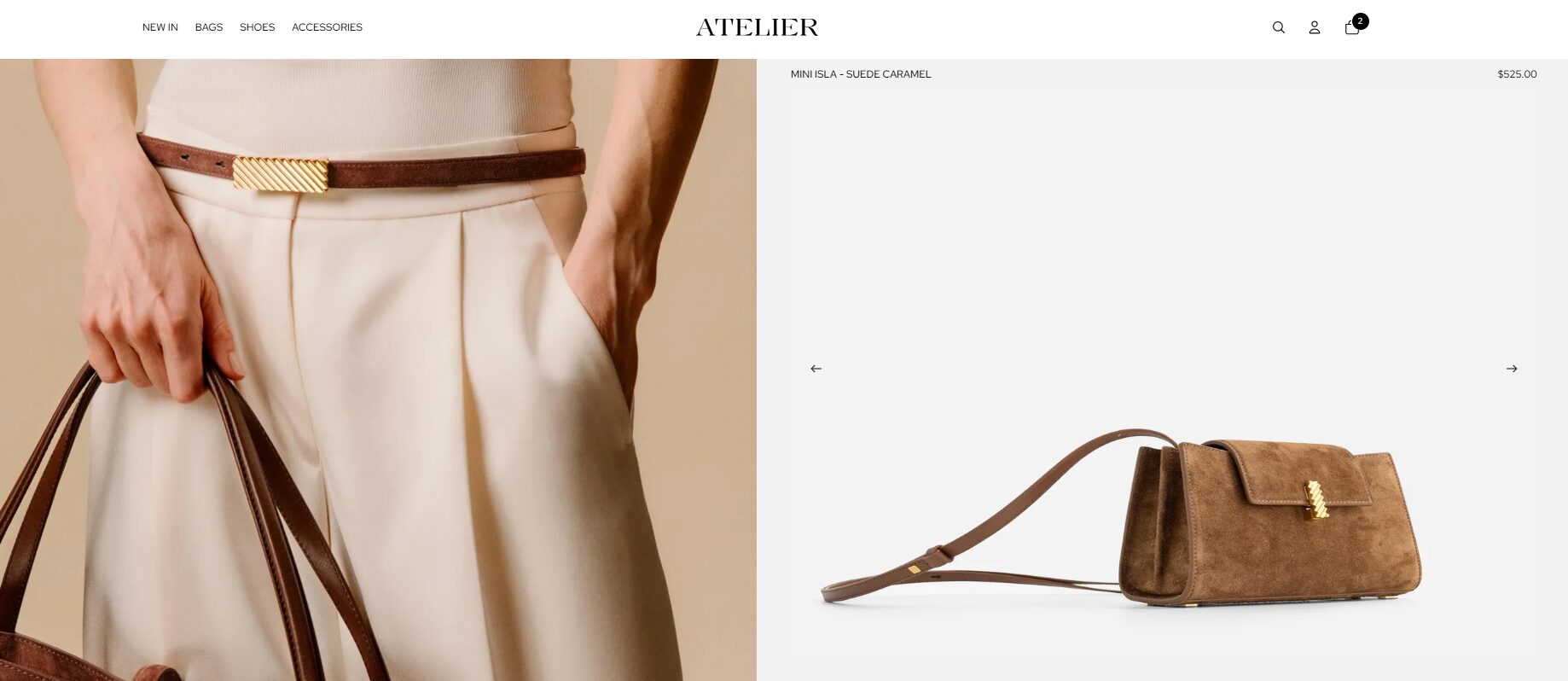
Atelier gives merchants modern layouts and merchandising options to showcase products in a clean, editorial style.
- Advanced collection filtering: Customers can filter by availability, product type, and more—without needing an app.
- Image-focused product grids: Spacious layouts highlight visuals while keeping browsing simple.
There are 6 collection templates and 5 products templates for merchants to present their inventory in a polished, shopper-first way.
Marketing & Conversion Features
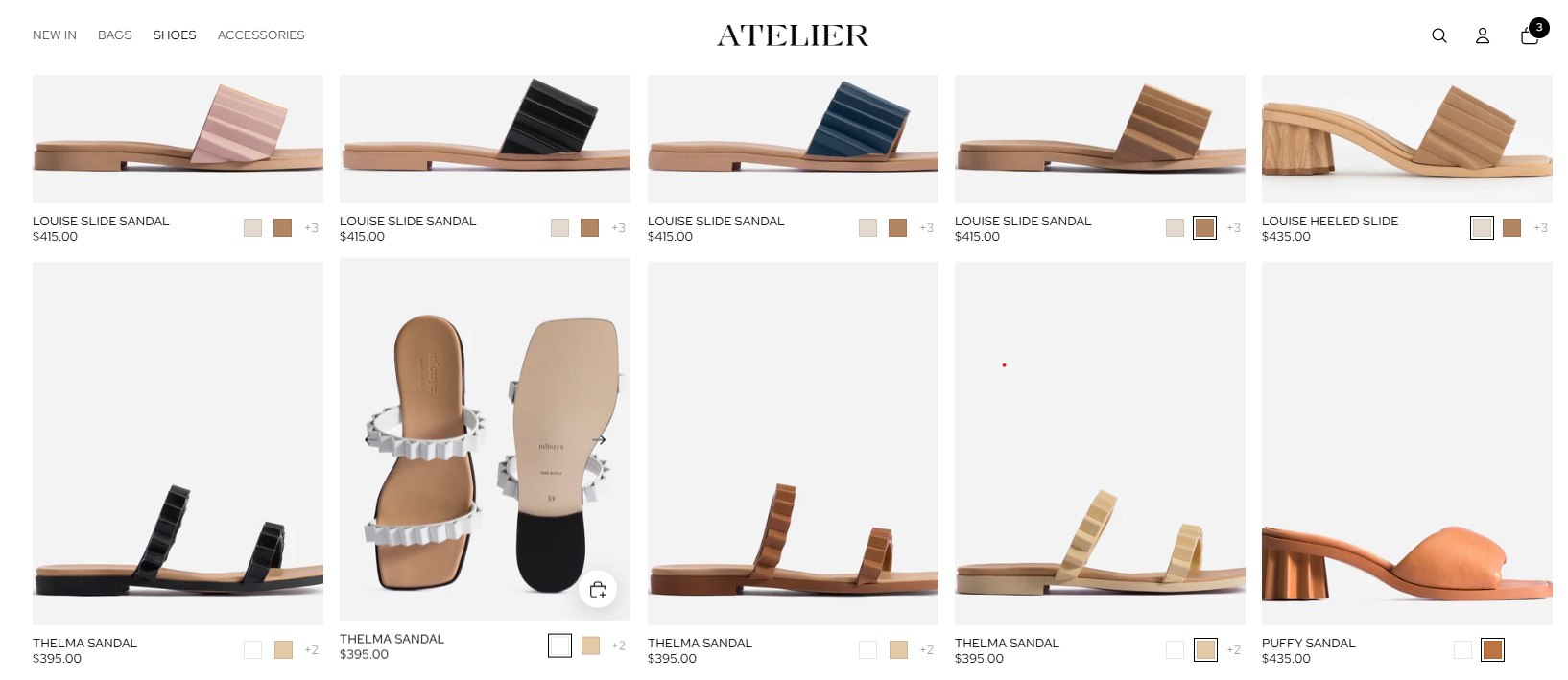
Atelier includes flexible, high-impact promotional tools designed to support sales campaigns and content marketing.
- Image and text banners for different purposes: Great for brand storytelling or showcasing seasonal campaigns, new arrivals, best sellers, etc.
- Blog support with editorial layout: Built-in blog styles make content feel part of the brand—not an afterthought.
- Quick buy & stock counter: Preview product details & add to cart without leaving the page, also create urgency by showing limited availability
All built into the theme—no extra apps or upsells required.
Cart & Checkout Improvements
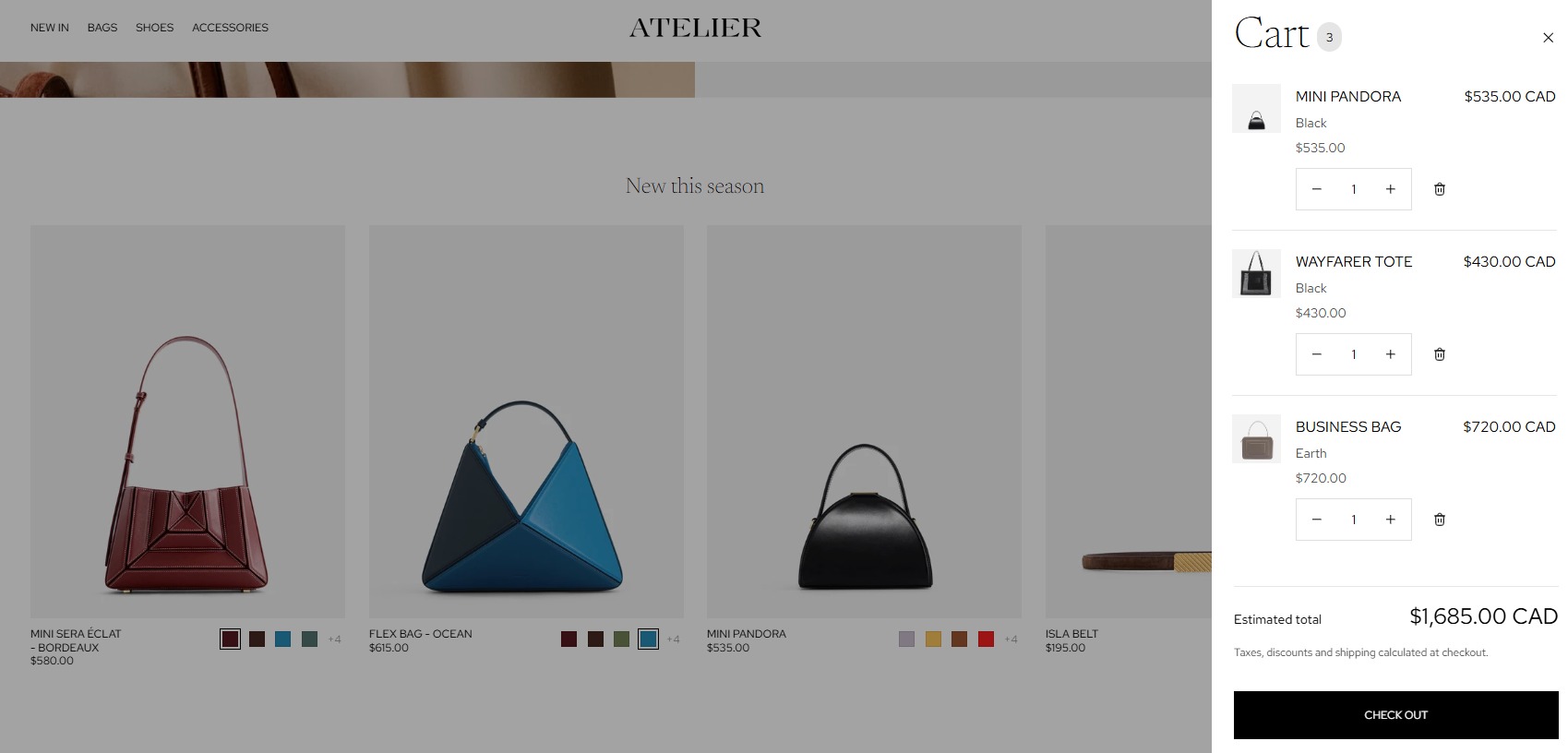
Designed to reduce friction at checkout, Atelier includes thoughtful features that keep the purchase process quick and modern.
- Slide-out cart drawer: Shoppers can review their cart without leaving the page.
- Quick-buy buttons: Let users add to cart directly from collection pages for faster purchasing.
- Sticky cart icon: Keeps the cart accessible while browsing, especially on mobile.
These small but impactful touches help drive smoother checkouts and better conversion rates.
How to Install the Atelier Shopify Theme?
Step 1: Login to your Shopify account.
If you haven’t registered, remember to take advantages of the Shopify $1 for 3 months deal.
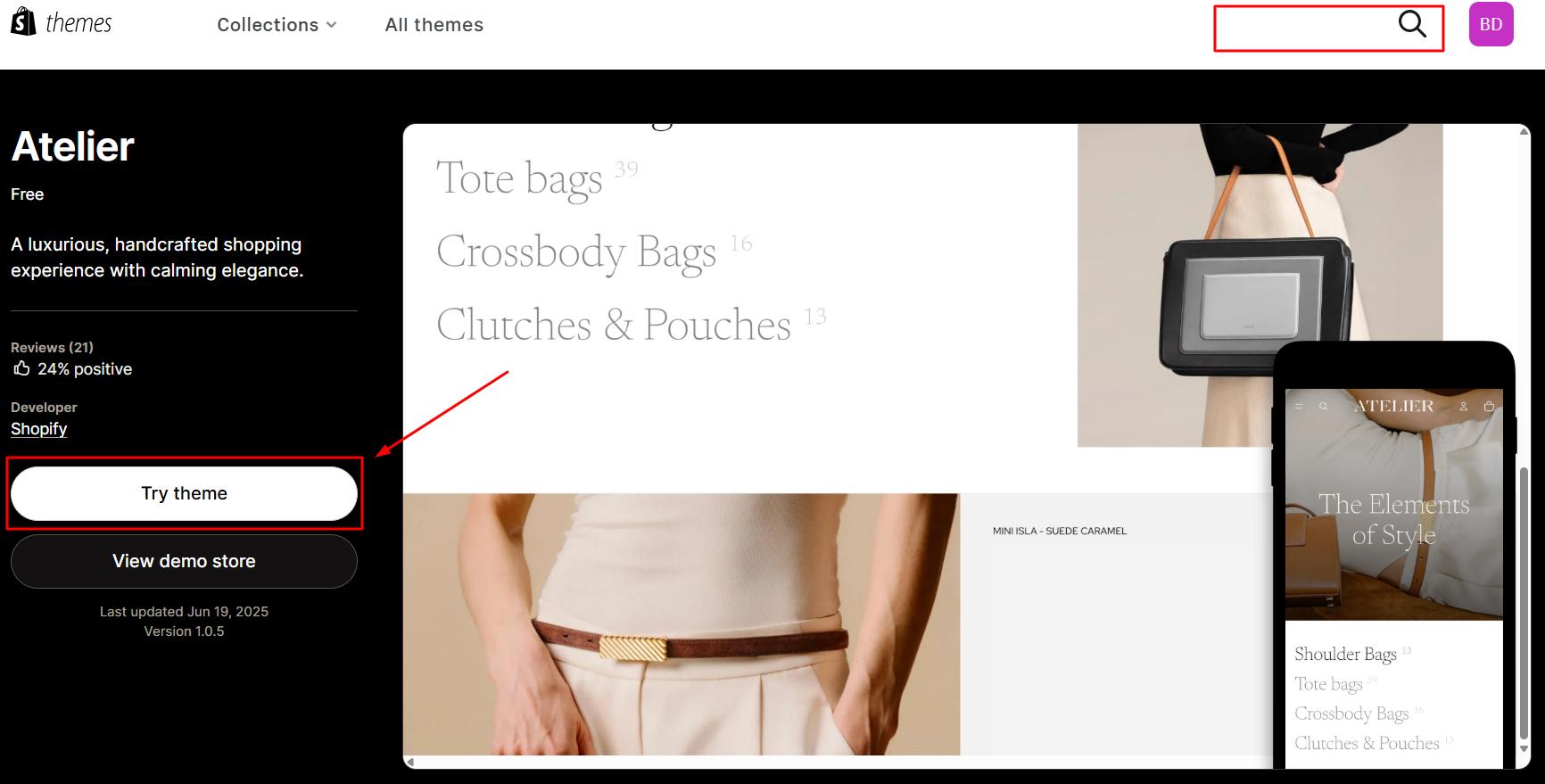
Step 2: Visit Shopify theme store and search “Atelier”
Step 3: Click “Try theme”.
Step 4: Search for “Online Store” and go to the “Themes” tab.
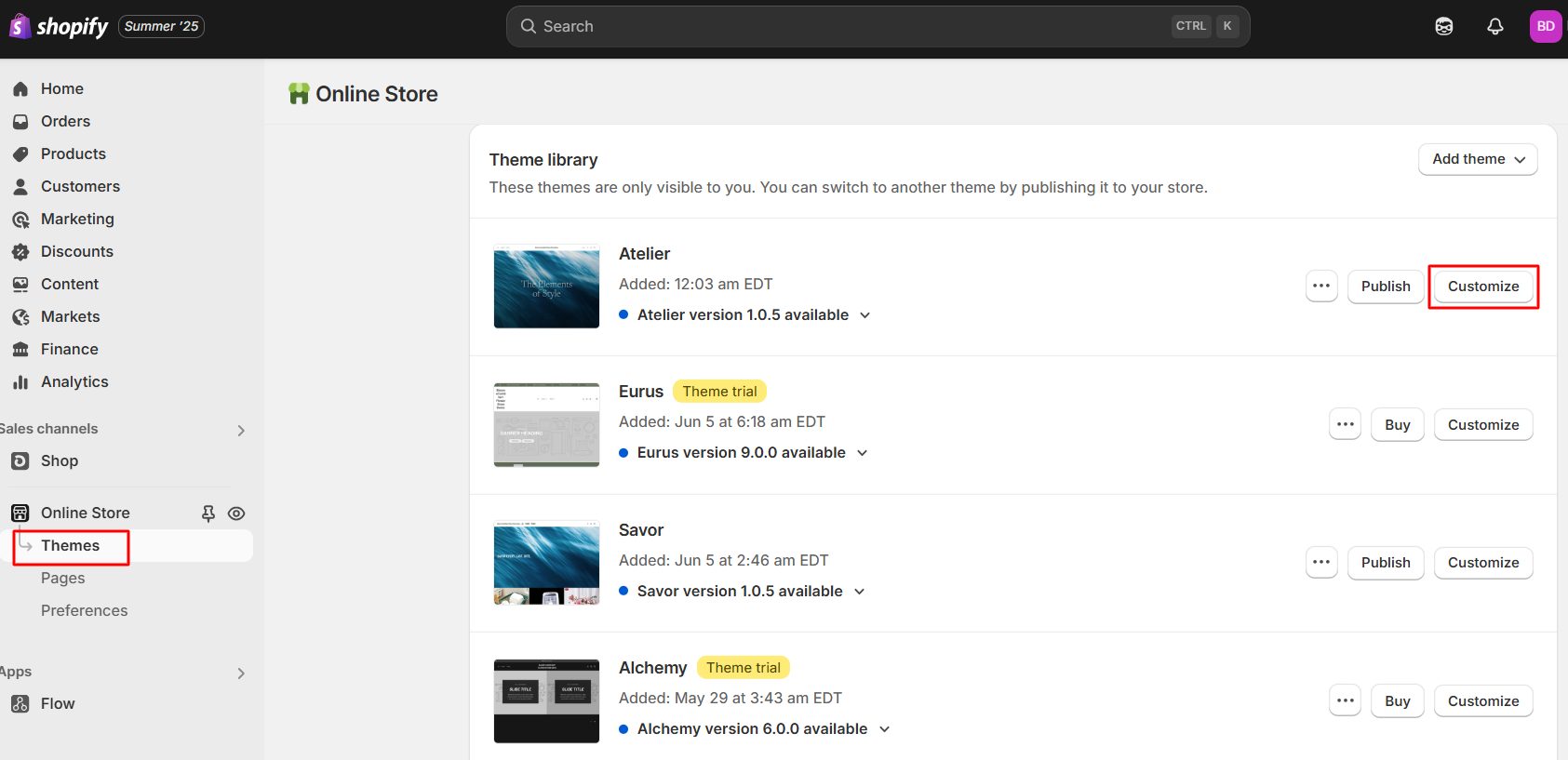
Click “Customize” to start editing the Atelier theme template.
Remember to “Save” your changes and click “Publish” when you are done.
>>> You may concern: Shopify 3 Months For $1: Ultimate 2025 Guide & Pro Tips To Promote Your Store
Examples of Stores Using Atelier Shopify Theme
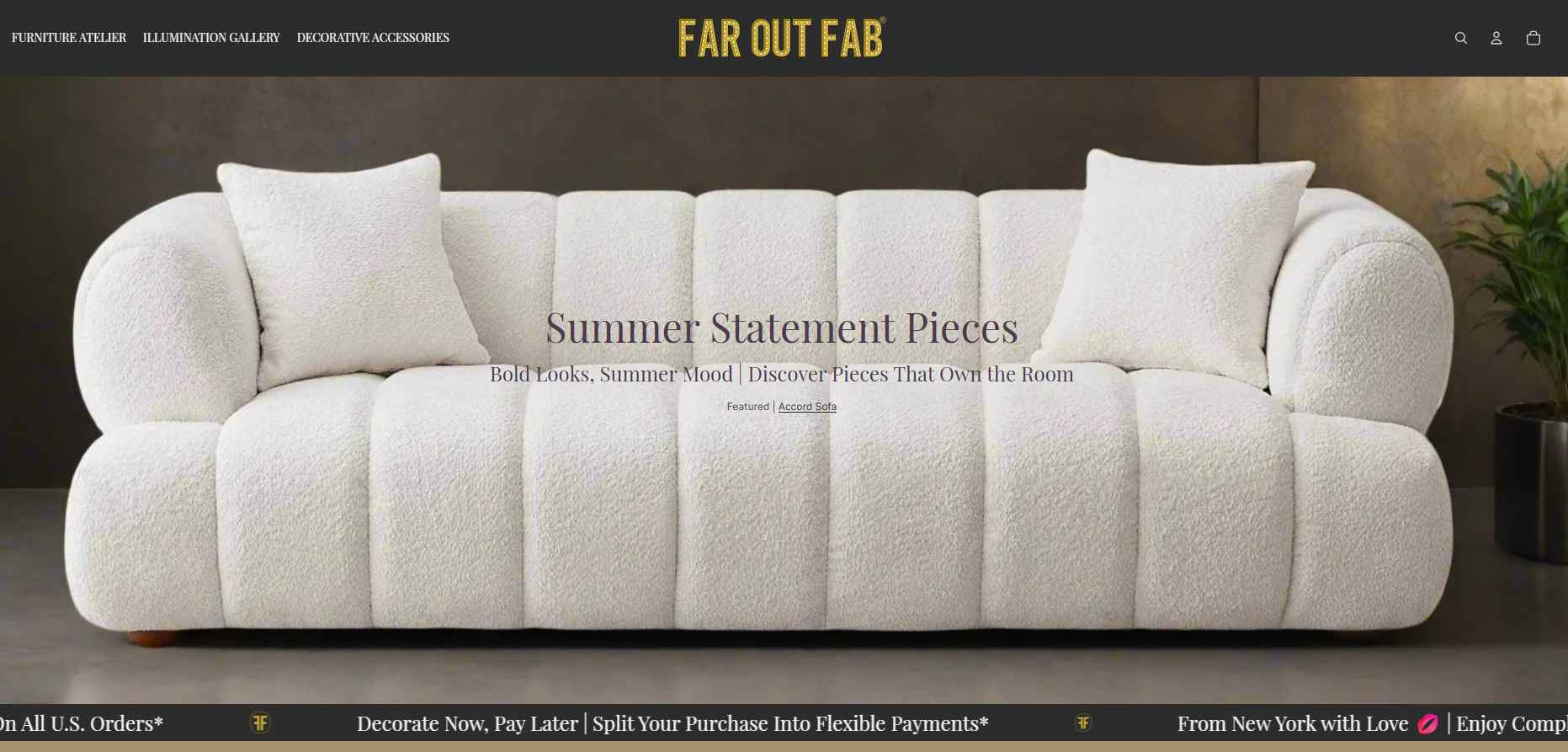
#1. Far Out Fab (Home Decor & Furniture)
Far Out Fab is a bold, retro-inspired furniture store with warm-tone product imagery. Atelier’s clean grid layout and large image blocks let the brand’s products shine.
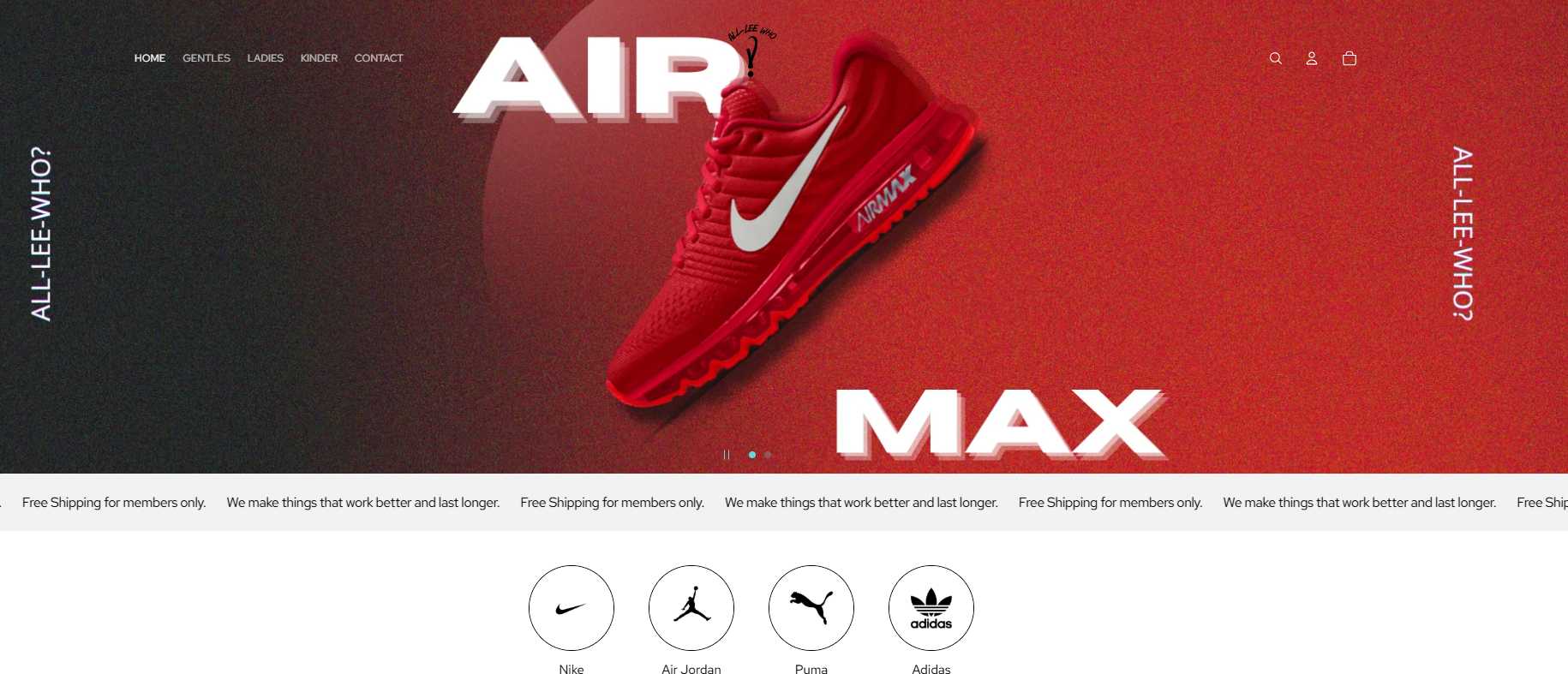
#2. All-Lee-Who? (Sneakers Dropshipping)
All-Lee-Who? is a modern, minimal brand that dropships branded sneakers from large companies such as Nike, Air Jordan, and Adidas. Atelier’s clean typography and spacious sections create a seamless shopping experience.
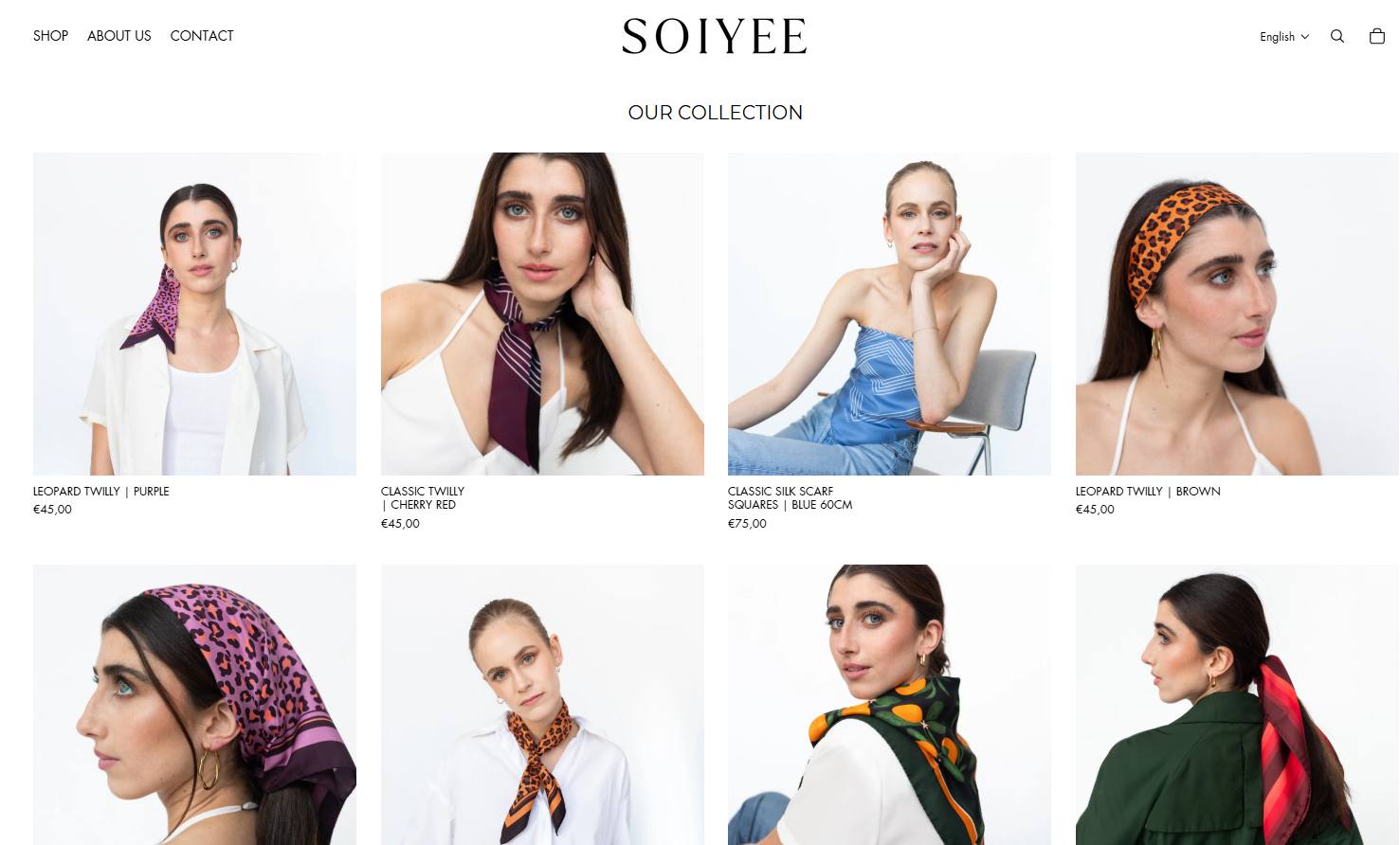
#3. Soiyee (Fashion)
Soiyee is a brand that sells silk scarves. The store has a clean, fresh look with white as the main color. Atelier’s flexible homepage sections and editorial-style product grids give the brand room to tell visual stories, include FAQs while maintaining easy navigation.
>>> Further reading: 15+ Best Free Shopify Themes: A Curated List of Stunning Designs
Alternatives to Atelier Shopify Theme
If Atelier doesn’t fully match your store’s needs, here are three strong alternatives that offer similar flexibility and design quality:
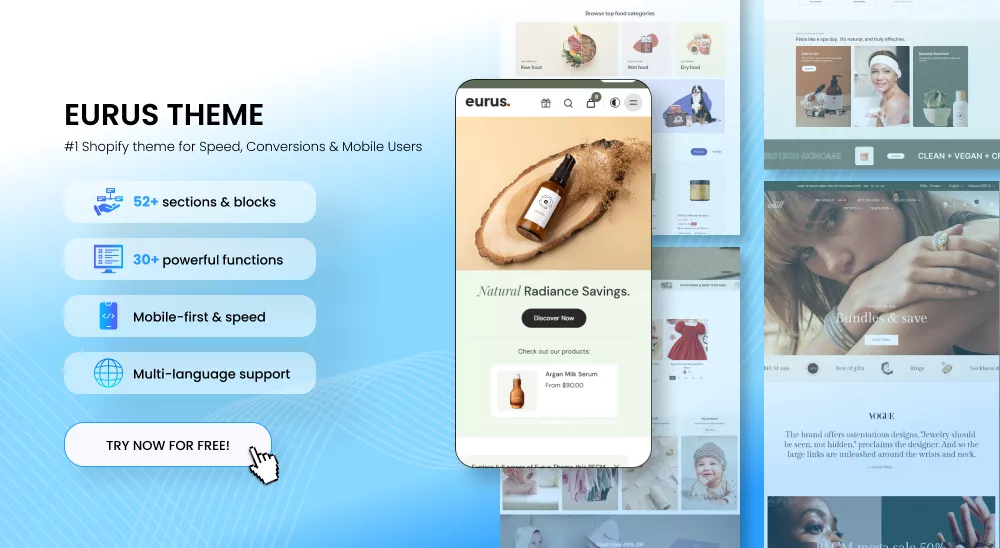
- Eurus Theme – Ideal for fast-loading stores with high product turnover; built for performance, with advanced filtering, flexible layouts, and conversion-focused features.
- Dawn (Free) – A clean, minimalist theme designed for storytelling and brand-focused businesses; great for merchants with a smaller catalog.
- Impulse (Paid) – A feature-rich theme suited for larger catalogs; includes robust merchandising tools, advanced filtering, and flexible promotional blocks.
FAQs about Atelier Shopify Theme
1. Can I use Atelier for free?
Yes, the Atelier Shopify theme cost $0 to use.
2. Does Atelier support animation?
Yes, it fully supports media-rich product pages and home pages.
3. Do I need coding skills to use Atelier?
No. The drag-and-drop editor covers most use cases. Though if you want to add advanced features that are not included in the theme, it may require Liquid or CSS knowledge.
4. How often is Atelier updated?
It receives regular updates in sync with Shopify’s platform upgrades and user feedback.

Finn Nguyen
Finn is a Shopify expert with 5+ years of experience helping new business owners launch and grow online stores. Specializing in store setup, theme selection, and optimization, he provides practical guidance to turn ideas into successful eCommerce businesses