How To Create A Website To Sell Digital Products: A Step-By-Step Guide

If you are wondering “How to create a website to sell digital products?”, you are in the right place. In fact, setting up a website also includes some steps, and if you follow the right one, you can have a full-equipped store as you want.
In this article, we will show you all the steps of building a website to sell digital products. We also recommend the top platform for you to choose from. Let’s check it out!
Key benefits of selling digital products?
Before learning how to create a website to sell digital products, let’s take a quick look at why people often find digital products as a preference when selling online.
The first and clearest reason is that you can keep the most of the profits. As you don’t need to rent a warehouse for manufacturing or inventory.
Another advantage to mention is flexibility. You can automate the entire sales process, such as for marketing processes or payment collection. Lastly, the demand for digital products continues to grow. As more people turn to online learning, remote work, and digital solutions, selling digital products is smart to reach a global market.
Read more: How to Create Digital Products and Sell Online
How to create a website to sell digital products?
Below is a step-by-step guide on how to create a website for selling digital products. We have shortened it in just six steps, so you may find it not overwhelming to start immediately.
Step 1: Pick a Domain & Hosting

Every website requires a domain as its address. A tip is to buy a simple and easy-to-remember one. If you seek an even simpler one-stop solution. Shopify is a great option, you can consider Shopify as it offers several impressive features. For example, money processing, security built in, and hosting.
Step 2: Install WordPress & Select a Theme

Regarding the platform, we recommend WordPress for its one-click installation feature. And after installing, you choose a lightweight and customizable theme and start creating content for your product. See, it only takes you a minute to set up everything of how to create a website for selling digital products
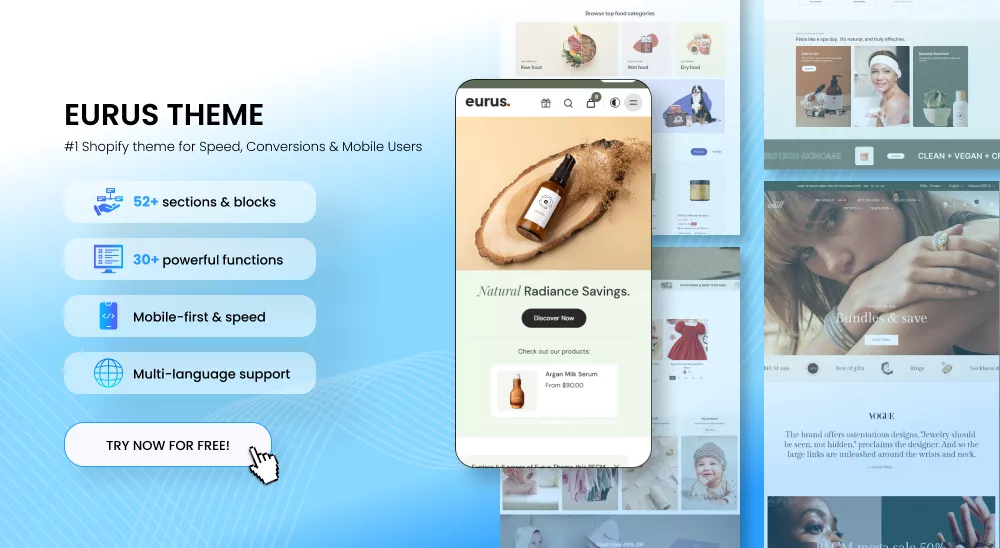
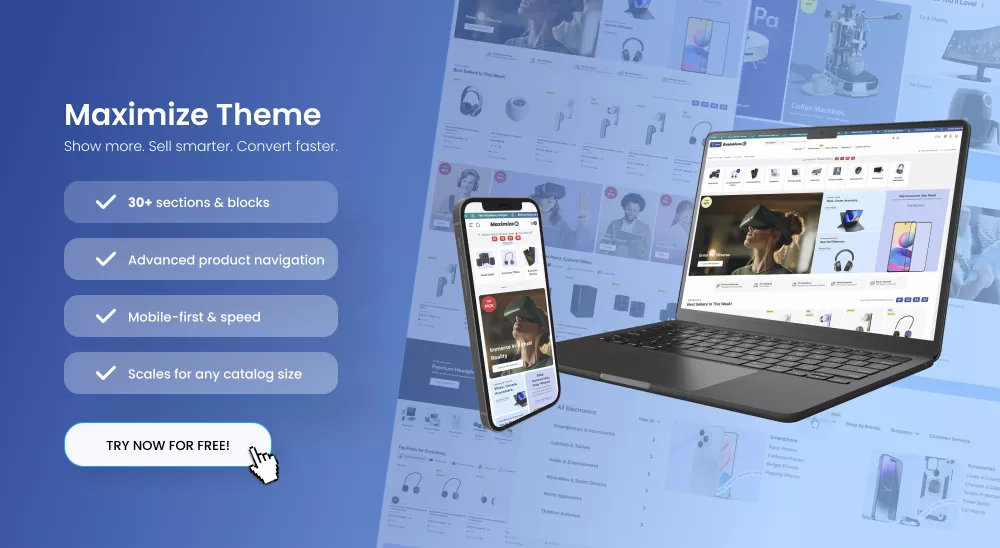
Or, if you are using Shopify, you can browse Shopify’s theme store. From there, you can find several free options, and don’t forget to read reviews about its features before installing one.
Step 3: Install Essential Plugins
WordPress plugins may turn your basic website into an online store with all the features you need. WooCommerce is the most popular choice since it simplifies product listing, payment processing, and client download tracking. But if you solely offer digital products, Easy Digital Downloads (EDD), which was created specifically for selling downloadable files, would be a better choice.
Additionally, by integrating payment methods like PayPal or Stripe, you can facilitate customer payments and increase conversion.
Step 4: Upload Your Digital Products

Here’s what you need to do:
- Create a product page – Write a clear, engaging product description. Explain what your product does, who it’s for, and why it’s valuable.
- Upload your digital file – Ensure your files are securely stored. Most platforms let you host files privately so only paying customers can access them.
- Set pricing & licensing – Decide whether to offer single purchases, subscriptions, or licensing options.
- Configure download limits – To prevent unauthorized sharing, limit the number of downloads per customer.
Tip: Add high-quality images, preview files, or demo videos to give potential buyers a better idea of their purchase. This builds trust and improves conversion rates.
Discover: TOP 15+ Most Profitable Digital Products To Make A Profit
Step 5: Optimize for SEO
To increase your product’s rank on Google, you should use some SEO techniques. First, bulk adding the keyword into all the product details, tutorials and blog posts. Then, if you focus on writing natural, valuable content, search engines will recognize your site as trustworthy.
Moreover, visitors may leave a website that loads slowly before they get a chance to view your merchandise. So, you will need to compress all the images on your website for faster loading. .
Do you know: Best Website Builder for SEO: 8 Top-Notch To Boost Sales
Step 6: Launch & Promote
A good website is useless if nobody visits it, so you need to promote it. Build an email list first. Give subscribers a free digital product, like a short guide or a sample template. This lets you build potential customers over time instead of getting them all at once.
Finally, drive customer reviews and testimonials. When other people notice that other people have had a positive experience with you, they are more likely to buy. Inspire happy customers to post reviews or make user-generated content on your site and social platforms.
Shopify: Best platform to sell online

Shopify is among the greatest platforms for starting a digital product business without any hassles. First off, setting up your store, altering the design, and handling transactions don’t require technical expertise. Drag-and-drop editing and a simple dashboard make everything easy to use.
You may need: 15 Best Digital Products To Sell On Shopify
Additionally, Shopify is affordable for beginners. You can launch your store with $1 for three months, giving you plenty of time to develop it without having to make a sizable upfront investment. This is a fantastic chance to test the platform, list your products, and begin generating revenue before settling on a full-priced plan.
The scalability of Shopify is another important advantage. As your company expands, you can incorporate third-party apps, add more features, and even automate processes like customer service or email marketing. Additionally, your digital data and consumer purchases are always safe thanks to Shopify’s secure hosting and integrated fraud protection.

FAQs
1. Which platform is best for selling digital products?
Shopify is usually the best site to sell digital products because it streamlines payment processing and allows you to manage your whole business from one place. Additionally, WordPress with Easy Digital Downloads or WooCommerce gives you more flexibility and customization possibilities.
2. How much does it cost to create a site to sell digital goods?
Price varies based on where you get it. Shopify only charges you a $1, 3-month trial as its lowest-priced. WordPress is also going to run about $5 to $10 a month for hosting, $10 to $20 yearly to buy one for your own use, and potentially more expensive themes or plug-ins.
3. What types of digital goods can I sell online?
In fact. You can sell everything online, such as eBooks, online classes, digital artwork, programs, and so on.
4. Can I simply use platforms like Shopify rather than creating my own website?
Yes! Shopify has everything you need for selling digital products without creating another site. Shopify handles hosting, payment, security, and file sending so you can focus on making and marketing your product.
5. Do I need technical skills to create a site for selling digital products?
Not necessarily! Platforms like Shopify enable you to build an online store without any coding. If you’re on WordPress, there’s more work, but most themes and plugins simplify things.
6. How do I drive traffic to my site and sell?
To drive traffic to your store, the quickest way is to use advertising. However, if you want to nurture your own visitors, you should focus on SEO and social media marketing with valuable content.
Conclusion
In conclusion, we have shown you all the steps of how to create a website to sell digital products. If you have any recommendations or questions about each step, please leave a comment to let us know. For more eCommerce tips, guides, and updates, don’t forget to follow BSS Commerce, your go-to source for everything related to online selling!

Finn Nguyen
Finn is a Shopify expert with 5+ years of experience helping new business owners launch and grow online stores. Specializing in store setup, theme selection, and optimization, he provides practical guidance to turn ideas into successful eCommerce businesses