To sell foodservice packaging to restaurants and hotels on Shopify with account-specific prices and credit terms, combine four pieces of BSS B2B Solution: a Price List per key account for negotiated prices, Volume Pricing on top for case-quantity breaks, Net Terms so approved accounts can pay later, and Manual Orders so your sales team can enter phone orders with the same rules. BSS B2B Quote then adds a quick order page and reorder for daily buyers.
This guide is for distributors of take-out packaging, disposables and kitchen supplies whose customers each have their own price and payment terms. It explains who this fits, how the pieces work together, a worked example with a price list, a case-quantity break and Net 30 terms, and the limits to settle before you promise credit terms to a buyer, such as the fact that Net Terms has no credit limit.
Who this is for
This setup fits you if several of these are true:
- You sell to restaurants, hotels, caterers and cafes that order weekly, and often daily.
- Each key account has a negotiated price, sometimes per SKU, and many expect payment terms such as Net 30.
- A large share of orders still arrives by phone or email, and your team keys them in by hand.
- Buyers reorder the same cases of boxes, cups and lids, so repeat ordering speed matters.
- Retail and wholesale share one store, and only approved accounts should see account prices and terms.
If you want one rule for all your wholesale buyers rather than per-account prices, start with wholesale price by customer tag.
Why this matters
Restaurants are relationship driven. Everyone has a negotiated price, and many expect credit terms such as Net 30 as part of doing business. When order frequency moves from monthly to daily, handling those arrangements by hand creates errors, and in a relationship business an error on a price or a due date costs trust faster than it costs money.
Patek Packaging, a Canadian supplier of take-out packaging and restaurant supplies, describes this clearly. Its accounts negotiated individual prices and expected credit terms like Net 30, so group discounts or upfront checkout payments did not reflect how customers operated. It introduced customer-specific price lists and Net Terms, uses Manual Orders so sales and support teams can create orders in Shopify admin with the right pricing and payment terms, and uses BSS B2B Quote for a personalized quick order and reorder. Read the Patek Packaging case study for the full story.
How to set it up with BSS B2B Solution
The pieces build on each other, so set them up in this order.
Step 1: Give each key account its own prices
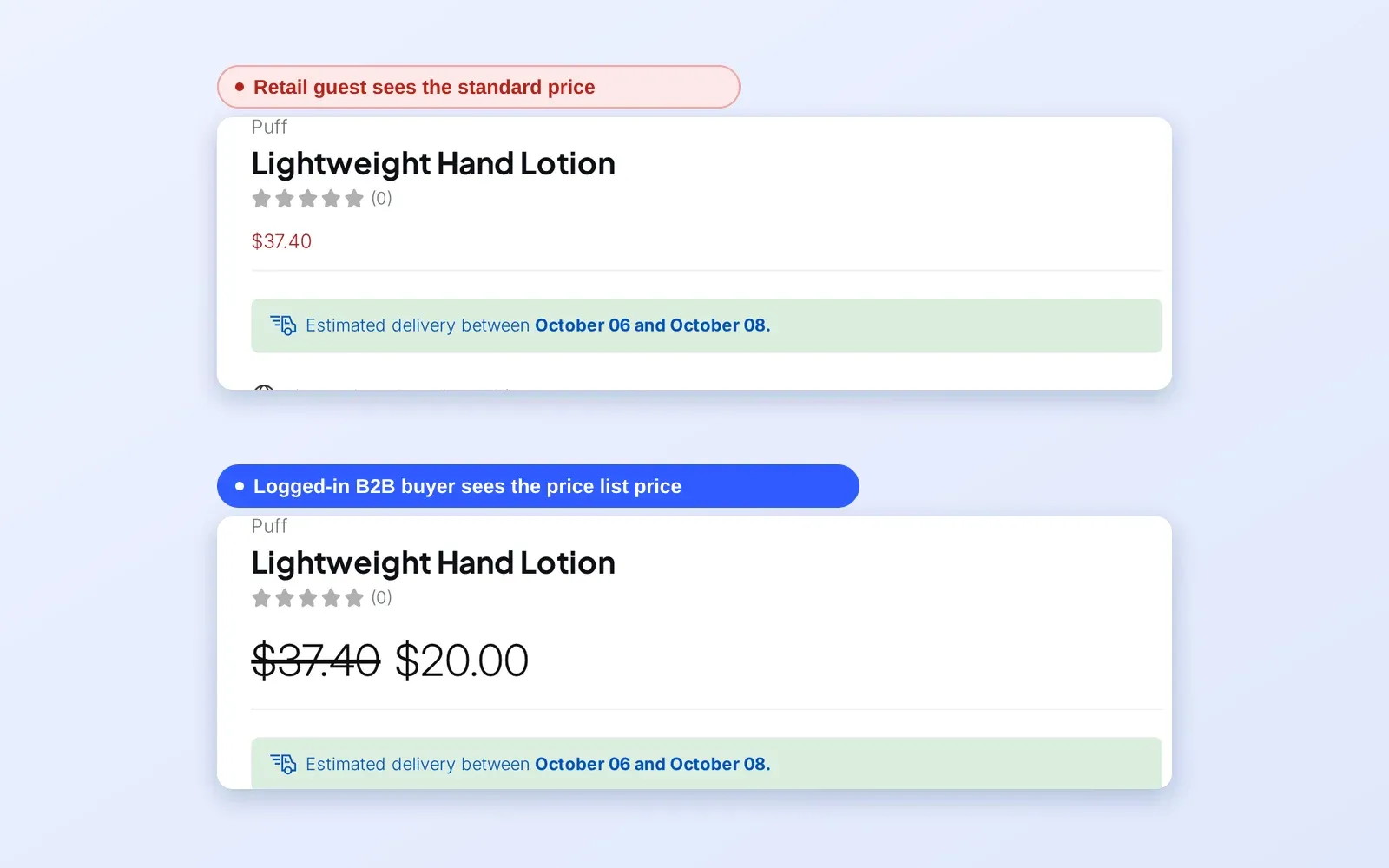
Create a Price List rule for each key account or group and enter its negotiated price for each product or variant. Price List gives exact prices per SKU, where Custom Pricing applies a percentage or fixed reduction across a group. Target the rule at the account’s customer tag or at specific customers. Price List is part of the Platinum plan; on lower plans a Custom Pricing rule can target specific customers or tags with a price per product.
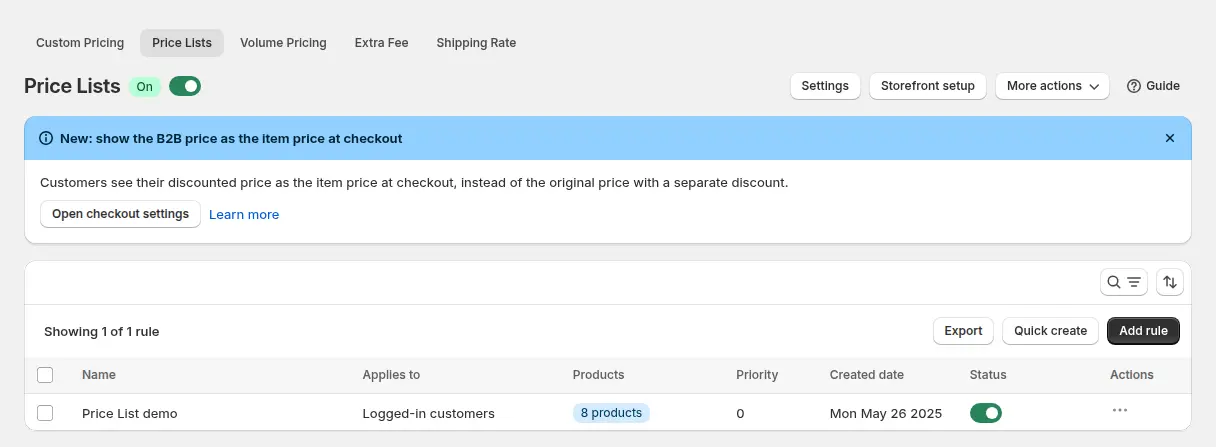
When a Price List and a Custom Pricing rule both match the same variant, the Price List wins and Custom Pricing is skipped for it.
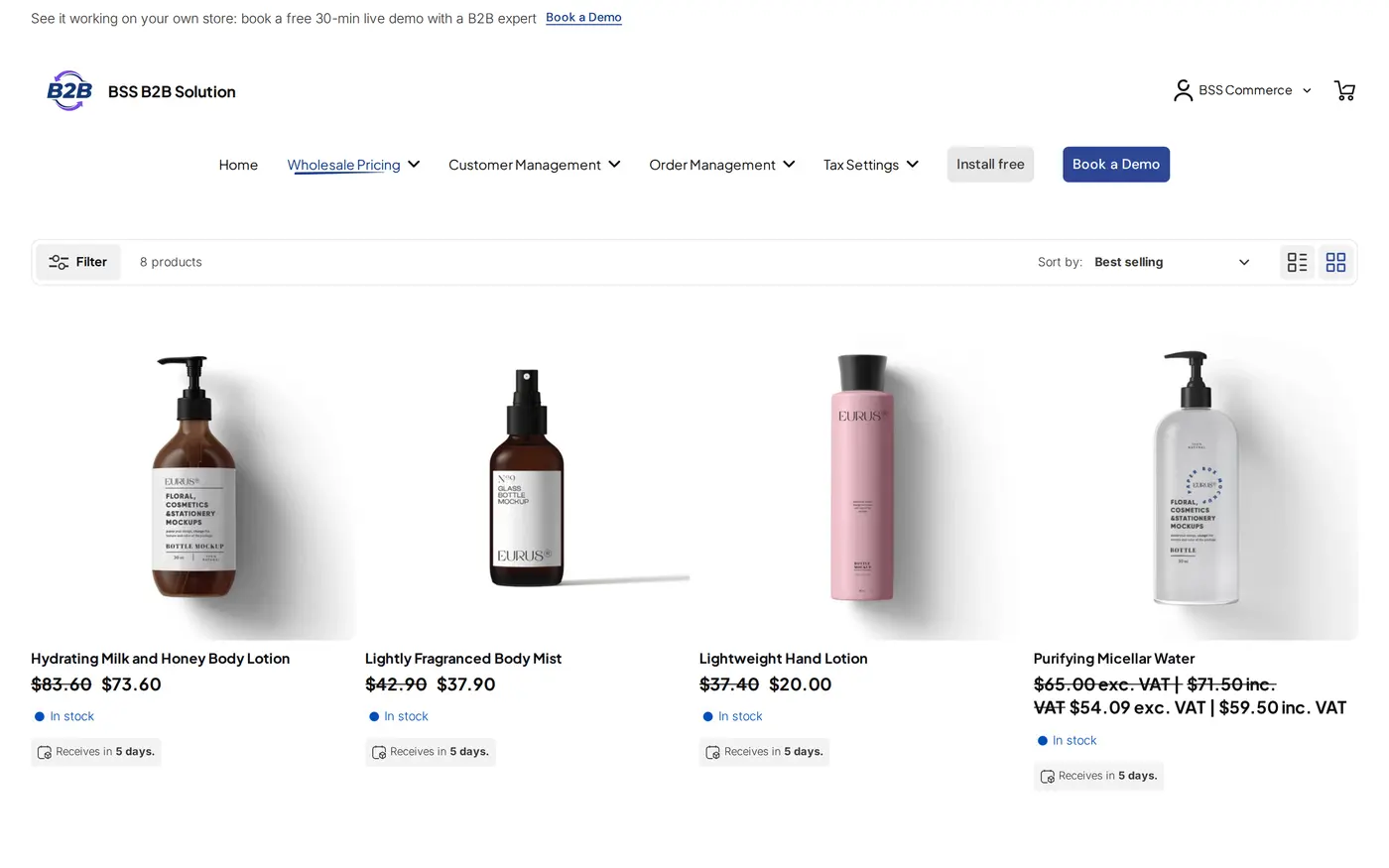
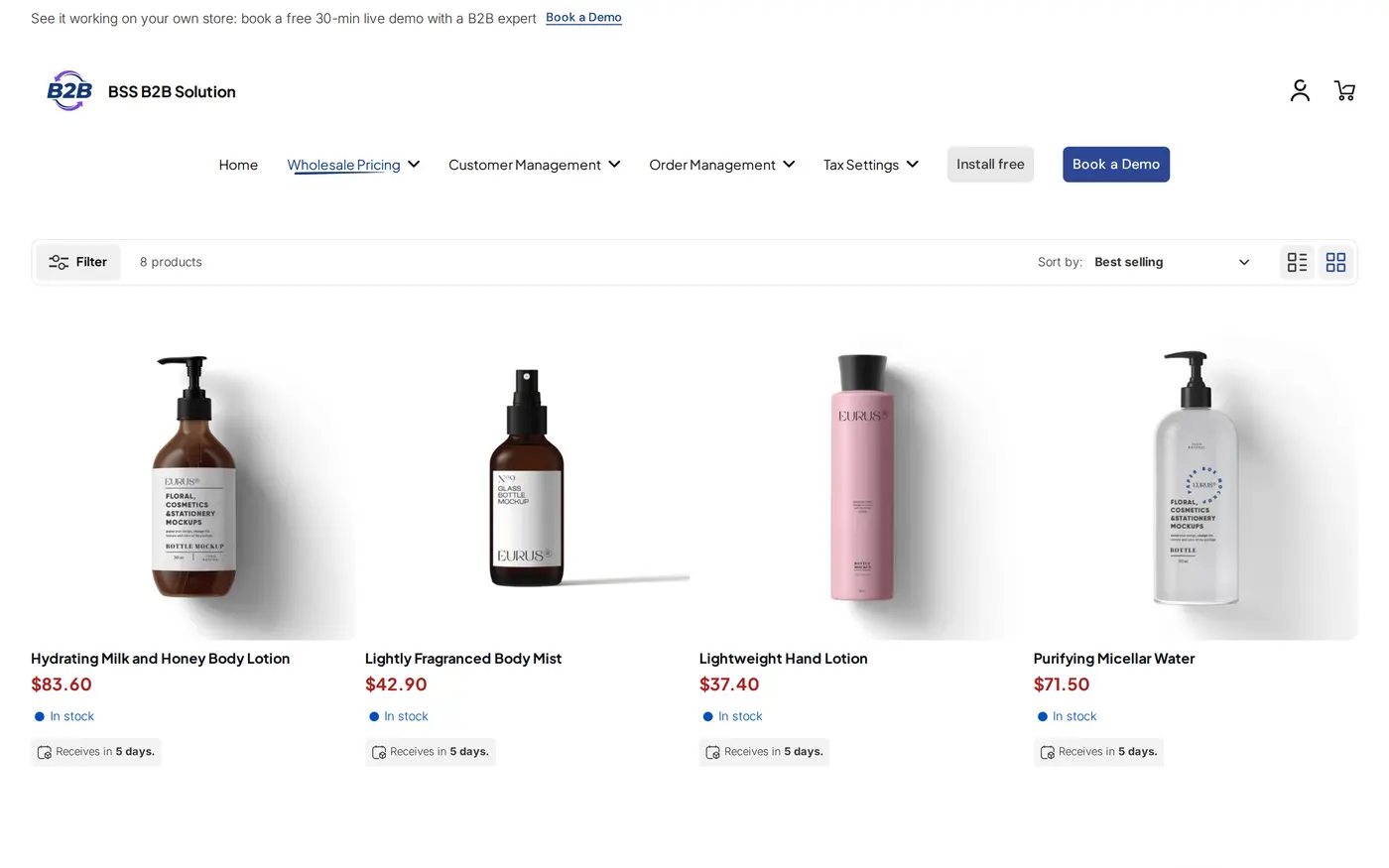
Step 2: Add case-quantity breaks on top
Add a Volume Pricing rule so bigger orders get a better price. Its tiers are calculated on the account’s price, not on the retail price, so a buyer on a $52 price list who earns a 5% tier pays 5% off $52. Set the tiers in the quantities you actually ship, for example cases or multiples of cases.
Step 3: Offer payment terms with Net Terms
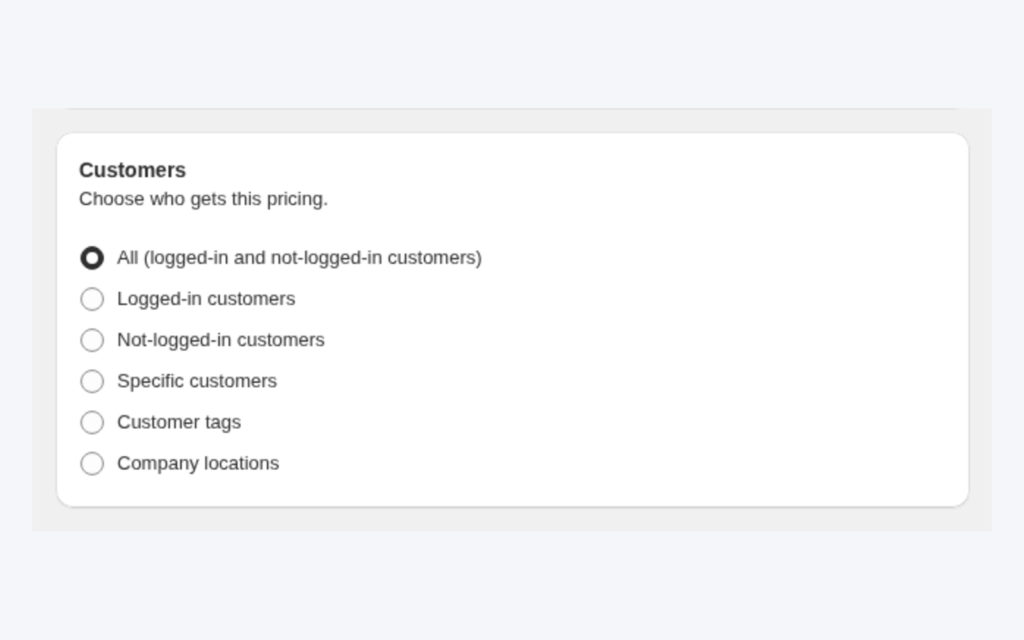
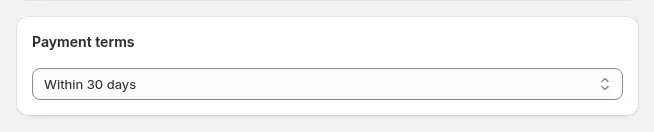
Create a Net Terms rule for approved accounts. Choose who qualifies (logged-in customers, customer tags or specific customers), the products that qualify and the terms: due on receipt, due on fulfillment, Net 7, 15, 30, 60 or 90 days, end of month, or a custom period. Then add the Pay later button to the cart page through the theme editor, because it does not appear on its own. Buyers who click it fill in an application form, and the order arrives as a draft order for you to review, or as a completed order, depending on your setting.
Step 4: Let your team enter phone and email orders
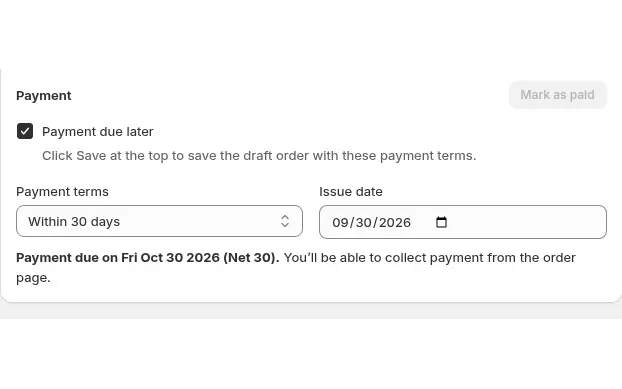
Turn on Manual Orders. A rep opens the order builder, selects the customer, adds products, and the builder loads that customer’s Price List, Custom Pricing and Volume Pricing prices. The rep can add a shipping line, discount codes and notes such as a PO number, tick Payment due later and choose the payment terms: due on receipt, 7, 15, 30, 45, 60 or 90 days, custom days or a fixed date.
Step 5: Add quick order and reorder for daily buyers
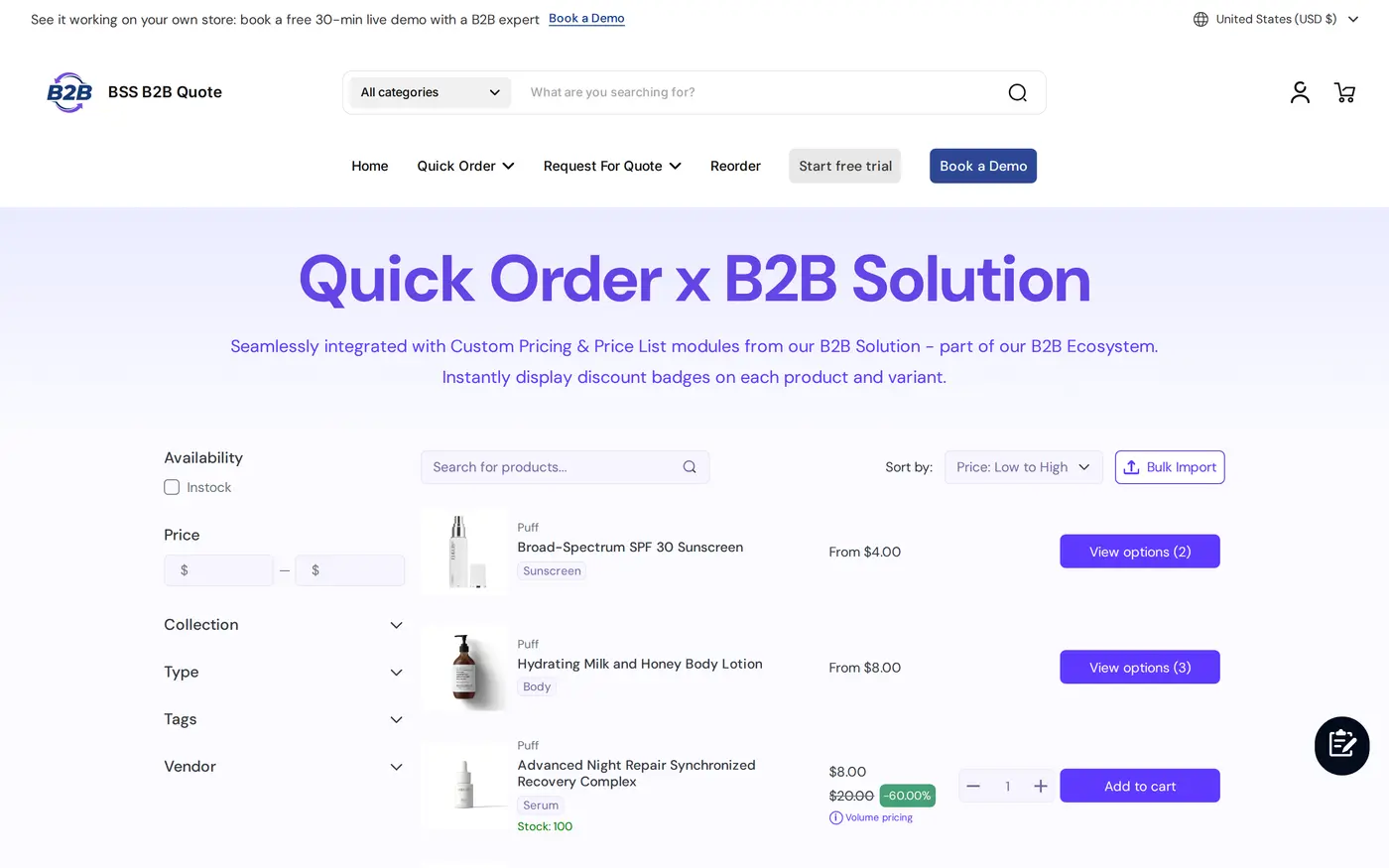
Add BSS B2B Quote so logged-in buyers can use a quick order page and a reorder page. Reorder needs a login and builds the new order at current prices. See the reorder page for repeat buyers and personalized quick order pages for the setup.
Example: a take-out packaging distributor
This example uses illustrative numbers, not results from a real store. A distributor sells 9-inch clamshell boxes in cases of 200. The retail price is $64 per case. A restaurant group has a negotiated price list at $52 per case, and the store has a Volume Pricing tier of 5% off from 10 cases.
The restaurant’s buyer logs in and orders 12 cases. The price list gives $52 per case, the tier takes 5% off that price, which is $49.40 per case, so 12 cases cost $592.80, where the same order at retail would be $768. The account is approved for Net 30, so the buyer clicks Pay later and the order carries a due date 30 days after the order date: an order placed on October 6 is due on November 5. A hotel customer phones the sales desk the next day for 40 cases of lids. A rep builds a manual order for that customer, the builder loads the hotel’s own prices, the rep sets Payment due later with 45-day terms, and sends the invoice. No spreadsheet was involved.
Works well with
These pages cover the pieces in more depth:
- Price lists: B2B price list per buyer group explains the rule type and its targeting.
- Case-quantity tiers: tiered quantity break pricing covers Volume Pricing.
- Payment terms: Net 30 payment terms for wholesale buyers covers Net Terms in detail.
- Phone orders: place orders on behalf of customers covers Manual Orders.
The wholesale pricing hub and the order rules and terms hub collect the full guide set. Glossary entries that help: price list, Net 30 and credit limit.
Limits and common mistakes
- Net Terms has no credit limit. You decide who gets Pay later through customer tags and by approving accounts. A rule can include a minimum or maximum cart amount, but that is a storefront cart check, not a limit on what a buyer owes. Check due dates in Net Terms Order History.
- Net Terms is not Net 45. The Net Terms module offers 7, 15, 30, 60 and 90 days plus end-of-month and custom options. Manual Orders offer 45 days.
- Guests cannot use Net Terms. The buyer has to be logged in.
- Net Terms and the cart button depend on the storefront bundle. Net Terms is hidden on the newest storefront version (v4), and the Pay later block must be added to the cart page.
- Manual Orders skip some rules. Order Limits, Quantity Increments, Extra Fee and BOGO are not applied to manual orders, and a manual order holds up to 499 lines, so split very large orders.
- Do not re-save a hand-edited draft. If you edit a line price in Shopify’s draft order editor, do not reopen and save the order from Manual Orders afterwards, because that recalculates every line from your rules.
- Plans matter. Price List is a Platinum feature, and Net Terms and Manual Orders need Advanced or Platinum.
Setup checklist
- Decide which customer tag or customer list represents each key account.
- Create a Price List rule per key account or group, and test one account.
- Add a Volume Pricing rule with tiers in the quantities you ship.
- Create a Net Terms rule, choose the terms, and add the Pay later block to the cart page.
- Turn on Manual Orders and place a test order for a customer with a price list.
- Add BSS B2B Quote if buyers reorder daily, and publish the Reorder page.
- Approve each account before giving it terms, since there is no credit limit.
- Test as a guest, an approved account and an unapproved customer.
Plans and requirements
Price List needs the Platinum plan of BSS B2B Solution, and Net Terms and Manual Orders are on the Advanced and Platinum plans. BSS B2B Quote runs on paid plans, and Reorder is not on its Starter plan. See the BSS B2B pricing page for plans and the 14-day free trial on paid plans. The Price List guide, the Net Terms guide and the Manual Orders guide give every screen. Install BSS B2B Solution from the Shopify App Store and start with your largest account.