
Display is not exemption
Tax Display never removes tax at checkout.
Tax and compliance
B2B tax on Shopify comes down to three questions: who is exempt, how you verify their tax ID, and whether prices show with or without tax. This hub explains tax exemption, tax ID validation and tax display, and links to guides and docs. It is not tax advice, so confirm the rules with your adviser.
An eligible business buys without tax being charged on the order.
Glossary: Tax exemptionThe number that identifies a business for tax, such as an EU VAT number, a US EIN or an Australian ABN.
Glossary: Tax IDThe buyer, not the seller, accounts for the VAT, which is common on cross-border B2B sales in the EU.
Glossary: VAT reverse chargeA US document a reseller gives to buy goods for resale without paying sales tax.
Glossary: Resale certificateWhether prices are shown including tax, excluding tax, or both. It changes what buyers see, not what is charged.
Shopify decides tax from the customer or the company location. BSS B2B Solution adds tax ID checks, a cart-level exemption flow and per-group price display.
| Requirement | Shopify native | BSS B2B Solution |
|---|---|---|
| Mark a buyer exempt | On the customer or company location: Collect tax, Don't collect tax, or Collect tax unless exemptions apply. The customer must check out with the same email as the account.[1][2] | Tax Exempt module: the buyer enters a tax ID on the cart page and the app creates a tax-free draft order. Advanced and Platinum plans.Docs: tax exempt |
| Tax ID validation | On UK and EU company locations using Shopify Tax, the Tax ID field becomes a VAT number field that Shopify Tax validates.[2] | Registration form fields check EU VAT (VIES), UK VAT (HMRC), US EIN, ABN and India GST as the buyer types.Use case: EU VAT validation |
| Tax-included prices | A tax-exempt customer on tax-included pricing is still charged the full listed price.[1] | Tax Display shows prices with tax, without tax, both, or an Inc. VAT and Exc. VAT toggle, per customer group. Display only.Use case: prices excluding VAT |
Test tax ID checks and price display on a development store before you pay.
Get BSS B2B SolutionNumbers in brackets point to the Shopify sources below.
Exemption changes what tax the order carries. Display changes only what the buyer reads on the page. A shop can show prices without VAT to businesses and still charge VAT at checkout.
Under a reverse charge, the buyer rather than the seller accounts for VAT, commonly on cross-border B2B sales in the EU. The Tax Exempt module is not a reverse-charge calculator: it creates a tax-free draft order. Whether an exemption or reverse charge applies is a question for your tax adviser.
A resale certificate lets a reseller buy goods without paying sales tax. Neither Shopify nor BSS B2B Solution reviews a certificate for you. Collect the document with a file upload field on the registration form, up to 10 MB, and review it yourself.
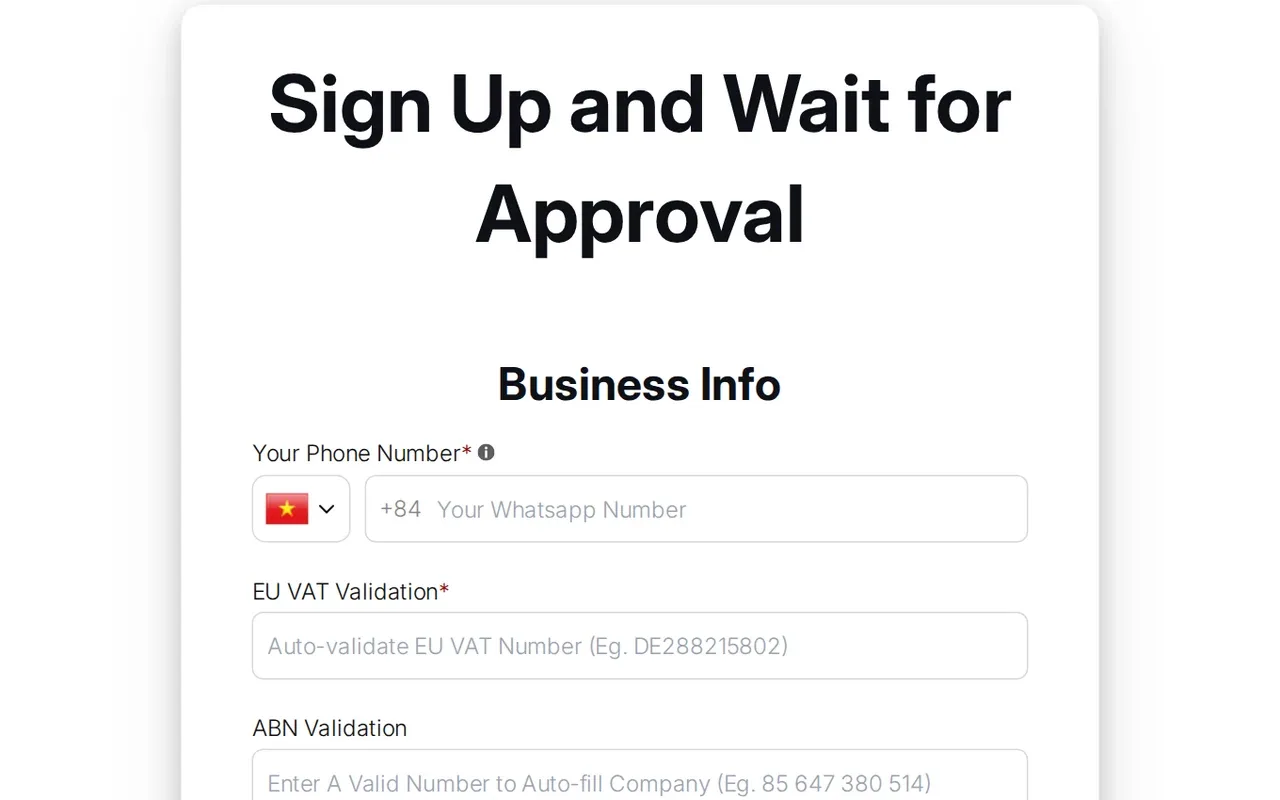
EU VAT is checked against VIES, UK VAT against HMRC, a US EIN against an EIN lookup, an Australian ABN against the ABN register, and India GST against its status. ABN and GST numbers must be active.
It runs live on the registration form field and on the Tax Exempt form at the cart, as the buyer types. A bulk import of applicants runs no live tax ID check.
On a registration form, an invalid number blocks submit only when the field is required. The check runs in the browser and is not repeated on the server, so use it to screen applicants, not as proof of status.
The buyer enters a tax ID in a block on the cart page, or in a form on the product page for Buy It Now. The app checks the number and creates a draft order with tax exempt set. You can tag the order for your records.
Tax Exempt and Tax Display are on the Advanced and Platinum plans. A US EIN field needs Platinum. Check the App Store listing for current plans before you buy.
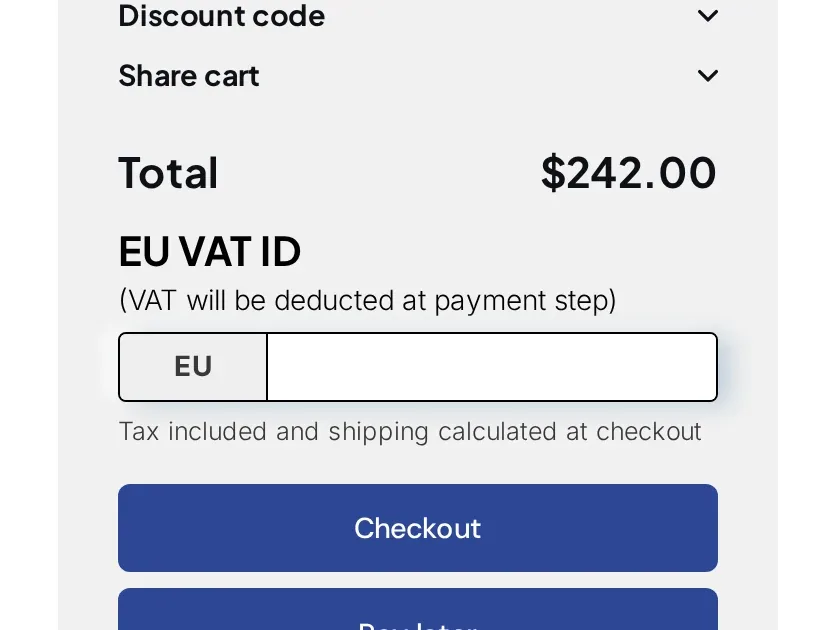
Yes. Tax Display rules can target customers by tag, for example a vat-registered tag, and show prices with tax, without tax, both, or a toggle. The rule changes the page, not the tax charged.
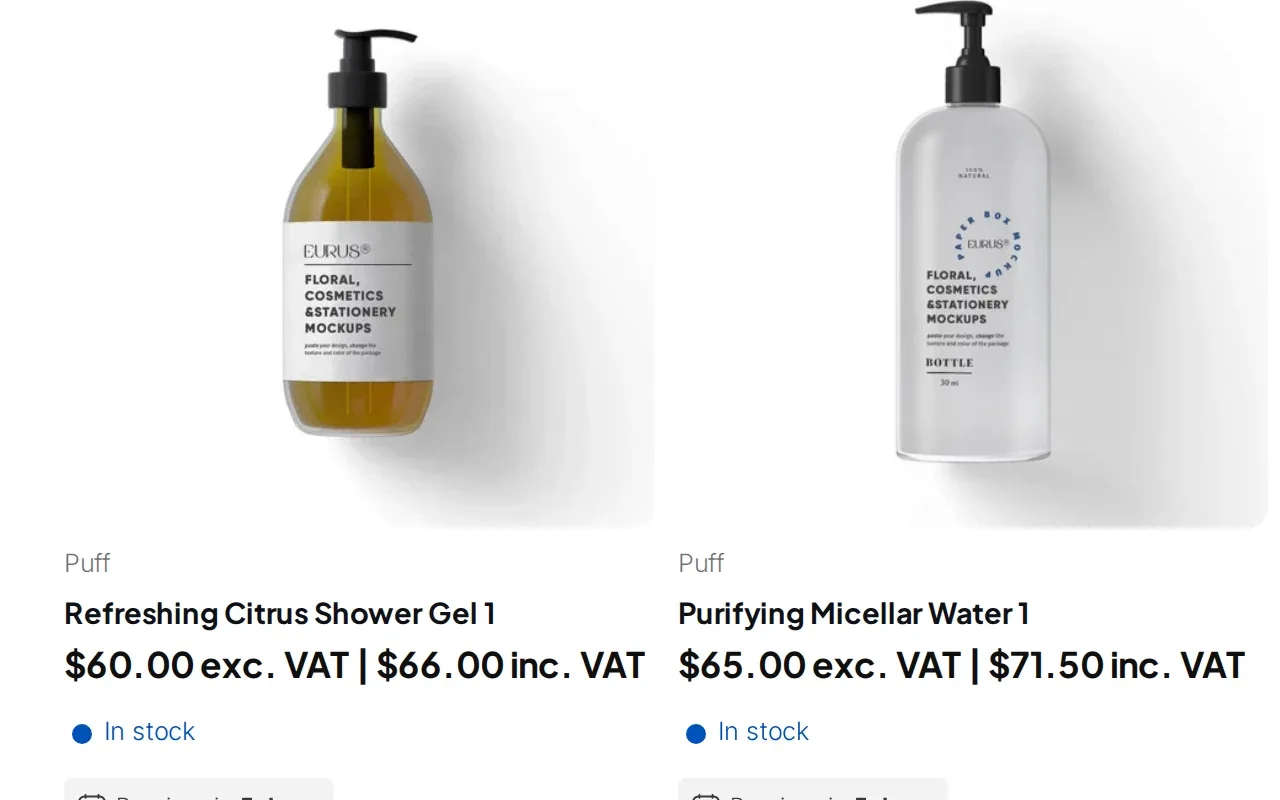
A fictional shop sells shower gel at $60.00 before VAT. The 10% rate is illustrative, not advice.
| Buyer | Price shown | What happens at the order |
|---|---|---|
| Retail shopper | $66.00 inc. VAT | VAT is added as usual. |
| Business buyer tagged vat-registered | $60.00 exc. VAT | $66.00 inc. VAT | Display only. Tax is still calculated unless the buyer is exempt. |
| Same buyer enters a valid VAT ID at the cart | Same prices | The app creates a tax-free draft order, tagged if you set an order tag. |
A buyer who goes straight to the checkout URL skips the cart block and is taxed normally.
you know your exempt buyers in advance, set them up as customers or company locations yourself and check tax IDs by hand.
buyers must enter and validate a tax ID themselves, you need tax ID fields on applications, or you show prices with and without tax to different groups.
Six steps to a tax setup you can test.
Add a tax ID field to the registration form and mark it required.
Define which verified businesses buy without tax and which proof you accept.
Add the block to the cart page and turn the module on.
Pick prices with tax, without tax, both or a toggle for each group.
Decide how businesses that are not VAT registered are treated.
Enter a valid and an invalid ID on the cart and check each result.
Source: Display Prices With & Without Tax.
Set up tax IDs and price display on a development store. BSS B2B Solution is free there.
Read these before you rely on a tax flow.
Tax Display never removes tax at checkout.
The tax ID is entered on the cart or product page, not in Shopify checkout. A direct checkout link skips it.
If the draft order cannot be created, the buyer is sent to regular checkout and taxed. With require valid ID turned off, an invalid number can still check out.
A bulk import of applicants runs no live tax ID check, so review imported numbers yourself.
Tax Exempt and Tax Display need the Advanced or Platinum plan. The US EIN field needs Platinum.
Display rates come from Shopify's country rates. Shopify's own tax overrides are not read, so recreate any you need in the app.
Worked examples of tax and compliance on Shopify. Browse all use cases.
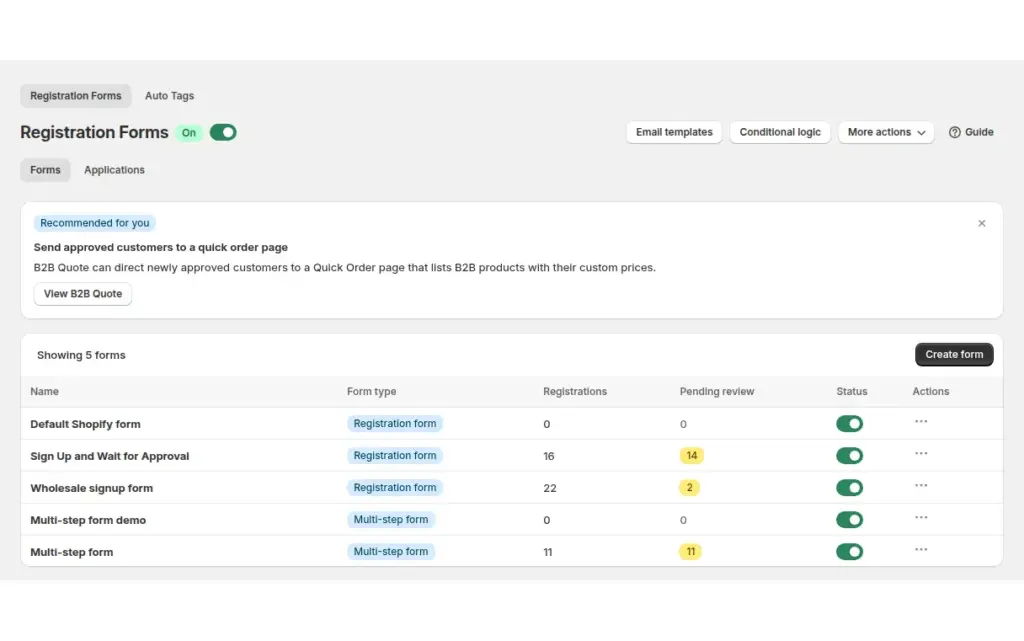
Exempt tax for approved wholesale buyers who have no VAT number to validate, by applicant, by Shopify customer or automatically through a registration form, with BSS B2B Solution.
Explore use case: Exempt Tax for Customers Without a VAT Number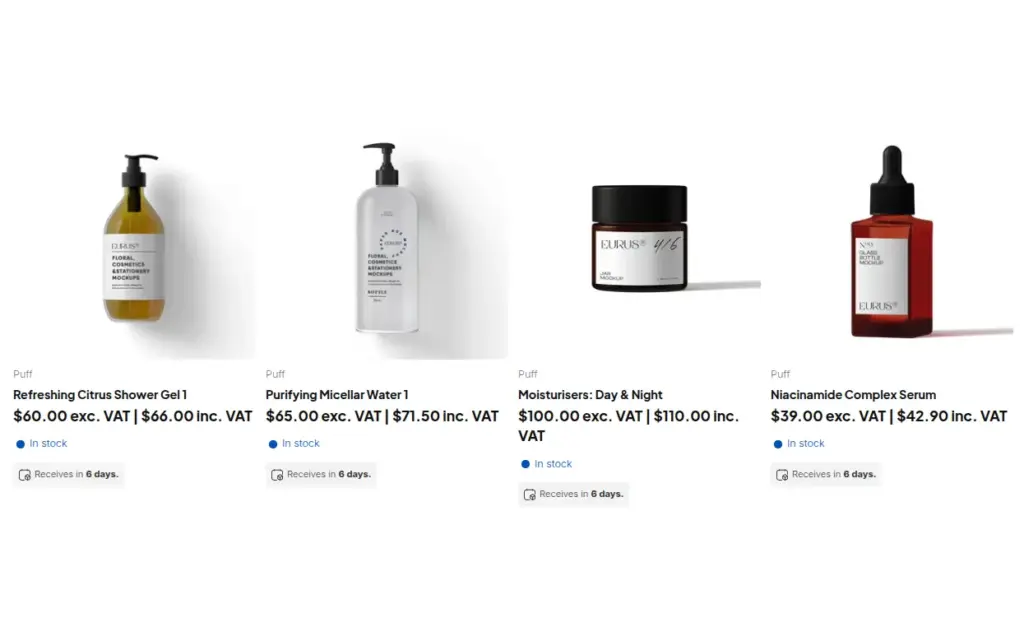
Show wholesale buyers prices excluding VAT and consumers prices including VAT on one Shopify store, with rules by customer tag, using the Tax Display module in BSS B2B Solution.
Explore use case: Show Prices Excluding VAT to Business Buyers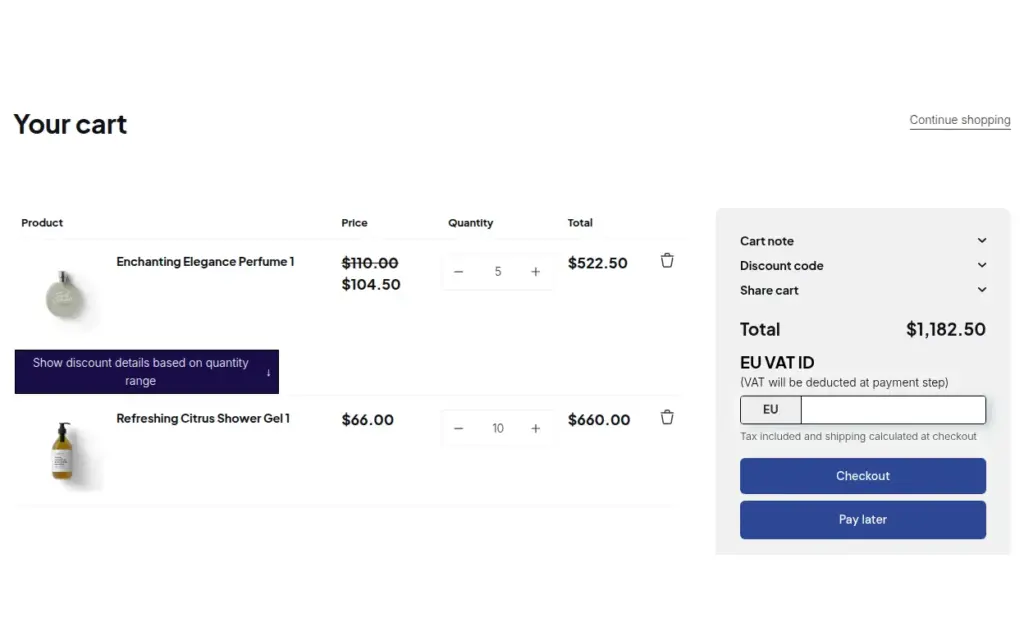
Verify a tax ID once at registration, then give approved buyers tax exemption and Net Terms with a Pay later button using BSS B2B Solution for Shopify.
Explore use case: Onboard Tax-Exempt Buyers With Net Terms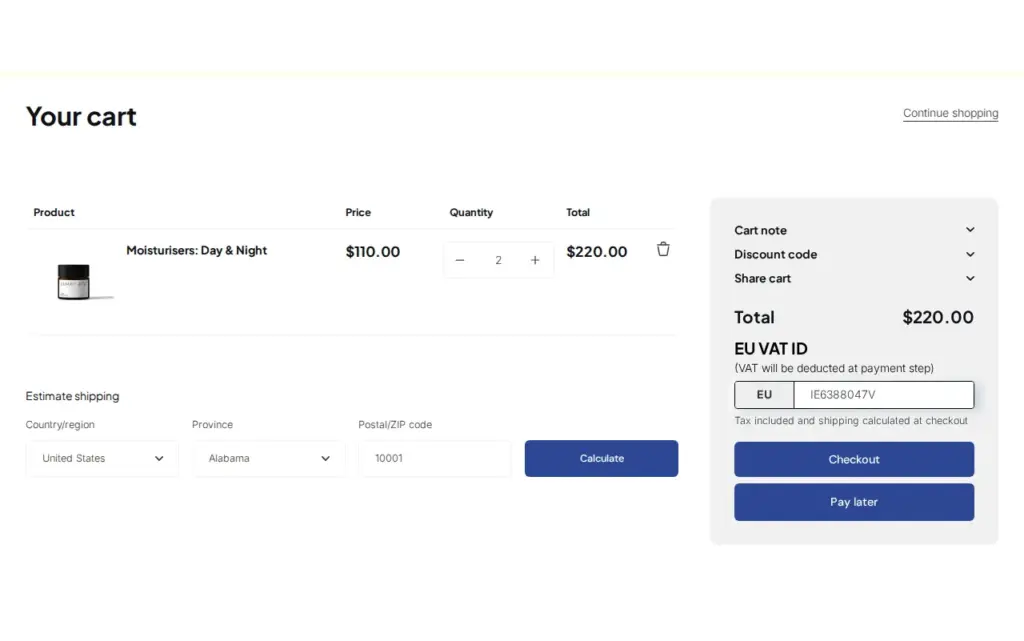
Let EU business buyers enter a VAT ID in the cart, validate it live and remove tax from the order with the Tax Exempt module in BSS B2B Solution, instead of charging VAT and refunding it later.
Explore use case: Sell VAT-Exempt to EU Businesses With a Valid VAT ID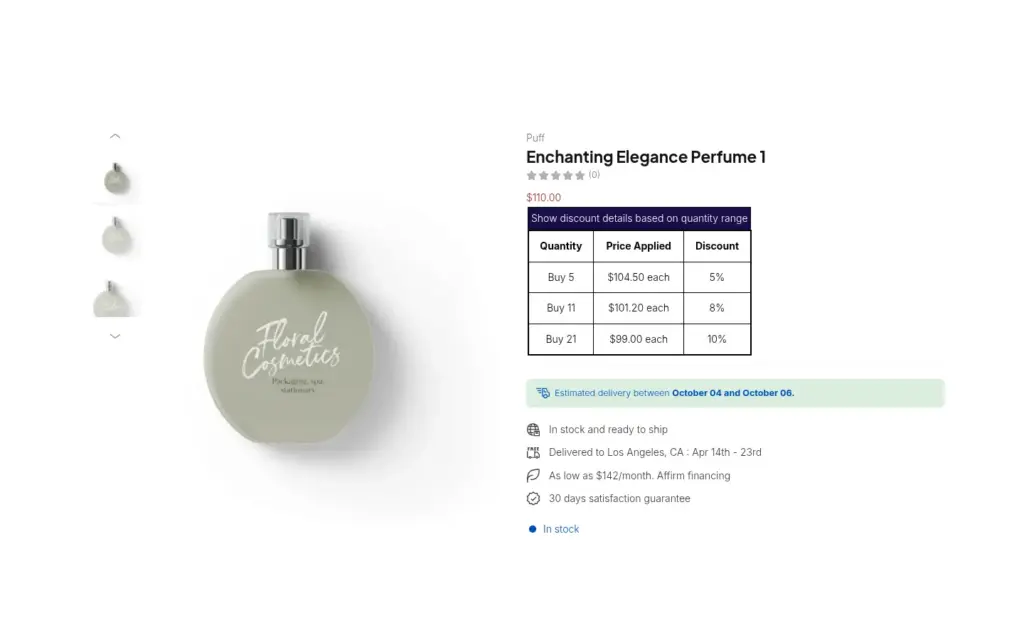
Run a B2B spare parts store for contract buyers across Europe: registration with VAT number validation, volume tables with prices before and after tax, and prices hidden from guests with BSS B2B Lock.
Explore use case: Industrial Spare Parts: B2B Store With VAT and Hidden PricesValidate tax IDs at registration, manage tax exemption and show prices with or without tax to the right customer groups.
Tax exemption removes tax from an order for an eligible buyer. Tax display only controls whether prices are shown with or without tax. In BSS B2B Solution, Tax Display does not remove tax at checkout.
Yes. On a customer or company location you can choose Collect tax, Don't collect tax, or Collect tax unless exemptions apply. The customer must check out with the email on the account.
Shopify warns that a tax-exempt customer on tax-included pricing is still charged the full listed price. Check how your store displays prices before you rely on exemption.
A tax ID, such as an EU VAT number, US EIN or Australian ABN, identifies a business. Validating it at registration helps you check the number before you apply any exemption.
On UK and EU company locations that use Shopify Tax, the Tax ID field becomes a VAT number field that Shopify Tax validates. BSS B2B Solution also checks EU VAT, UK VAT, EIN, ABN and GST on registration forms.
Under a reverse charge the buyer, not the seller, reports and pays the VAT, commonly on cross-border B2B sales in the EU with a valid VAT ID. Rules differ by country and goods, so confirm with a tax adviser.
Yes. In BSS B2B Solution, Tax Display rules can target customers by tag and show both prices, tax-inclusive only, tax-exclusive only, or an Inc. VAT and Exc. VAT toggle.
In BSS B2B Solution the buyer enters it on the cart page or a product page form, not inside Shopify checkout. The app then creates a tax-free draft order.
In the theme editor, add the Tax Exempt block to the cart page. A form on the product page covers Buy It Now. Turn the module on in the app and test with a buyer account.
No. Tax rules depend on your country, your buyer's country and what you sell, so confirm your obligations with a qualified tax adviser.
Shopify facts come from the pages below. BSS facts follow our checks against the app. We make BSS B2B Solution, so check Shopify's pages before you buy. This is not tax advice.
Turn applicants into approved wholesale buyers with registration forms, approval and customer tags.
Set minimum orders, case packs and net payment terms for wholesale buyers.
Show business buyers their own prices with price lists, custom pricing and quantity breaks.
Native B2B vs apps, and how the six hubs fit together.