To set Shopify wholesale pricing by customer tag, tag each trade buyer once (for example wholesale), then create a Custom Pricing rule in BSS B2B Solution that targets that tag. Every logged-in customer who carries the tag sees the wholesale price on the same products your retail shoppers browse, and everyone else keeps seeing your normal prices.
The method suits any store that sells to consumers and to business buyers from one catalog. You keep a single set of products, you avoid separate stores and duplicate listings, and a new price group is one more tag and one more rule. Tags can be added by hand, by a registration form when you approve an applicant, or by Auto Tags.
Who this is for
Tag-based wholesale pricing fits you when:
- You sell the same products to retail shoppers and to trade buyers such as boutiques, salons, cafes or contractors, and you want one storefront.
- You have two or three price groups, for example
wholesale,vipanddistributor, and each group has its own discount. - Your sales team already agrees prices by account type, not by individual SKU. If you need an exact price per product, use a price list per buyer group instead.
- You currently send price sheets by email, or run a second “wholesale” product copy, and prices drift out of date.
- You want approval to be the moment a buyer gets access to better prices, with no manual price changes afterwards.
Why this matters
A separate wholesale store or a set of duplicate products costs real time. Every price change has to be made twice, inventory has to be kept in step, and a stale price sheet in a buyer’s inbox can mean a quote you cannot honour. Duplicate listings can also split your product reviews between two pages.
For the buyer, the problem is just as concrete. A trade customer who has to log in to one site, read a PDF on another and ask for a quote on a third may well prefer a competitor whose prices are visible on the product page. A price that appears automatically, next to the retail price, tells the buyer that the account is recognised.
Tags solve this because a tag is a property of the customer, not of the product. Imagine a candle brand with three audiences: retail shoppers, boutique stockists and a handful of large gift-shop accounts. One catalog, two tags and two rules replace three price sheets.
What Shopify covers natively, and where an app helps
Shopify’s built-in B2B assigns catalogs, which carry their own prices, to business buyers. According to the Shopify Help Center (read on 2026-10-02), Basic, Grow and Advanced plans can use up to 3 catalogs and Plus has unlimited catalogs. Native B2B is built around company accounts and locations. Our Shopify B2B guide compares native B2B with apps in detail.
An app helps when your price groups are defined by a customer tag rather than by a company record, when you serve retail and wholesale from the same logged-in store, or when you need more price groups than the catalog limit allows. In BSS B2B Solution the price rules are stored by the app and read on the storefront. They are not Shopify catalogs, so they do not appear in Shopify’s catalog settings.
How to set up tag-based pricing with BSS B2B Solution
Step 1: Tag the customer
Decide on a short, lowercase tag for each group. Add it to a customer in Shopify admin, or let the registration form and Auto Tags add it. BSS B2B Solution compares tags without caring about capitalization and ignores spaces around them, so Wholesale on the customer matches wholesale in the rule.
For new accounts, the cleanest route is the registration form. In the form settings you enter the tag to assign when you approve an applicant, and the buyer receives it at the moment of approval. The onboarding hub explains the whole flow.
Step 2: Create the Custom Pricing rule
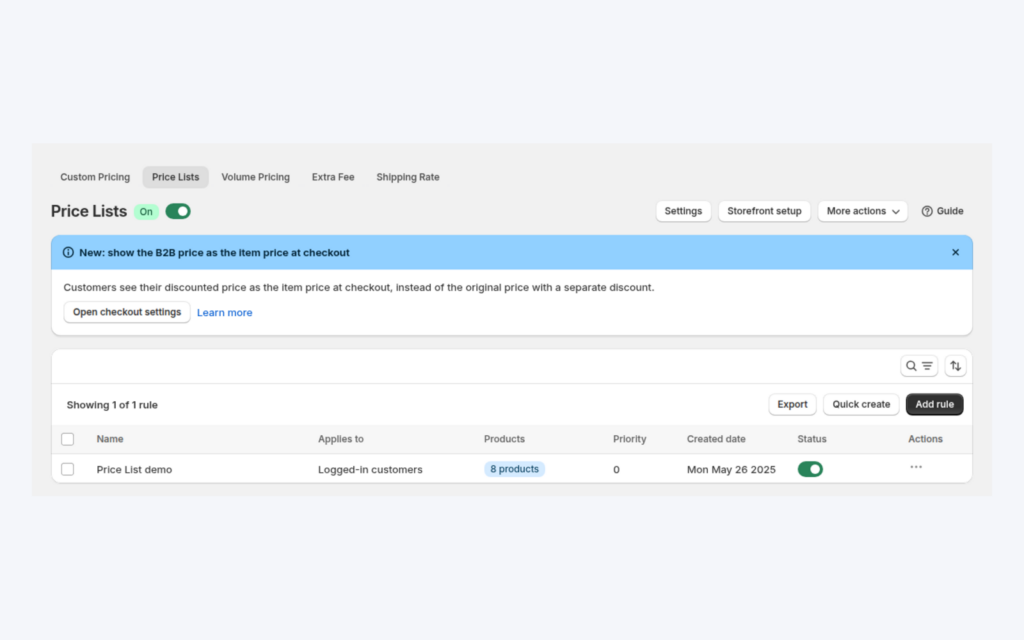
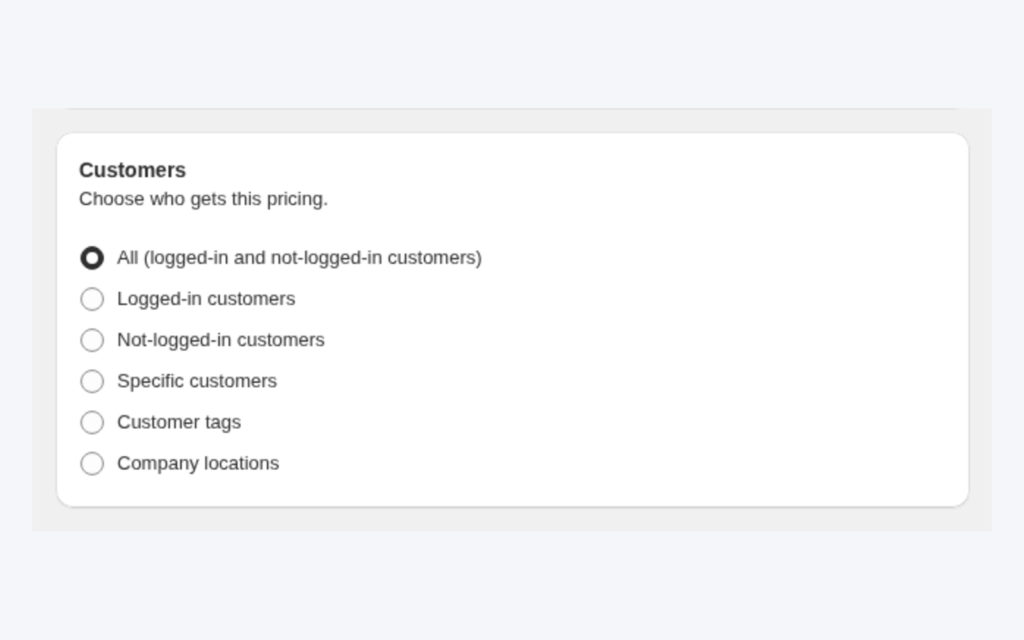
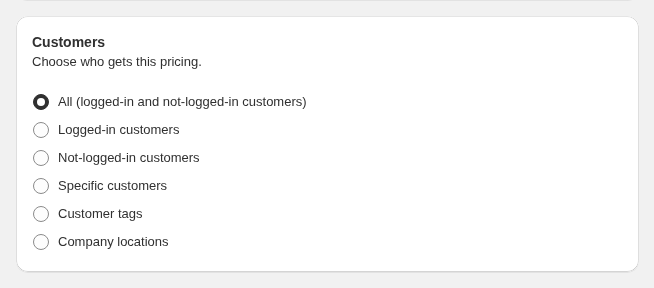
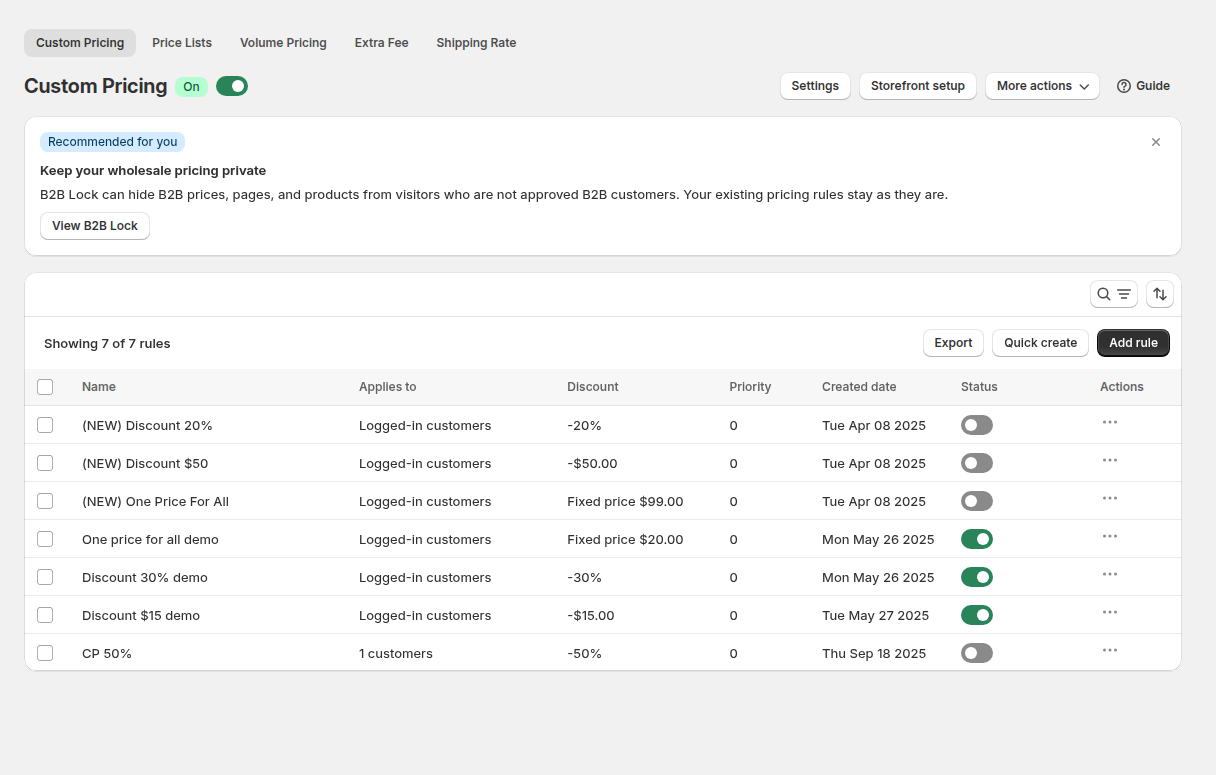
Open B2B Pricing, turn Custom Pricing on and click Add rule. In the Rule card give it a name that your team will recognise, such as Wholesale 20% off. Under Customers, choose Customer tags and tick the tag. A customer matches when they have at least one of the tags you select.
Step 3: Choose products and price
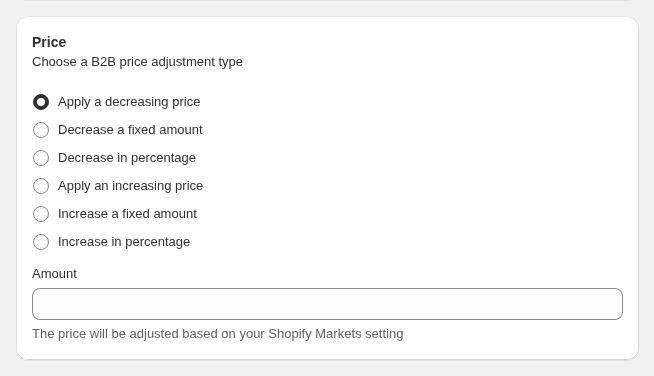
Under Products, pick all products or a narrower scope. In the Price card choose how the price is built: decrease in percentage, decrease a fixed amount, or apply a decreasing price (a fixed price that is used only when it is lower than the current one). Enter the amount and save.
Step 4: Add a second group and set priority
For a second group, repeat the steps with another tag and its own discount. When one customer can carry both tags, set the Priority (0 to 99) in the Advanced card. The lowest number wins, and a tie goes to the older rule. Leave gaps between numbers, such as 10 and 20, so you can add a rule later without renumbering. The rule priority explainer shows how this works across modules.
Step 5: Test as a buyer
Create a test customer with the exact tag, log in from a private browser window and open a covered product. Then log out and reload: the price should return to normal. The Make Custom Pricing live card on the rule page also checks that the rule is saved and enabled, the module is on and the app embed is on in your theme.
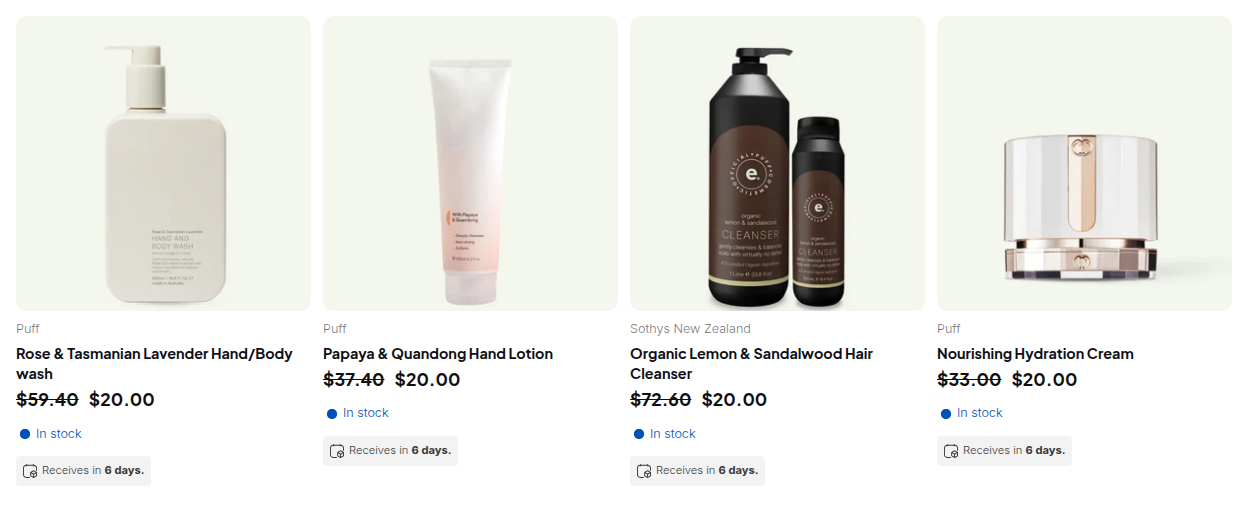
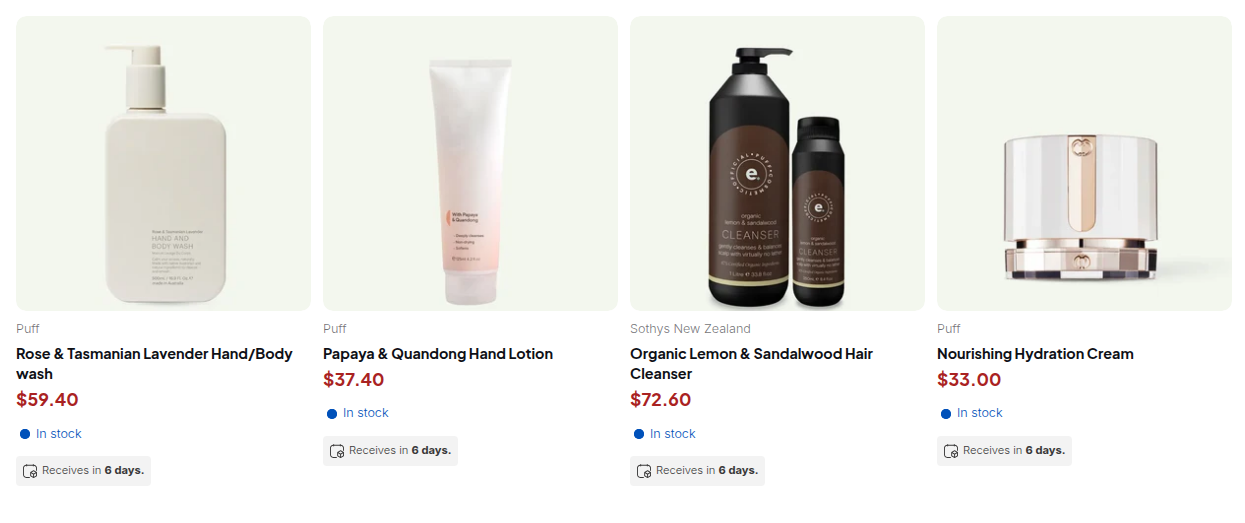
Example: a candle brand with two tags
This is an illustration with made-up numbers, not a customer result. A candle brand sells a soy candle at $20 retail. It creates two rules.
| Rule | Tag | Price | Priority |
|---|---|---|---|
| Stockist price | wholesale | 40% off, so $12 | 10 |
| Key account price | vip | 50% off, so $10 | 5 |
A boutique with only the wholesale tag sees $12 on every candle. A gift-shop chain tagged both wholesale and vip matches both rules, so the lower priority number (5) wins and the buyer sees $10. A retail shopper sees $20. If the brand later wants to give the chain a negotiated price on one fragrance, it adds a Price List rule for that product and leaves the tag rules untouched.
Works well with
Tag pricing is the base layer, and a few features make it stronger.
- Registration and approval. A registration form with approval tags buyers the moment you accept them, so nobody waits for a manual price change.
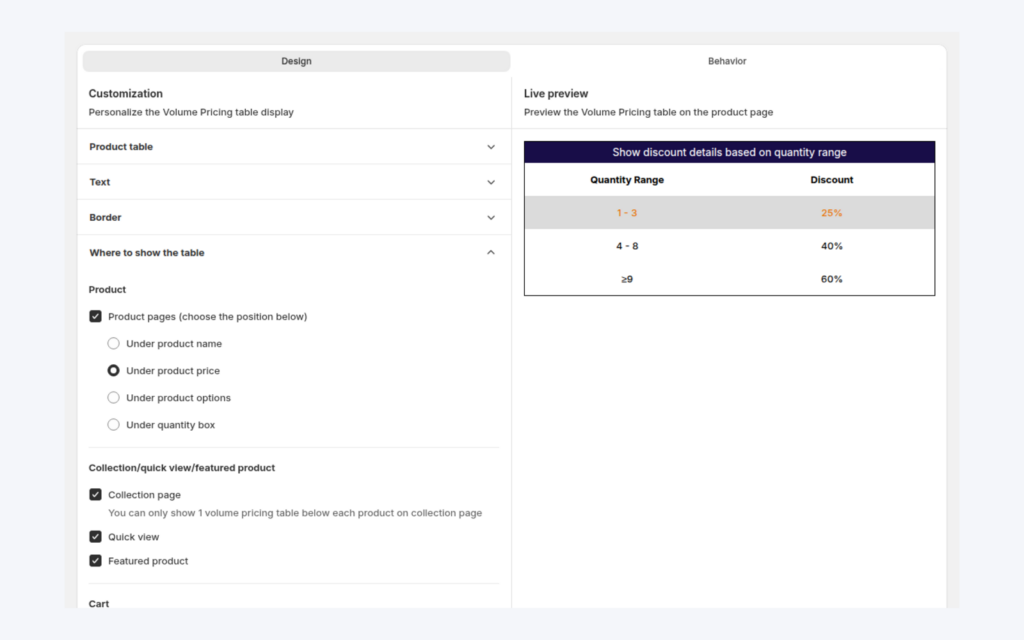
- Quantity breaks. Volume pricing on top of a tag price rewards bigger orders; the tiers are calculated from the tag price, not the retail price.
- Retail and wholesale together. If you serve both audiences, read how to sell B2B and B2C from one Shopify store.
- Hidden prices. BSS B2B Lock can hide prices from guests so that wholesale prices are only visible after login.
For background, see the wholesale pricing hub and the glossary entries for customer tag, wholesale price and price list.
In practice, merchants combine the registration form and tag-based rules. The GreenTeaEveryday case study describes an Israeli green tea brand that serves retail and wholesale customers from a single Shopify store: its registration form assigns a wholesale tag and accounts are approved manually, and Custom Pricing rules set different wholesale prices for customers with different tags. Read the full GreenTeaEveryday story.
Limits and common mistakes
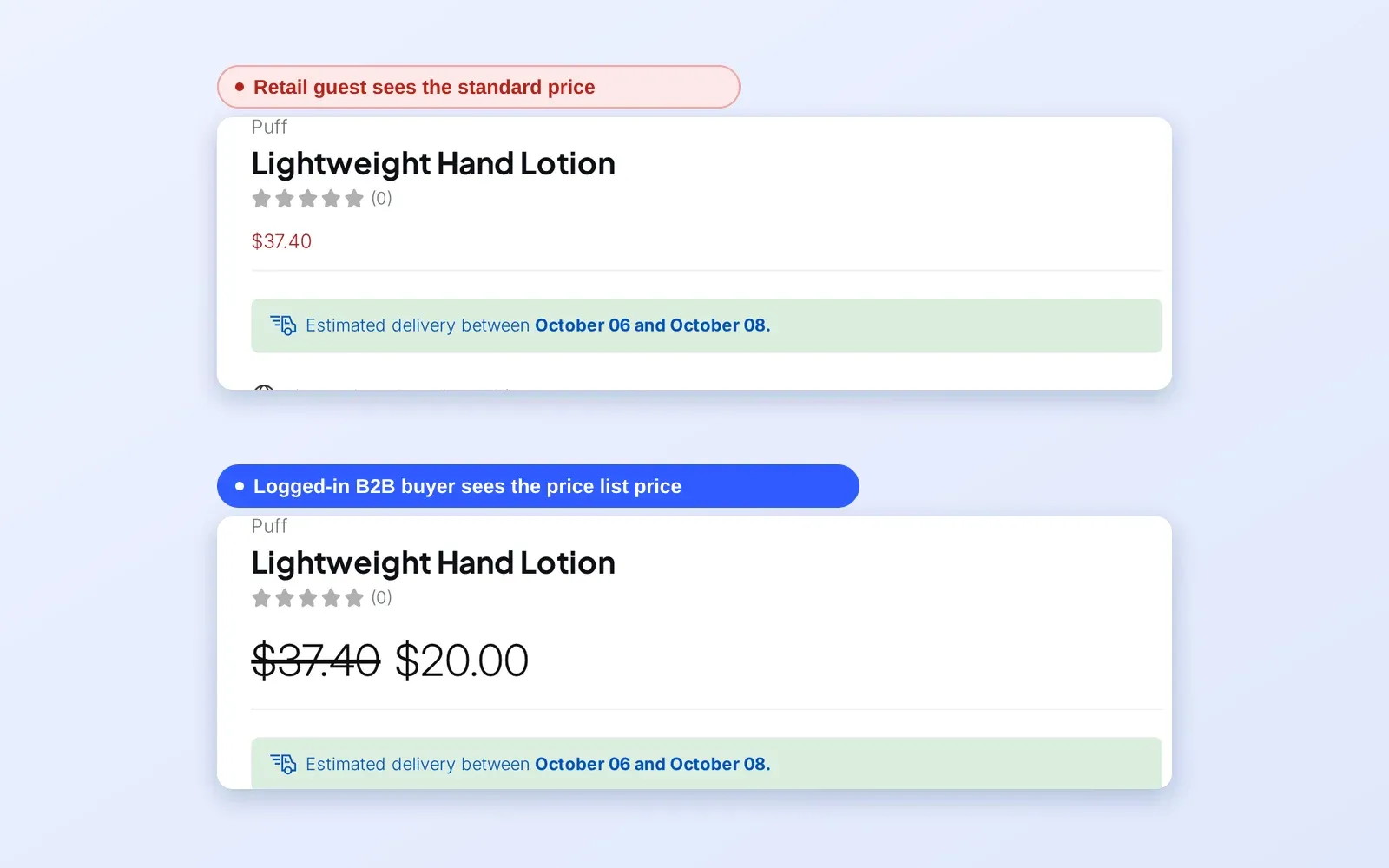
- Guests do not match tags. Tag targeting reads the logged-in customer. A visitor who is not logged in sees retail prices, so tell trade buyers to log in before they compare prices.
- A new tag shows on the next page load. The app reads the customer’s login state and tags when the page loads. After a tag is added, the buyer sees the new price after a refresh or on another page. Tags added by Auto Tags arrive in the background, so check Auto Tags history if a price is missing.
- One tag is enough, two cannot be required. A rule matches on at least one listed tag. If you need an AND condition, create a dedicated tag that you add through Auto Tags or by hand.
- Higher prices are not shown. A custom price appears only when it is lower than the original price and the compare-at price.
- Tags are not removed on their own. Auto Tags does not untag a customer who stops meeting a rule, so plan removals deliberately.
- Capitalization is forgiven for customer tags only. Product tags used in exclusions must match exactly as typed.
- The app embed must be on. Prices render through the BSS B2B Solution app embed, and each theme has its own switch. Check Online Store > Themes > Customize > App embeds.
Setup checklist
- Choose one tag per price group and write the names down.
- Add the tag to a test customer and to one real buyer.
- Create a Custom Pricing rule per tag and name it with the group and the discount.
- Set a priority for each rule, leaving gaps between numbers.
- Turn on the BSS B2B Solution app embed in the live theme.
- Open a product and a collection as the tagged test customer and as a guest.
- Connect the registration form or Auto Tags so new buyers get the tag automatically.
- Review the rule list whenever a price group changes.
Plans and requirements
Customer tag targeting is part of the Custom Pricing module on every plan, including Free, which allows one rule. Paid plans remove the rule limit and add collection targeting and exclusions of customer tags; Advanced and higher add product-tag targeting and specific markets; Platinum adds variant-level conditions and CSV import and export. See the BSS B2B Solutions pricing page for the current plans and prices. Plan details change over time, so confirm them before you build many groups.
BSS B2B Solution has a 4.9 rating from 1,185 reviews on the Shopify App Store as of 2026-10-02, and paid plans include a 14-day free trial. You can install BSS B2B Solution from the Shopify App Store, read the app overview, or follow the step-by-step guide to tagged wholesale prices in the docs. The targeting reference lists every customer option.