| Plans and list prices | Basic $12, Grow $29, Advanced $99 and Shopify Plus $199 per month, billed every 30 days in USD. The listing shows no yearly price.[1] | Free, then $9.99 (Basic Shopify), $24.99 (Grow Shopify), $49.99 (Advanced Shopify) and $79.99 (Shopify Plus) per month. Yearly billing saves 20%. The Shopify Plus price is not shown on the App Store listing. Free, then paid |
| Pricing policy | The listing names a "Pay what feels good" policy. The policy page says Locksmith suggests about a third of your Shopify plan cost, and you can name a different price that feels right to you.[2] | Fixed list prices per Shopify plan, as shown in the plans row. As of October 10, 2026 |
| Free plan and trial | No free plan is shown. 15-day free trial on each plan.[1] | A Free plan that locks the entire website by condition. Other lock targets need a paid plan or the free trial. Free; trial on paid plans |
| Shopify plan requirements as stated | Plans are priced by Shopify tier, Basic to Plus. The listing has a compatibility note whose criteria we could not read. The documentation says Locksmith works with whatever Shopify plan you are on.[1][5] | Plans follow your Shopify plan, from Basic to Plus. The checkout lock is for Shopify Plus stores only and needs a paid BSS plan.[22] Checkout lock: Plus + paid |
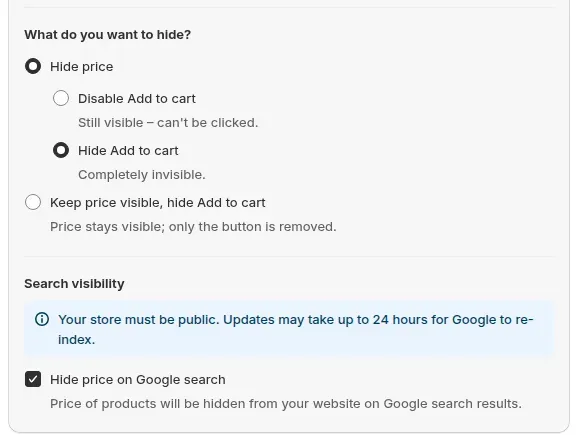
| Hide prices and Add to cart | Each lock has a Price and add-to-cart hiding card with two toggles, Hide buy buttons and Hide price. Prices can still show in the cart, at checkout and in the page source, and prices from third-party apps are not hidden automatically.[6] | Hide prices and Add to cart until a visitor logs in or matches a rule, such as a customer tag. A separate option hides the price from Google. Unusual themes may need a manual install. Paid plans Hub: Access control |
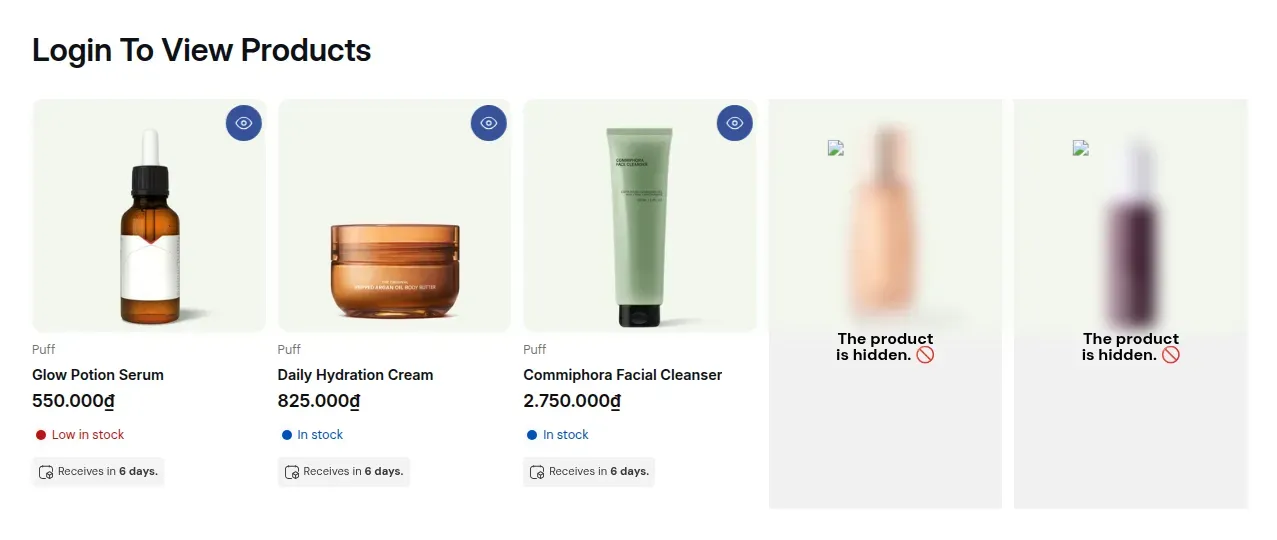
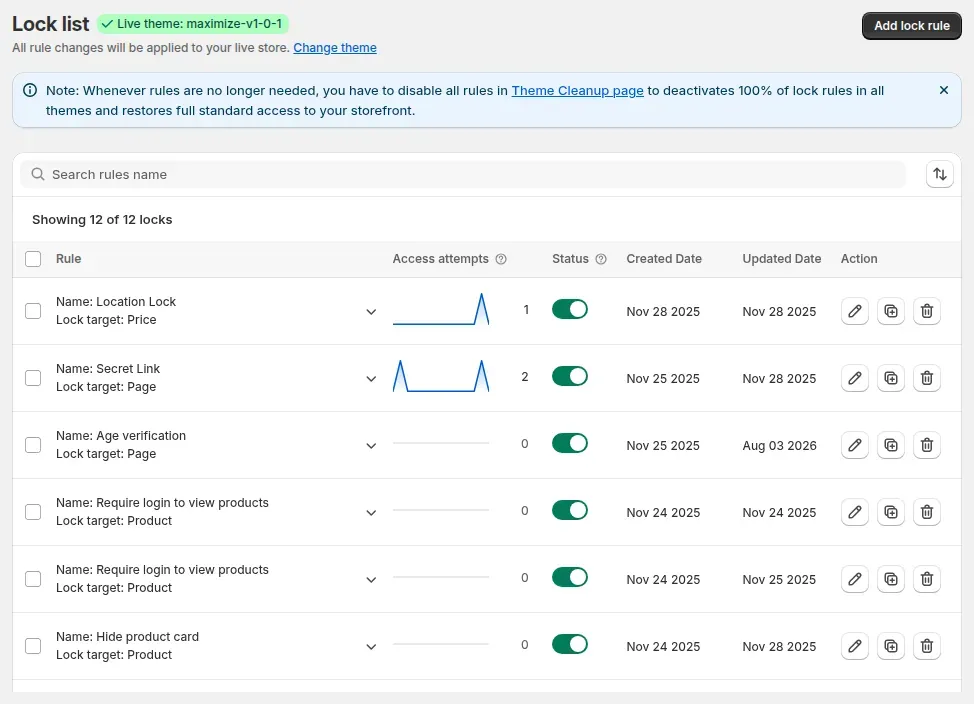
| Lock products, collections, pages and blogs | Lock products, collections, pages, blog posts, the home page and the search results page. The listing also names variant options.[1][4] | Lock products, collections, pages, blogs and URLs by customer tag, login and other conditions. When locked, the main page content is not in the HTML, except on age locks. Paid plans Hub: Access control |
| Lock the entire storefront | The wholesale guide describes a lock that covers the entire store, opened by approved customer accounts or a passcode.[5] | Lock the entire store by condition. Free Hub: Access control |
| Variant locks | Variant locks are documented. Passcode keys are not compatible with them by default, and variants locked this way can still be bought in the Shop app.[4][7][18] | Variant and vendor are lock targets. Paid plans |
| Customer tag and email conditions | Keys for customer account tags and email addresses. Works with legacy and new customer accounts for core account conditions.[1][10] | Conditions for signed-in status, customer tag, specific customers, company, email domain, equals and contains, and email subscription. Paid plans Hub: Access control |
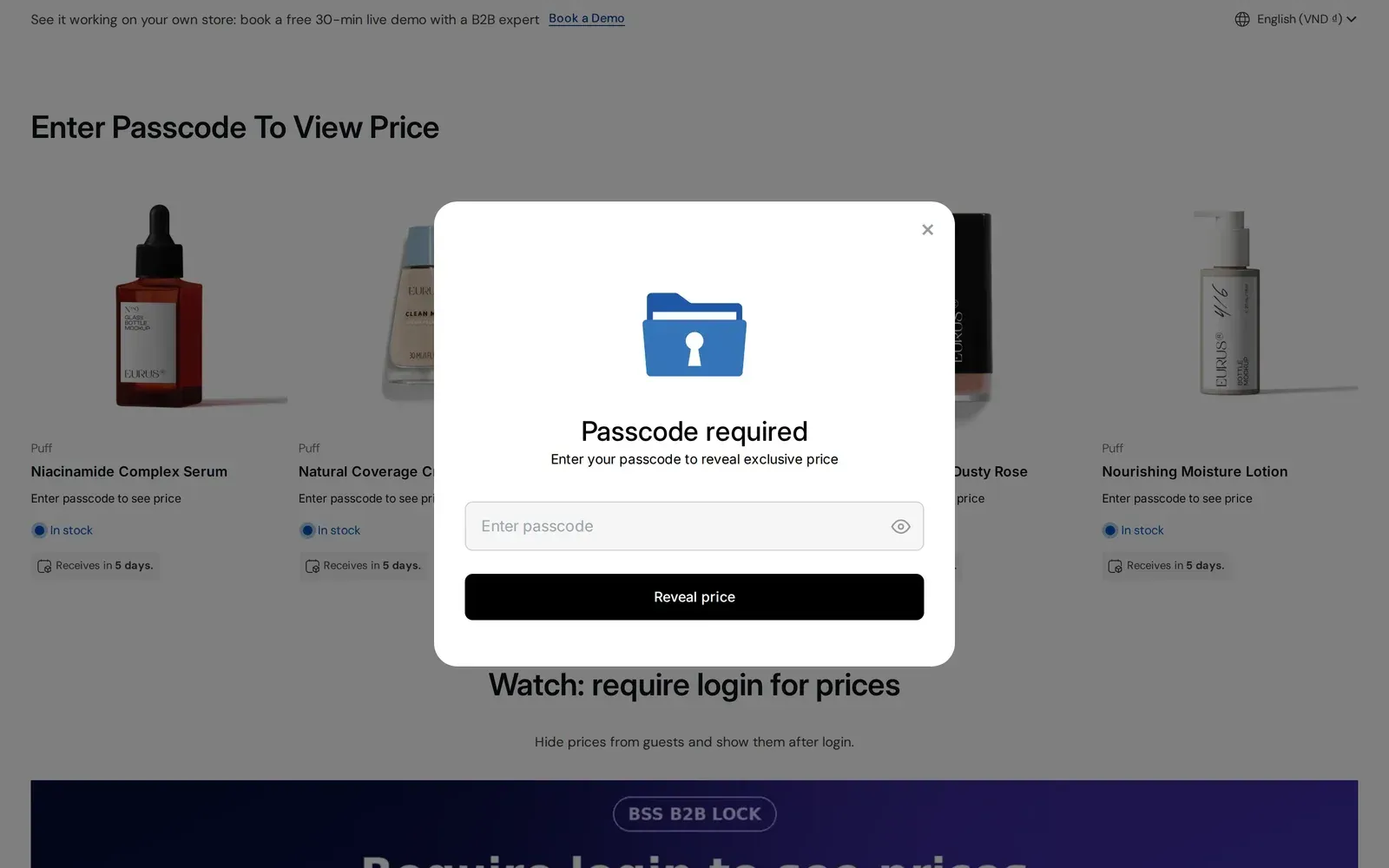
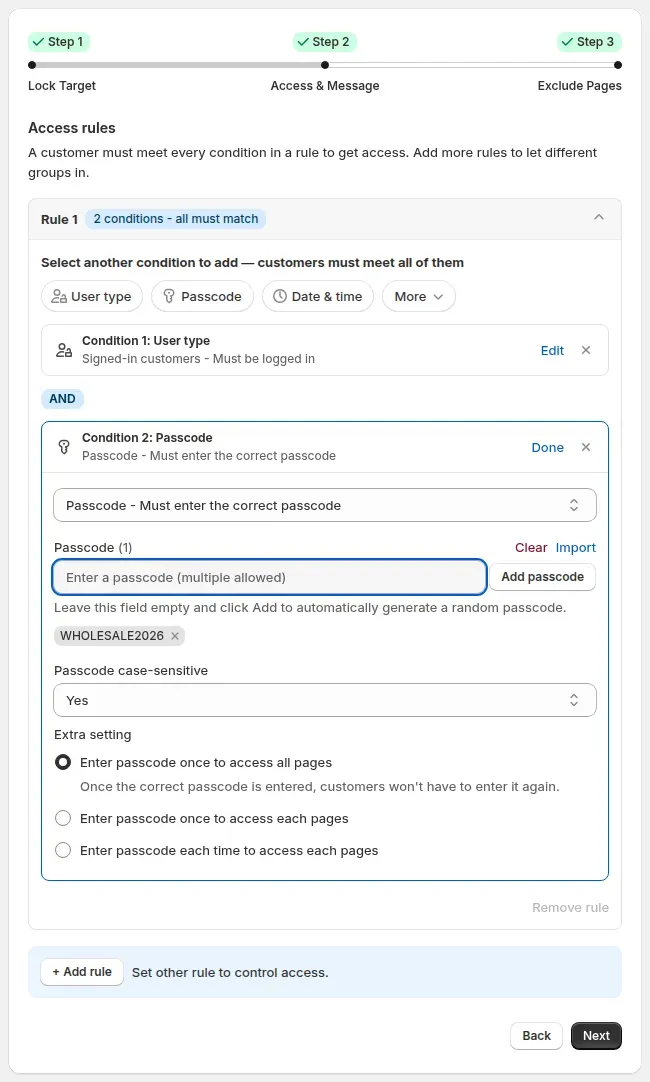
| Passcodes | One passcode, many passcodes entered together, or an input list read from an external file, with an optional limit on uses. Case sensitive by default. An optional time limit can end access after a set period.[7][8] | Passcode locks, set per rule. Up to 255 characters, with CSV import up to 2 MB. Per the user guide, passcodes have no expiry or usage cap. Paid plans Hub: Access control |
| Secret links | Secret link keys, with an optional time limit that restarts each time the link is used.[1][8] | Secret link: anyone who has the link gets in. It is not hidden from search automatically; noindex is a separate option on locked pages. Paid plans Hub: Access control |
| Request access and approval | Approval works through Shopify accounts: you tag the customers you approve, or import accounts with an approved tag. No request-access form is described.[9] | Request access: a customer asks, and you approve per rule. Approval syncs through a queue, so it is not instant. Paid plans Hub: Access control |
| Location, Market, date and time conditions | Location keys, domain and custom Liquid checks for Markets, and date and time keys with weekly schedules.[1][11] | Shopify Market, start and end date conditions on the storefront. IP, region and country conditions are checked in the visitor's browser and can be spoofed, so we do not call them secure. Paid plans |
| Purchase history | A purchase history key is listed.[1] | No purchase-history condition is listed. Customer order count at checkout is marked Coming soon. Not offered |
| Checkout lock or validation | Checkout validation blocks products with chosen product tags unless the customer has a chosen customer tag. Each rule covers up to two product tags and two customer tags, with up to 25 rules per store. The documentation states no Shopify plan requirement. Standard locks cannot lock checkout itself, and direct checkout links can bypass a cart-page lock.[12][13] | A Shopify Function blocks checkout by condition (logged in, tag, email, phone, product, quantity, subtotal, line count), matching All or Any. It fails open if the Function errors, so it is not a guaranteed block. Shopify Plus + paid plan |
| Hide payment and shipping methods | Payment method rules by customer tag, up to 3 rules, with no message shown to the customer. Shipping methods cannot be restricted.[14][18] | Shopify Functions hide payment or delivery methods by condition. Shopify limits active customizations to 25. Paid plans |
| Age verification | Not listed. A Confirmation key lets a visitor confirm a prompt you write; the documentation's example is "over the age of 21" and it checks nothing.[15] | A popup with Confirm and Exit buttons. It is a self-declaration, not legal age verification. Paid plans |
| Search engines and in-store search | Locked resources get noindex by default. Optional settings hide items from the sitemap and from default in-store search, but not from predictive search or third-party search apps.[16][17] | A noindex option on locked pages and a Hide price on Google option. No site-search hiding is listed. Paid plans |
| Themes, headless and testing | Online Store channel only, not headless or custom storefronts. Locks install on the published theme automatically; an unpublished theme is installed by hand from the Themes page and previewed.[18][20] | Online Store 2.0 and legacy themes, with automatic or manual install. A draft theme can be chosen in Settings, so rules run only when you preview it. Headless storefronts are not supported. All plans |
| Developer tools | Custom Liquid key conditions, plus an Admin API and a Storefront API in its documentation.[1][4] | A custom Liquid condition. We have not verified a public API for BSS B2B Lock. Not verified |
| What happens if you uninstall | Locksmith cannot clean its code out of your theme after the app is deleted, and deleting first can make pages inaccessible. Use Remove Locksmith in the app, wait, then delete it. The sitemap-hiding metafield stays after uninstall.[21][16] | Run Theme Cleanup and Disable all rules before uninstalling. If the app is deleted first, leftover snippets can keep pages locked, and BSS support offers cleanup.[23] All plans |
| Languages | English is the only language shown.[1] | 20 languages.[22] All plans |
| Rating and launch | 4.7 out of 5 from 306 reviews. Launched October 29, 2014.[1] | 4.9 out of 5 from 651 reviews. Launched December 3, 2019.[22] As of October 10, 2026 |
| Built for Shopify badge | The badge is shown on the listing.[1] | The badge is shown on the listing.[22] As of October 10, 2026 |