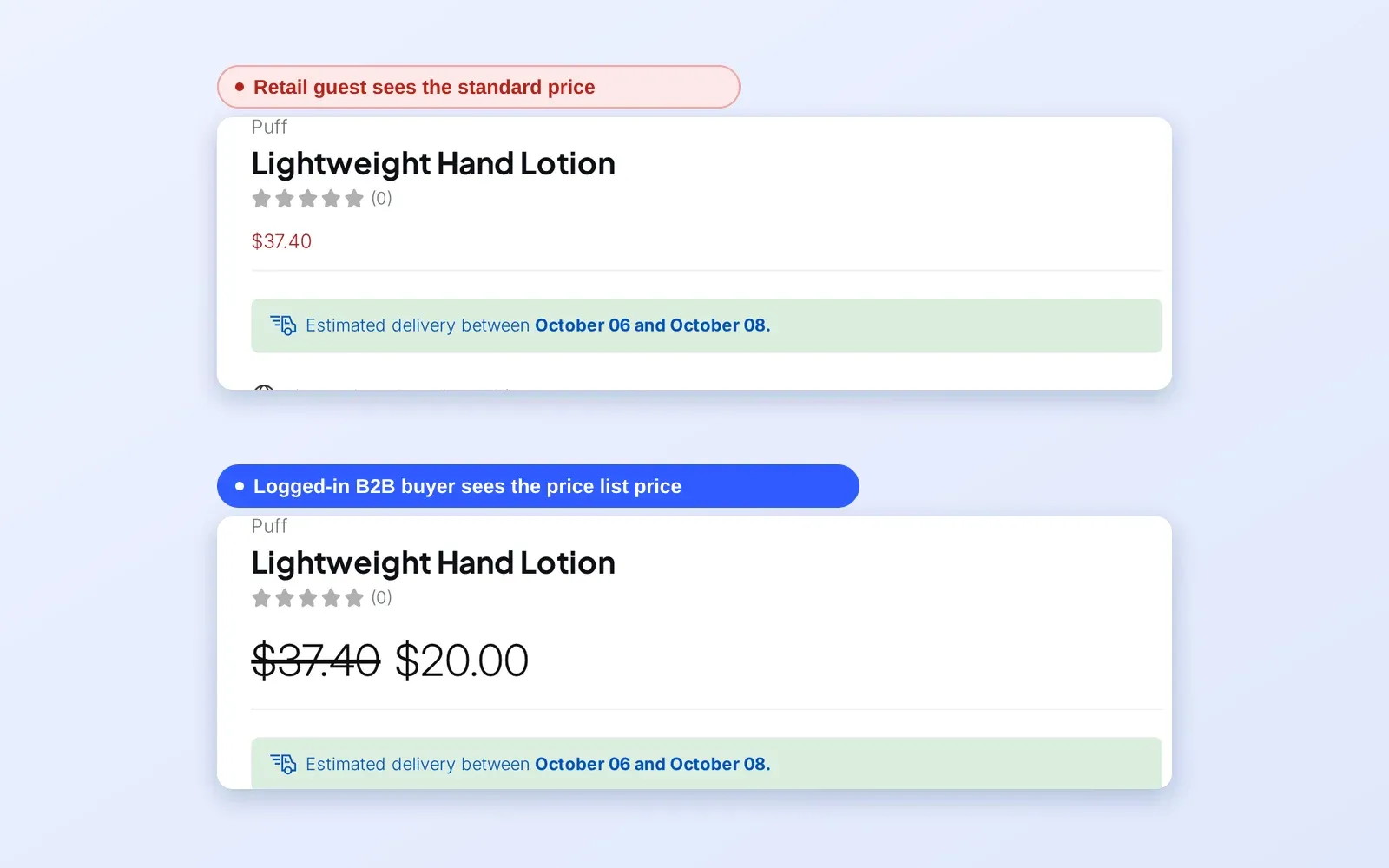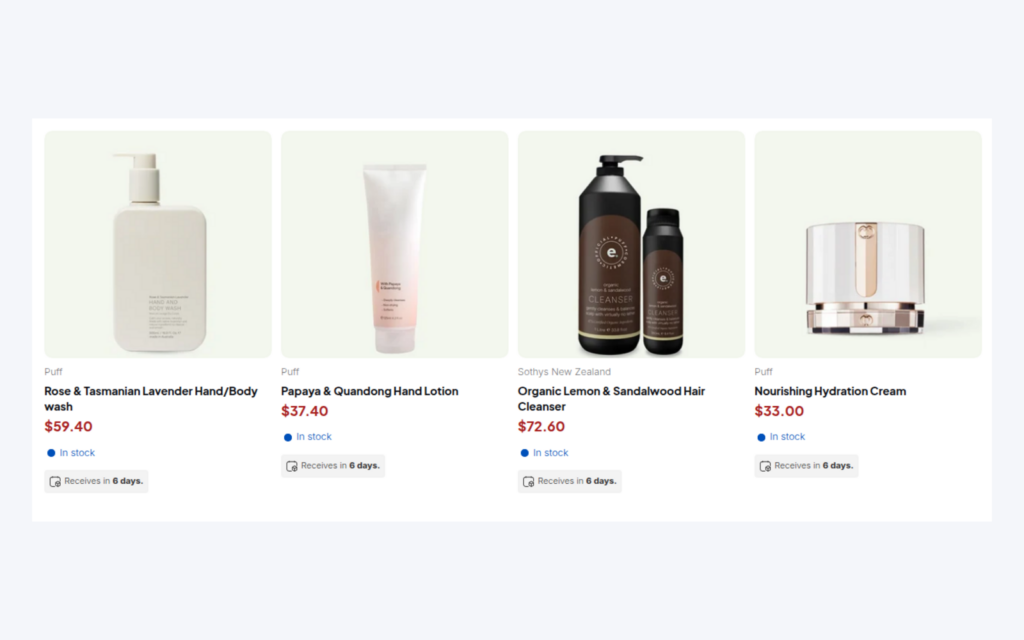
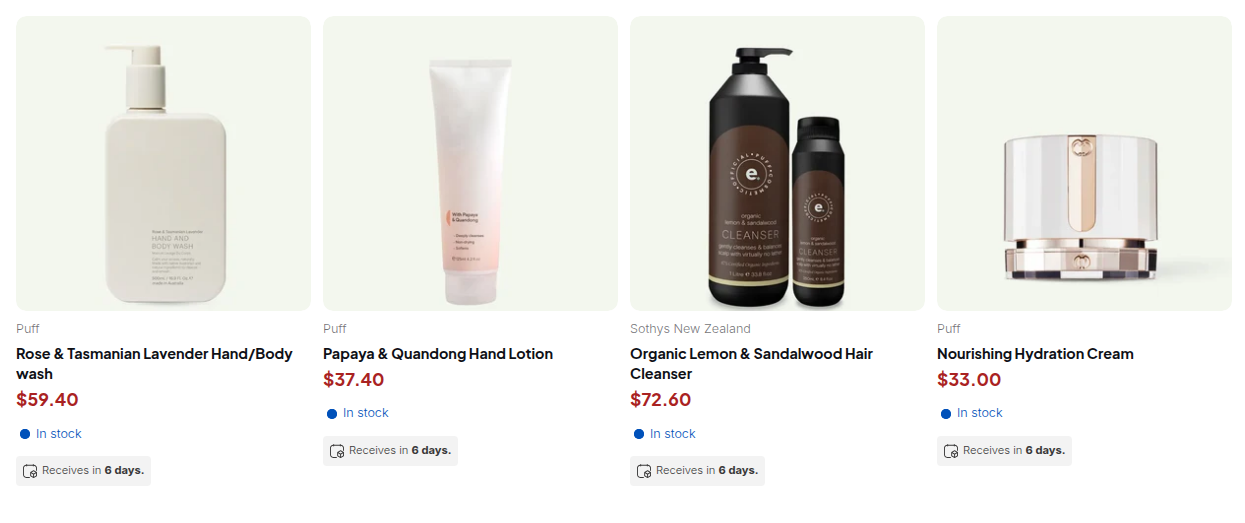
You can sell B2B and B2C from one Shopify store by keeping a single catalog and letting BSS B2B Solution decide, for each visitor, which prices and rules apply. Retail shoppers see your normal Shopify prices, and approved wholesale buyers who are logged in and carry a customer tag see their own prices, tax display and order rules. No second store, duplicate products or separate inventory are needed.
The app reads whether a visitor is logged in, which tags the customer has and, optionally, which company location they are buying for. Your rules target those conditions. The approach keeps one set of products, one inventory and one storefront, while each audience sees what it should.
Who this is for
A combined store fits you when:
- You started as a consumer brand and now get requests from retailers, salons, cafes or resellers who want trade prices.
- You run, or are considering, a second Shopify store for wholesale, and you want to avoid doubling product, content and inventory work.
- Your catalog is the same for both audiences, with different prices, tax display or order rules for approved business buyers.
- You want new trade buyers to apply on the storefront and be approved by you, instead of opening accounts by email.
- Your wholesale volume is still growing, and a separate B2B site is not yet worth the cost.
Why this matters
Two stores double the maintenance. Every new product, photo, description and stock movement has to be made twice or synced, and the two sites drift apart. Inventory splits, so one channel can sell out while the other shows stock. Customers who buy both retail and wholesale need two accounts. A single store removes those costs.
Buyers also read signals. A trade customer who logs in and sees prices change on the product page knows the account is recognised. A retail shopper who never sees wholesale prices has no reason to be confused. The login moment becomes the line between the two audiences.
The risk is in the setup. If a rule applies to everyone who is logged in, a retail customer who creates an account can see trade prices. The user guide is explicit about this for Shopify’s new customer accounts: customers can log in with a one-time code, so login status alone should not decide B2B pricing. Use a customer tag or a specific email instead, and add buyers to the tag only after you approve them.
What Shopify covers natively, and where an app helps
According to the Shopify Help Center (read on 2026-10-02), native B2B runs on the Basic, Grow, Advanced and Plus plans and is built around company accounts, locations and catalogs. Our Shopify B2B guide and the B2B and B2C guide compare the approaches. Native catalogs suit buyers who are set up as companies. BSS B2B Solution adds rules that target tags and logged-in customers directly, a registration form with approval and tags, and tax display by customer group, which suits a store where most visitors are retail shoppers and wholesale buyers are a smaller, approved group.
How to run B2B and B2C on one store with BSS B2B Solution
Step 1: Decide who is a wholesale buyer
Choose the tag that marks an approved trade customer, for example wholesale. Retail customers keep no tag. Write this rule down: no tag, no trade prices.
Step 2: Create pricing rules for the tag
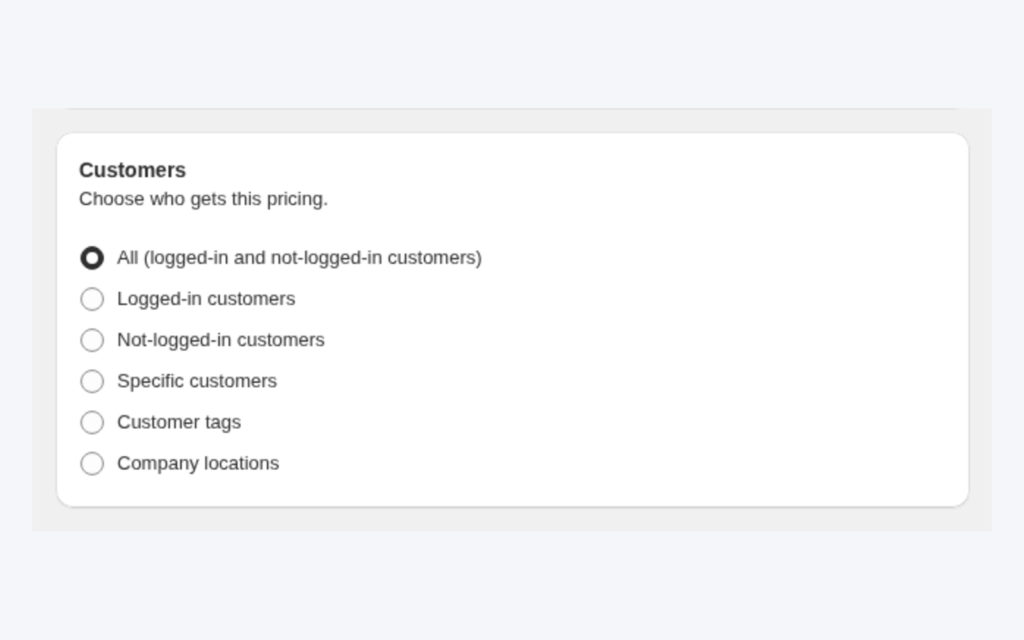
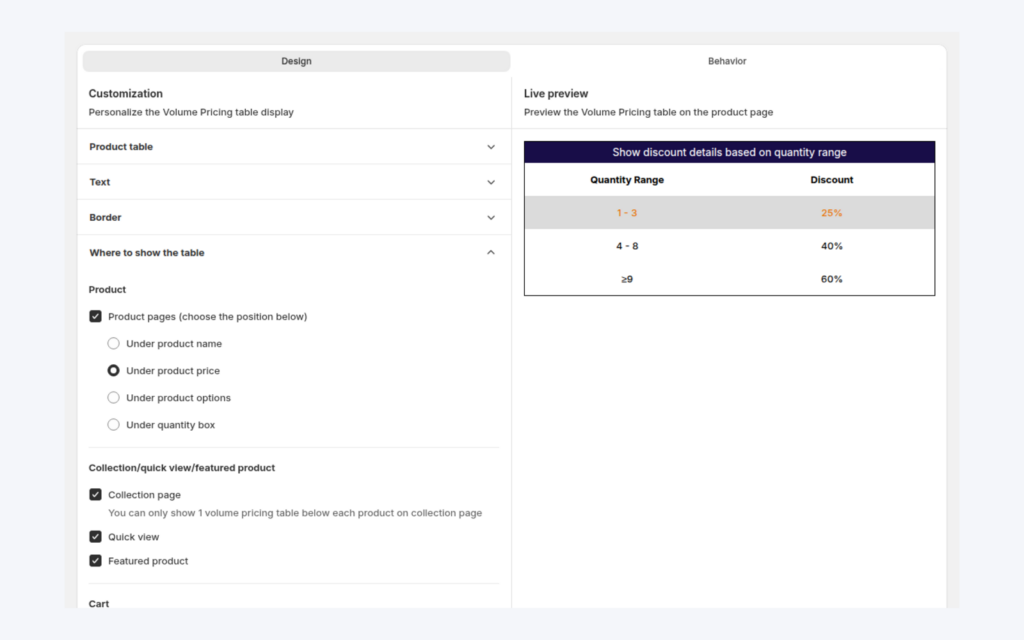
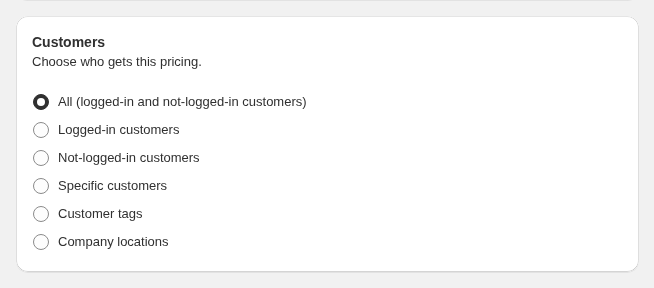
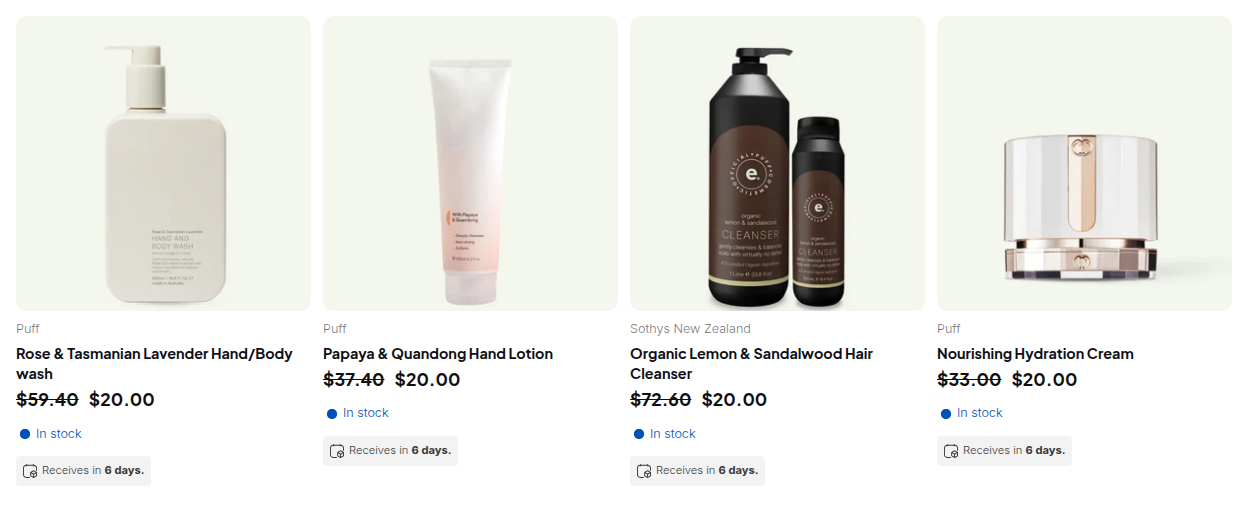
Open B2B Pricing > Custom Pricing and add a rule. Under Customers choose Customer tags and the tag. In the Price card set the discount. Retail pricing stays as your normal Shopify prices because no rule applies to guests. The same options exist for Price Lists and Volume Pricing.
Step 3: Add a registration form
Add a wholesale registration form so new trade buyers can apply on the storefront. In the form’s Tags card, fill in the tag to assign when you approve the customer. Approved applicants receive the tag, and your rules start to apply on their next page load.

Step 4: Adjust tax display, if needed
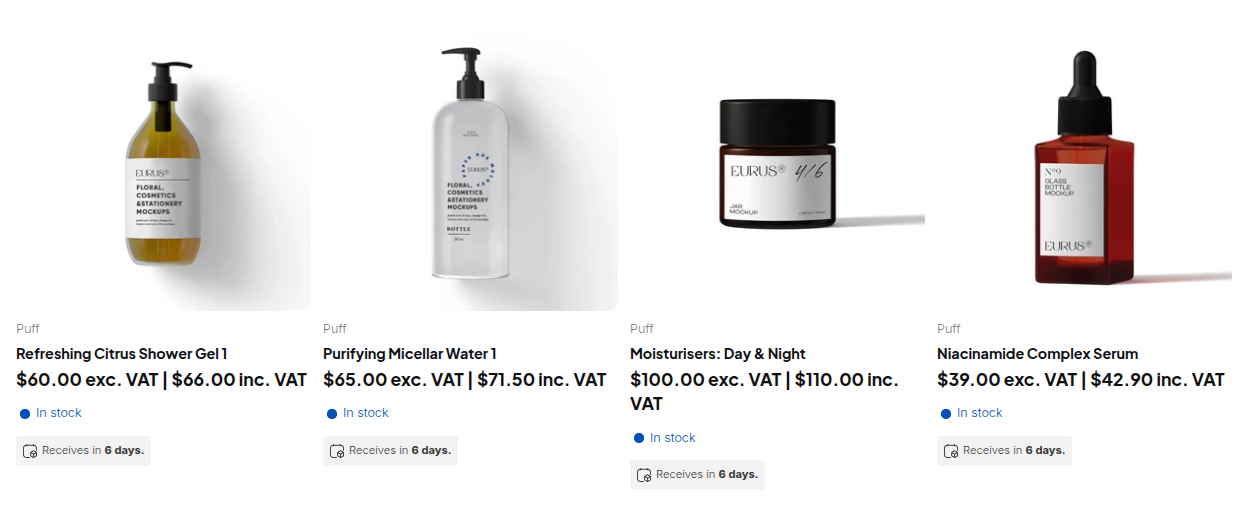
If wholesale buyers think in prices without VAT, use the Tax Display module to show prices excluding or including tax by customer group. Retail shoppers keep the tax-inclusive prices they expect.
Step 5: Test both audiences
Open one private window as a guest and another as a tagged customer, and compare the product page, the cart and the registration page. Repeat after theme or app updates.
What other merchants did
The case studies on this site describe several stores that serve both audiences. GreenTeaEveryday, a green tea concentrate brand in Israel, set up a single Shopify store for retail and wholesale customers, with a registration form that assigns a wholesale tag, manual approval and different prices by tag; the merchant reports that turnover rose by about 35% over six months while noting seasonality. Screenshelf, an Irish seller of phones and accessories, kept its B2C site and added a trade registration form and custom pricing, with product-page messages that invite retail visitors to register for a trade account. Dragonfly Sportswear reports that B2B transactions accounted for 16% of its turnover within the first year of using the BSS B2B apps, with B2C and B2B handled in one Shopify admin. Read the GreenTeaEveryday, Screenshelf and Dragonfly stories.
A safe way to roll it out
Adding wholesale to a live consumer store is easier when you change one thing at a time. A sequence that works well:
- Build with a test customer. Create a customer with the wholesale tag and a rule that targets it, and check the storefront as that customer before any real buyer is involved.
- Invite a few known buyers first. Approve a handful of existing trade contacts through the registration form, and ask them what they see on the product page and in the cart.
- Open the form to the public. Publish the registration page, link it from the menu or footer, and say on the page what approval involves.
- Review retail pages. Check that a guest and a retail customer still see the prices, tax display and messages they saw before. Retail conversion is the part of the business you must not disturb.
- Keep the review habit. Once a quarter, and after every theme change, walk through the guest, retail and wholesale views again.
This order keeps the risk where you can see it. Most problems appear in steps 1 and 2, when the only people affected are you and a few buyers who know you.
Example: a roaster with retail and trade customers
This is an illustration with made-up numbers, not a customer result. A coffee roaster sells a 1 kg bag at $30.00. Retail customers have no tag and pay $30.00. Approved cafes carry the wholesale tag.
| Visitor | State | Sees |
|---|---|---|
| Guest | Not logged in | $30.00, normal retail price |
| Retail customer | Logged in, no tag | $30.00, normal retail price |
| Cafe | Logged in, wholesale tag | $22.50 (25% off), prices excluding VAT if Tax Display is on |
| Applicant | Submitted the form, not yet approved | $30.00 until approval adds the tag |
Because the wholesale rule targets the tag, the cafe sees the discount on every device where it is logged in, and a retail customer who creates an account sees no change.
Works well with
- Tag pricing. Wholesale price by customer tag is the core rule for this setup.
- Registration. A wholesale registration form with approval brings buyers in.
- Hiding prices. If you do not want guests to see wholesale terms, BSS B2B Lock can hide prices and products from visitors who are not approved.
- Predictable rules. Which B2B rule wins explains priority if more than one rule matches a customer.
The customer onboarding hub covers registration in depth, and the wholesale pricing hub the pricing rules. The glossary explains customer tag, trade account and gated catalog.
Limits and common mistakes
- Do not rely on login status alone. With Shopify’s new customer accounts, login is open. Use a tag or a specific email for B2B eligibility.
- Do not hide the default login on a mixed store. The guide recommends replacing the login entry point only on B2B-only stores, because hiding it can affect regular retail customers.
- Guests do not match tag rules. Not-logged-in rules stop applying as soon as the customer logs in.
- If Optimize B2B script loading is on, B2B scripts load only for logged-in customers, so rules set for guests do not run.
- New tags show after a reload. Rules read login and tags when the page loads.
- Company locations need Advanced or higher and cover a company’s current locations only; edit the rule after you add a location.
- The registration page. With new customer accounts, the old
/account/registerpage works differently, so place the form on a dedicated page.
Setup checklist
- Choose the tag that identifies approved trade buyers.
- Create the pricing rule or price list for that tag.
- Publish a registration form on its own page and set the approval tag.
- Decide whether wholesale buyers see prices excluding VAT.
- Test as a guest, a retail customer and a tagged customer.
- Re-test after a theme change or app update.
Plans and requirements
Customer tag rules, registration forms and Custom Pricing start on the Free plan with limits: one Custom Pricing rule and the newest registration form. Unlimited forms, custom fields and most other options need a paid plan; Tax Display and company-location targeting need Advanced or higher. See the BSS B2B Solutions pricing page for current plan details.
You can install BSS B2B Solution from the Shopify App Store (4.9 rating from 1,185 reviews as of 2026-10-02, 14-day free trial on paid plans), read the app overview, or follow the customer targeting guide and the guide on Shopify new customer accounts in the docs.