BSS B2B Solution demo store
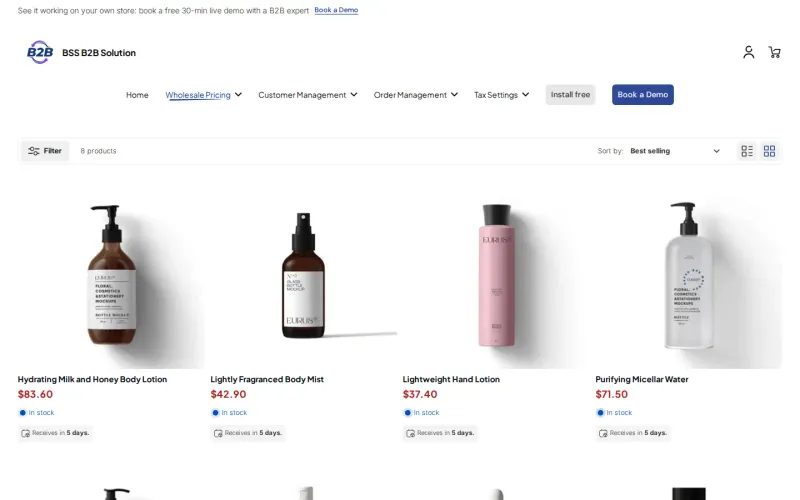
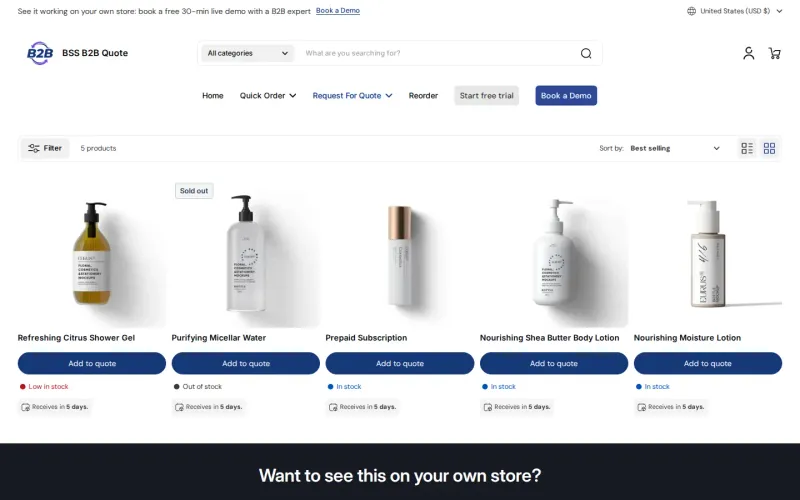
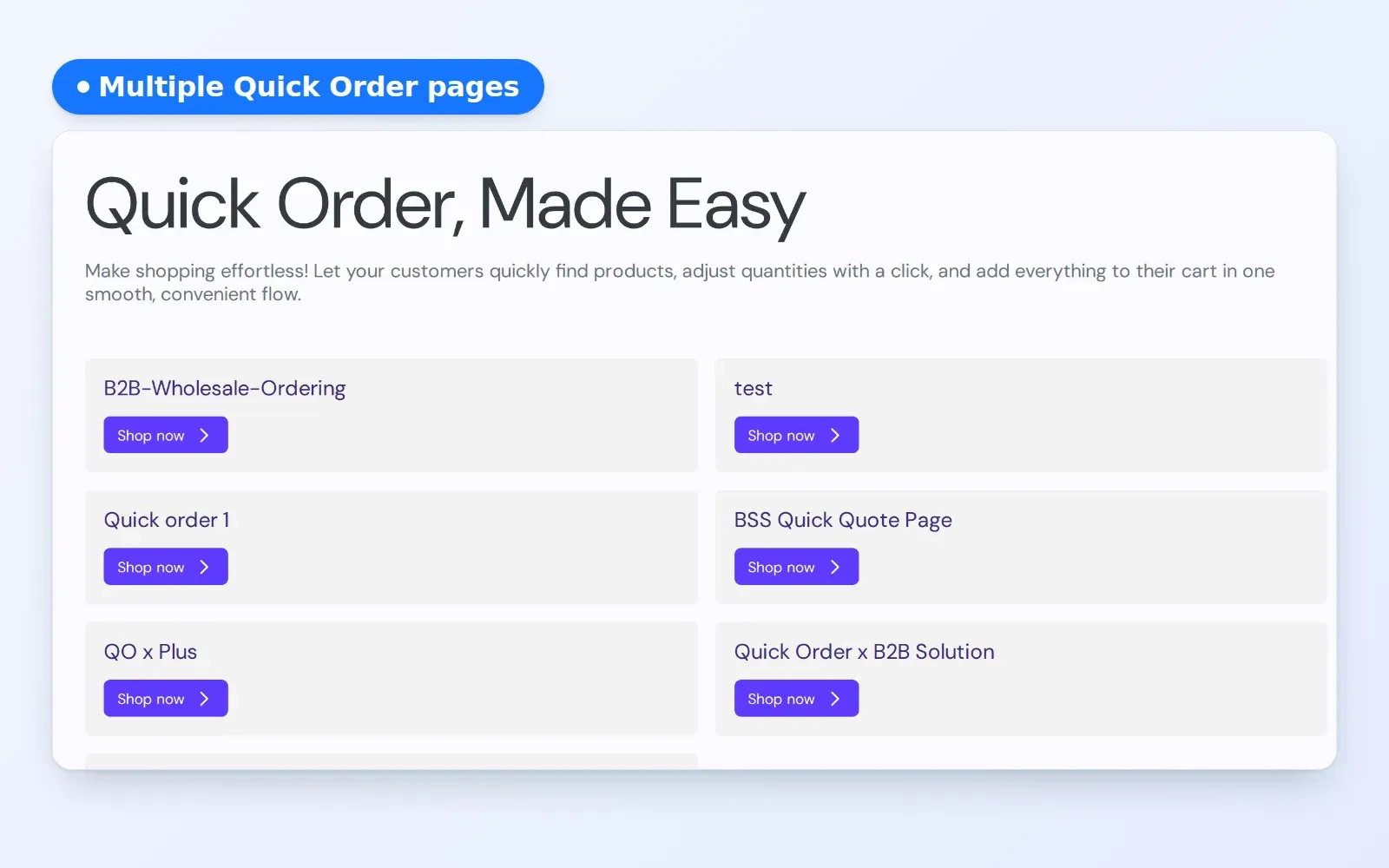
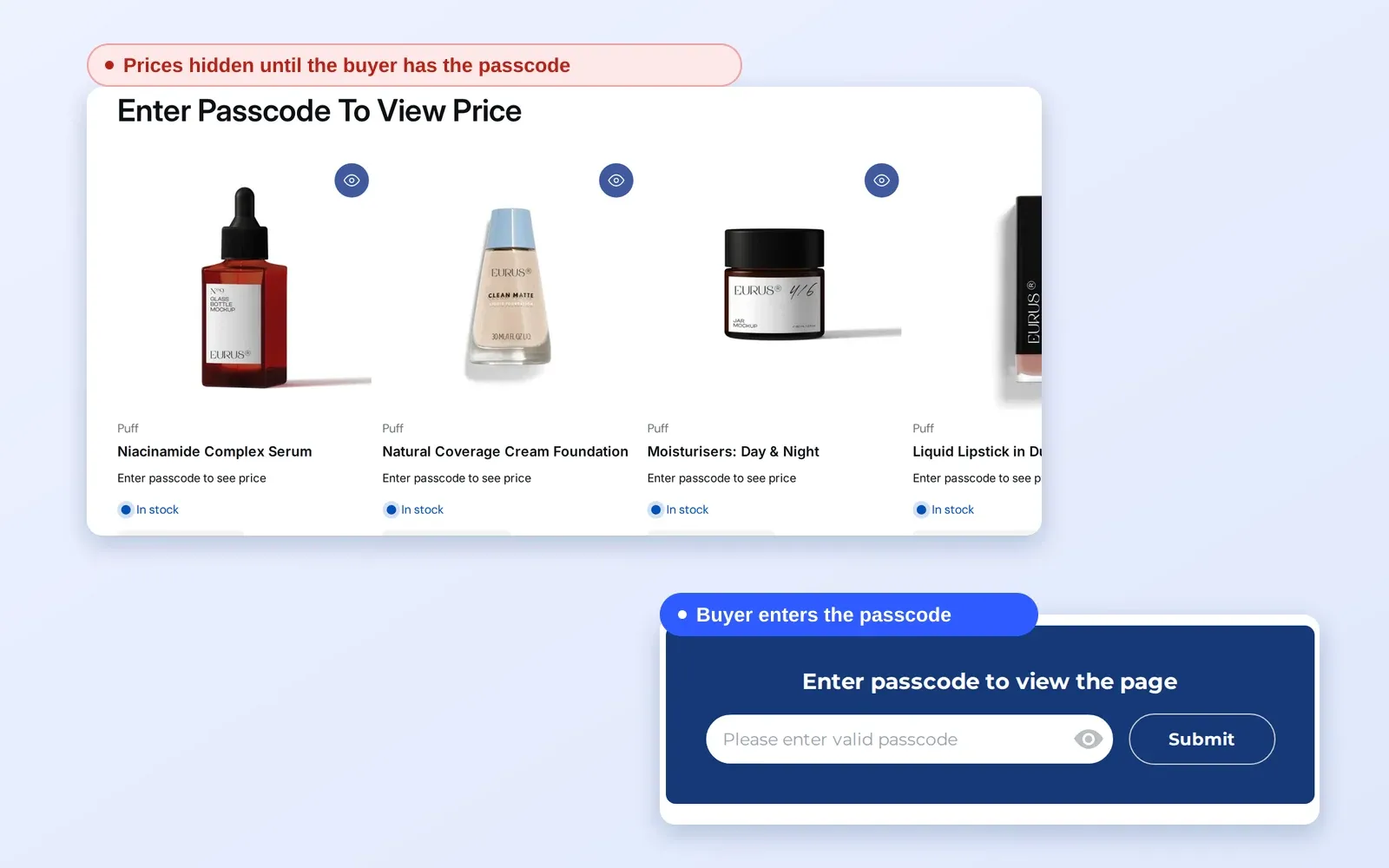
Wholesale pricing, price lists, quantity breaks, registration forms, net terms, tax and order rules, on one sample store. Its menu has one page per feature.
| Demo store | bss-b2b-wholesale-solution.myshopify.com/ |
|---|---|
| Demo password | 1, as published in the BSS B2B Solution docs ("Try it on the demo store (password: 1)"). |
| App | BSS B2B Solution (4.9 out of 5 from 1,187 reviews on the App Store, as of October 4, 2026) |
| Best pages | Price List, Volume Pricing, Registration form, Net Terms, Tax Exempt, Order Limit |
What to try
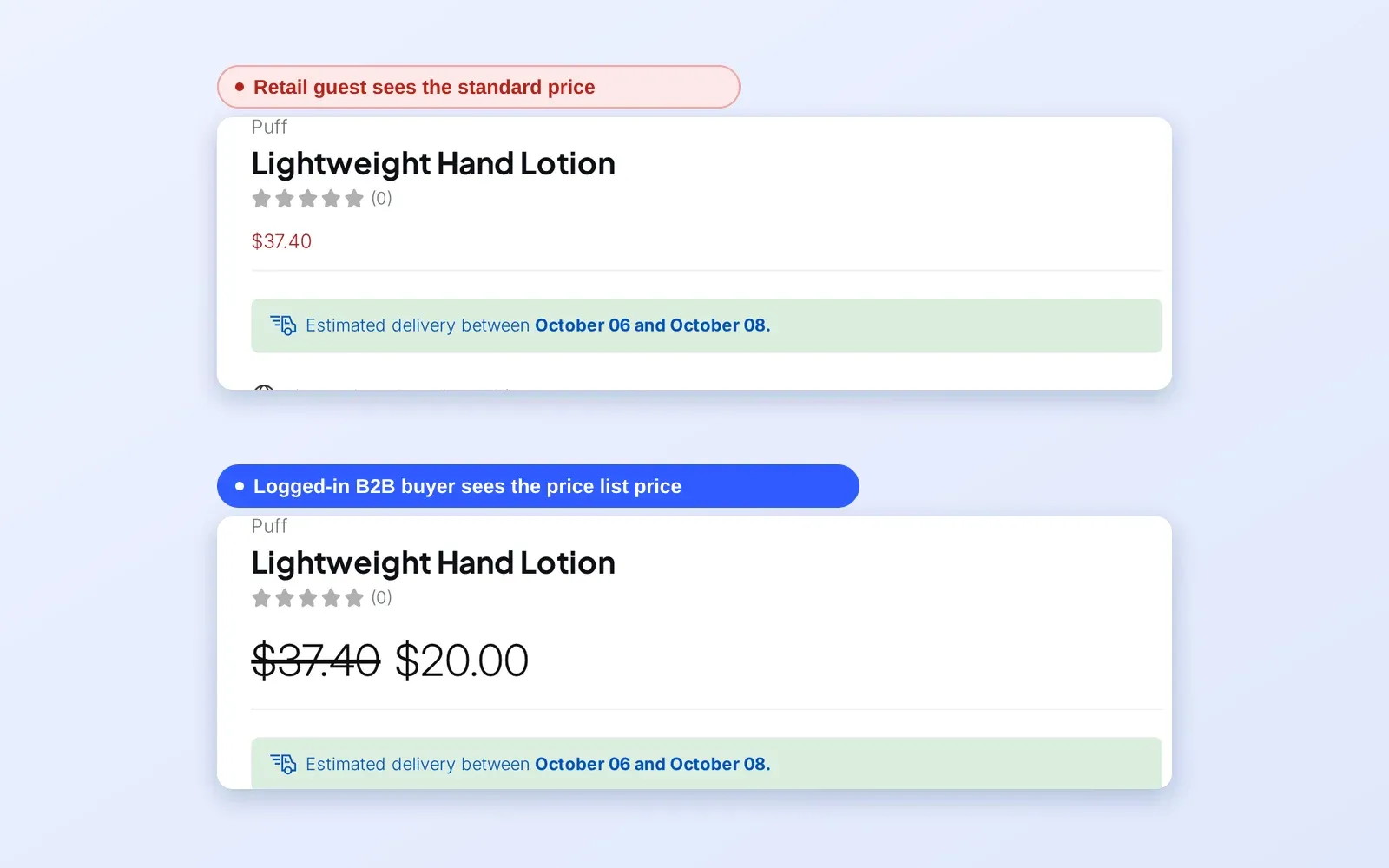
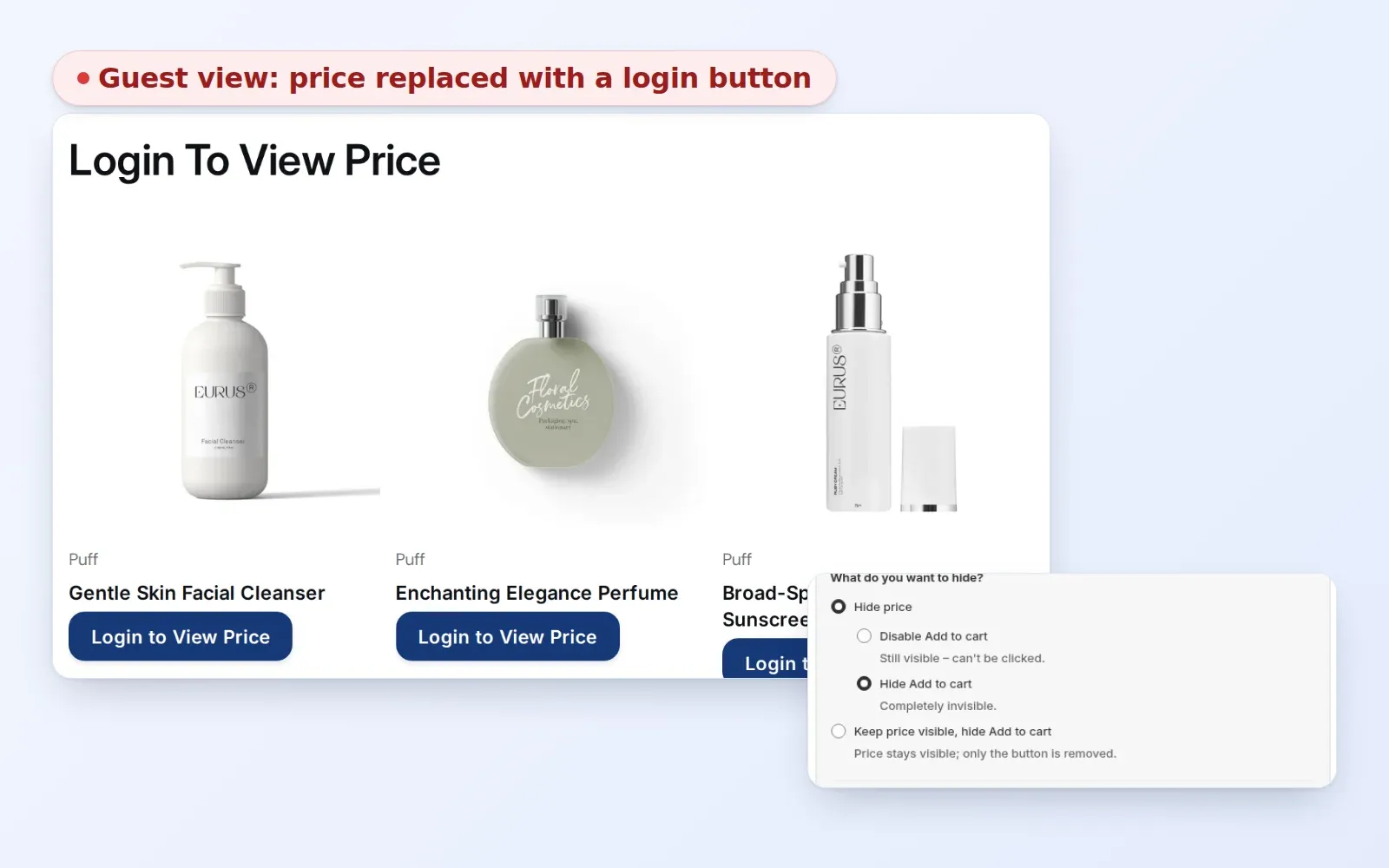
- Browse a collection as a retail guest, then use the Log in as B2B buyer button in the bar under the header and compare the prices on the same product.
- Open the Volume Pricing collection, pick a product and change the quantity: the tier table and the price follow the quantity.
- Open the Price List page and see the fixed prices the sample buyer gets.
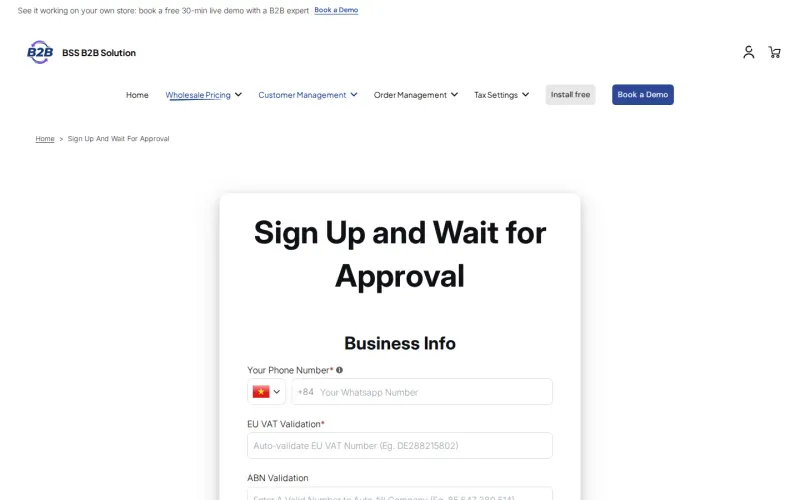
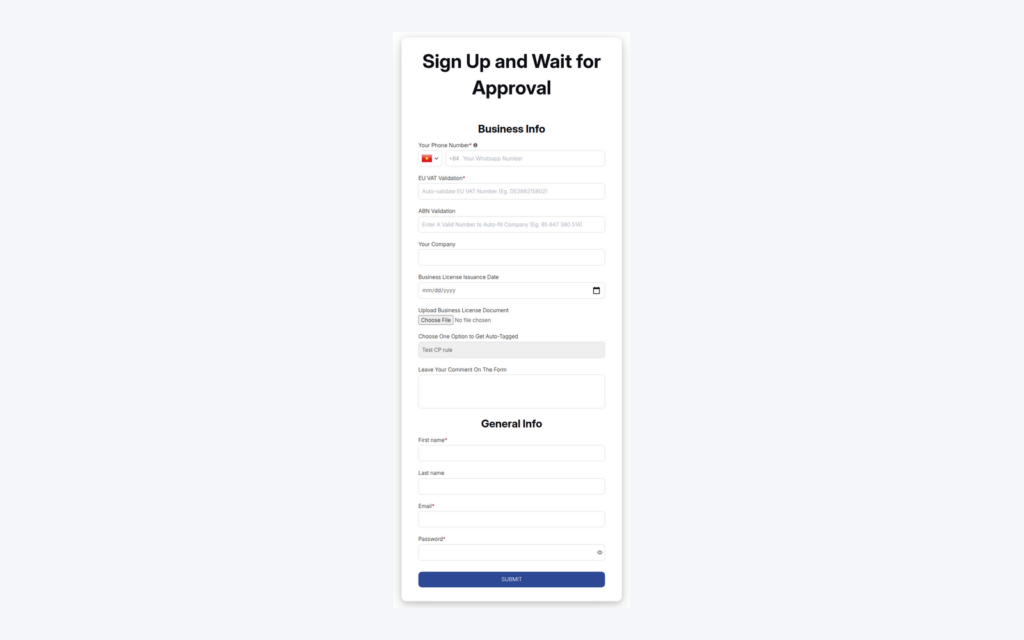
- Open the registration form (Sign Up and Wait for Approval) and type into the EU VAT and ABN fields: the number is checked as you type.
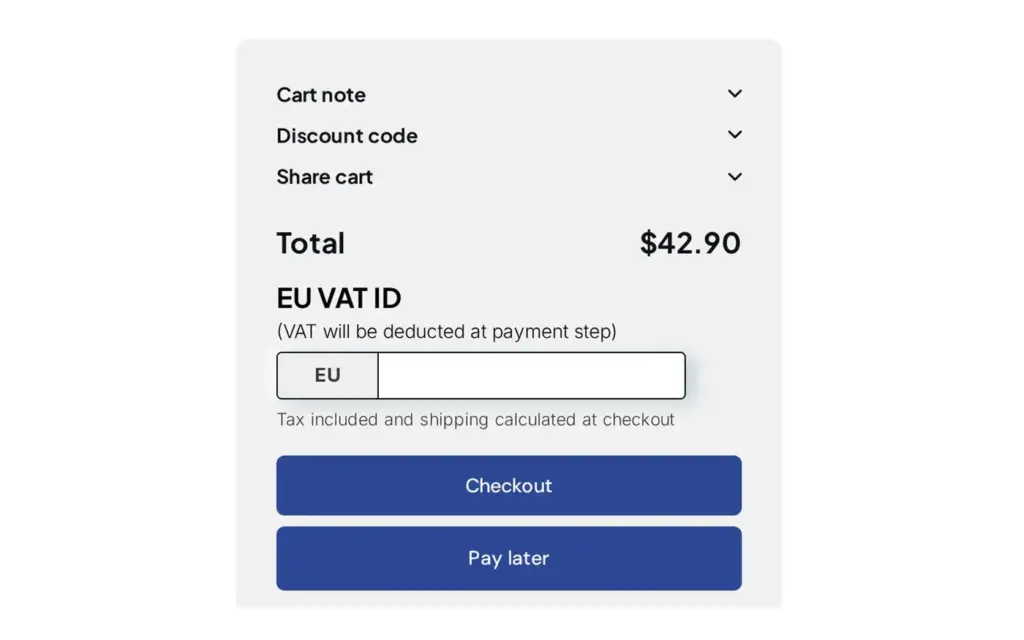
- Add a product to the cart and look for the EU VAT ID box (Tax Exempt) and the Pay later button (Net Terms). You can stop before payment.
- Open the Order Limit and Quantity Increment pages and try an order below the minimum to read the message a buyer sees.