| Plans and list prices | Basic $39, Professional $69 and Premium $99 per month, or $420, $744 and $1,068 per year (the listing says save 10%). Charges recur every 30 days in USD.[1] | Free, then $29 (Essential), $49 (Advanced) and $99 (Platinum) per month. Yearly billing saves 10%. Free, then paid |
| Free plan | No free plan is shown on the listing. The documentation says developers can test for clients free, only on development stores created as a client transfer.[1][2] | A Free plan with limits, for example 1 Custom Pricing rule and 1 registration form. All features are free on development stores. Free |
| Free trial | 14-day free trial on every paid plan.[1] | 14-day free trial on paid plans. Paid plans |
| Shopify plan requirements as stated | Plans are named by app tier, not by Shopify plan. The listing has a compatibility note whose criteria we could not read, and the plans documentation states no Shopify plan requirement.[1][2] | The listing states no Shopify plan requirement, and plans are app tiers, not tied to your Shopify plan.[11] All plans |
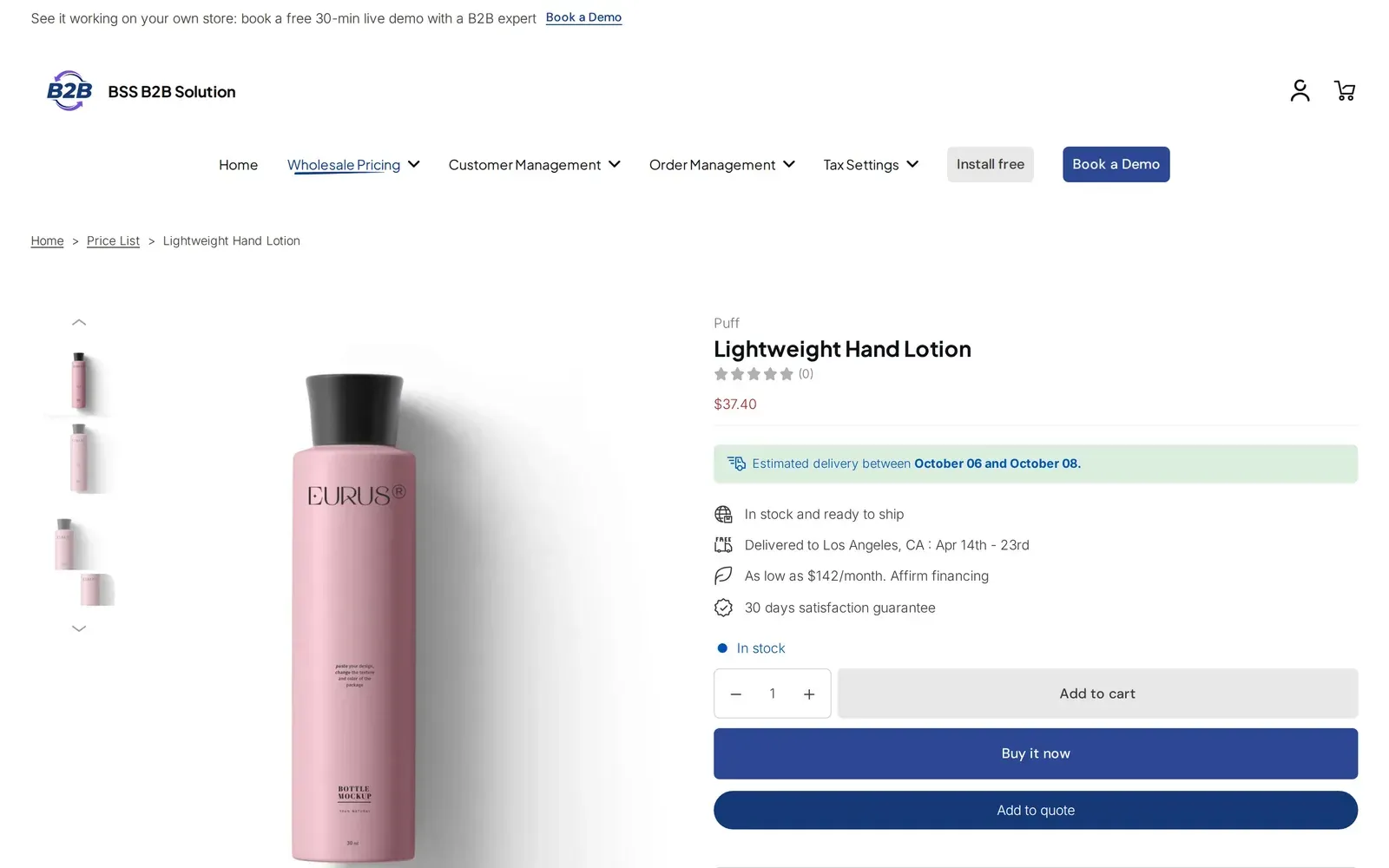
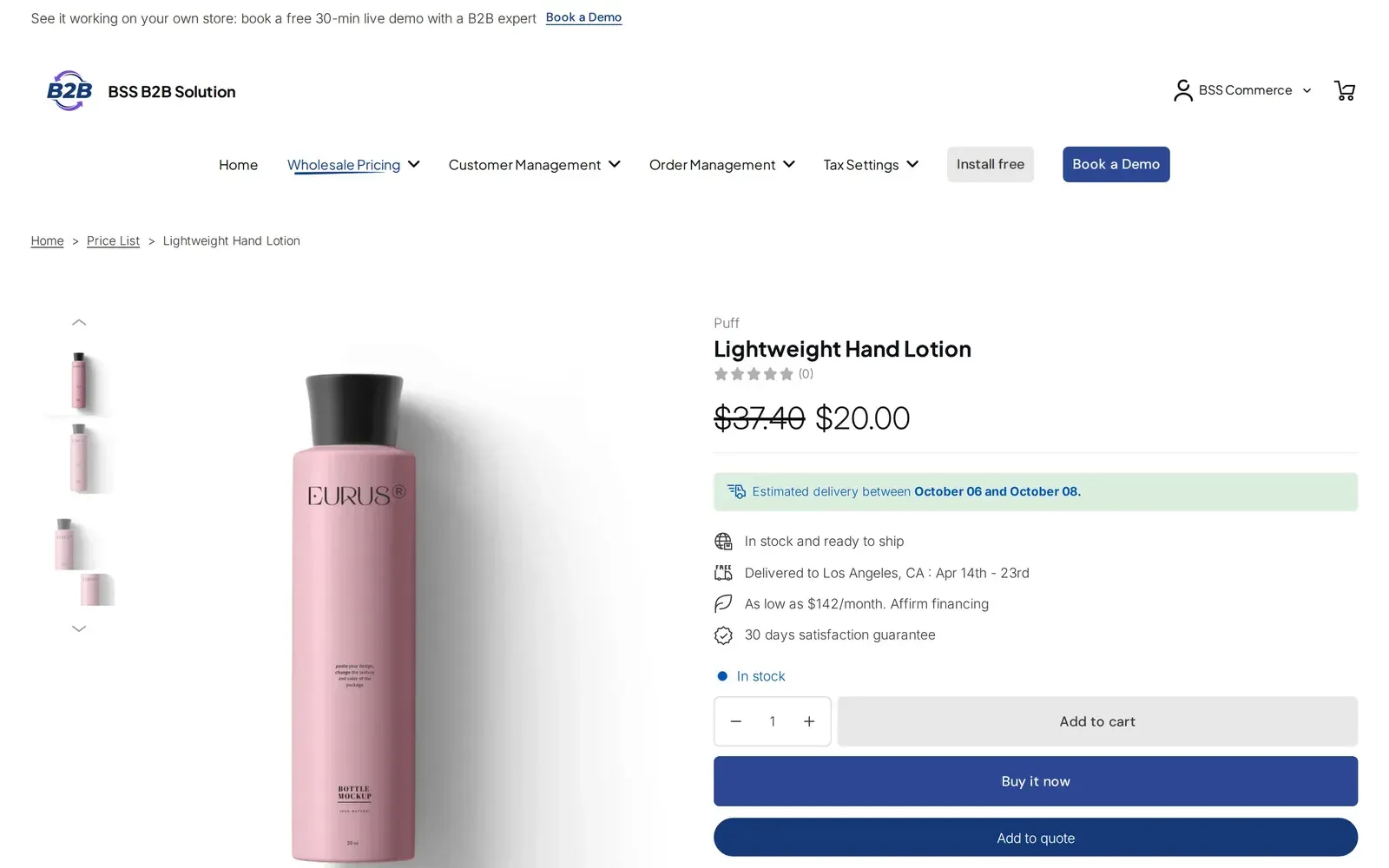
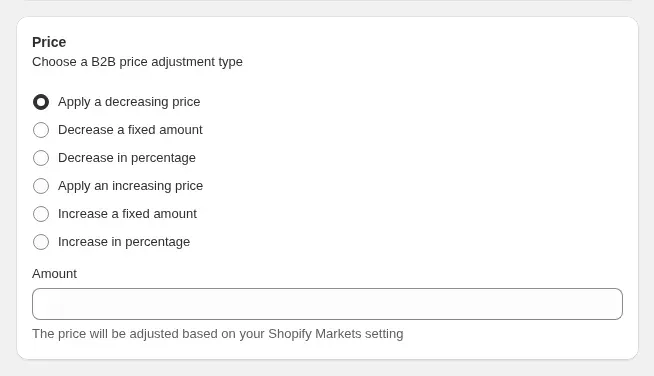
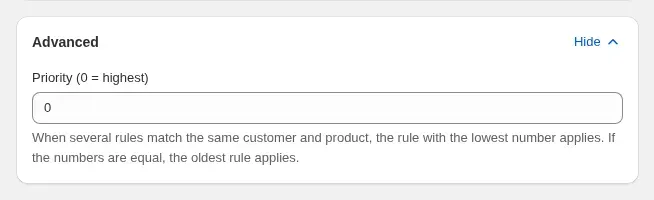
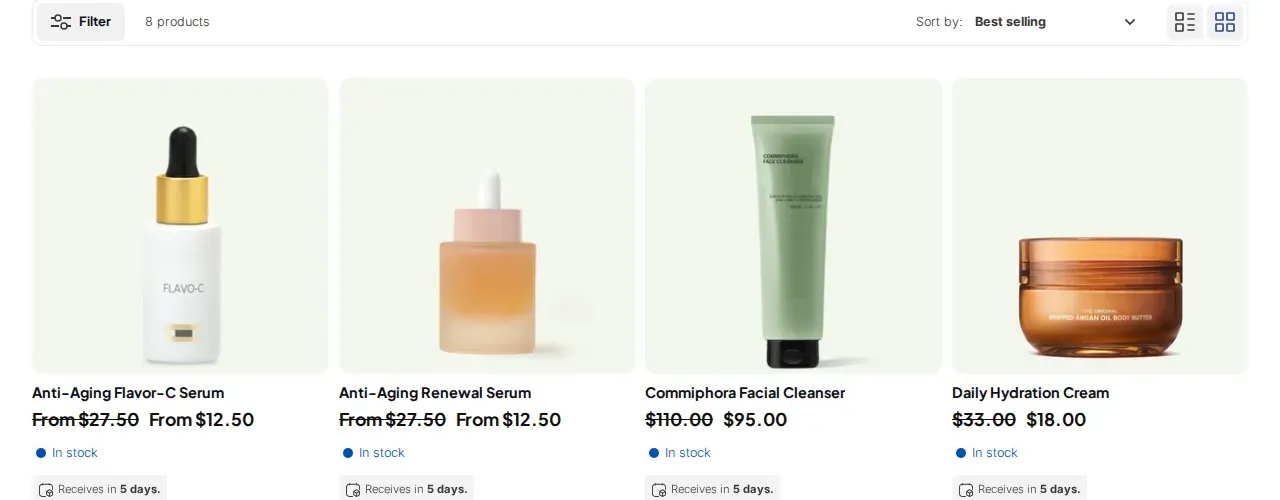
| Group or customer prices | Percentage discounts for tagged customer groups on Basic. Custom prices per variant on Professional; its documentation has an article on editing custom prices with a CSV.[1][3] | Custom Pricing by customer, tag or product. Priority 0 to 99 settles conflicts between rules of the same type; lower wins. Variant-level conditions are Platinum. Free: 1 rule. Variant level: Platinum Hub: Wholesale pricing |
| Price lists | Not listed under that name. Percentage discounts and custom prices for customer groups are listed.[1] | Price List: price points per buyer group, managed in the app, not in Shopify catalogs. It wins over Custom Pricing on the same variant. Platinum Hub: Wholesale pricing |
| Volume and tiered pricing | Volume discounts (tiered quantity breaks) on Professional.[1] | Quantity Break tiers stacked on top of the Custom Pricing or Price List price. Free: 1 simple rule Hub: Wholesale pricing |
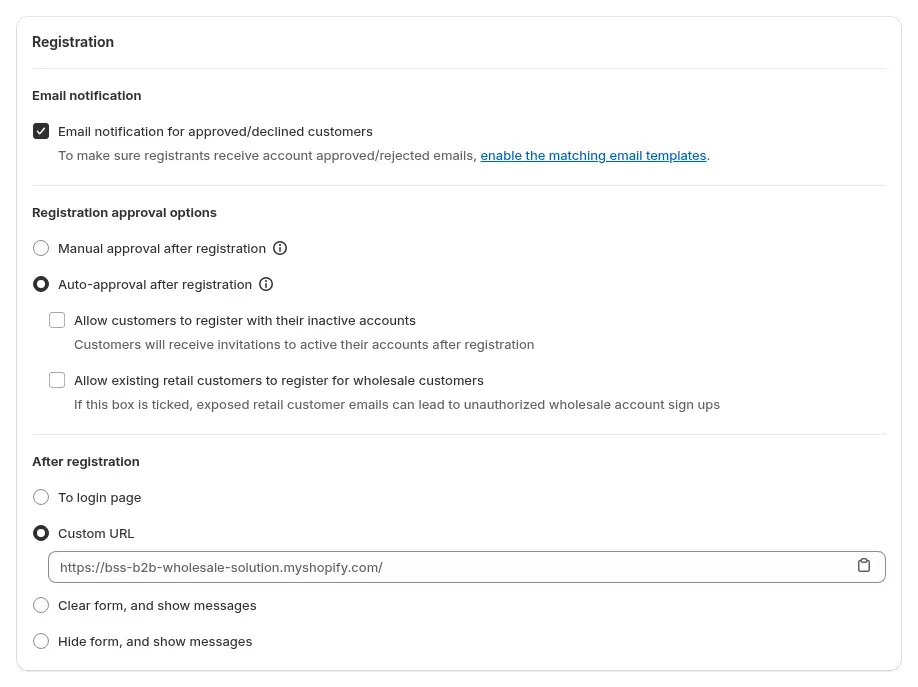
| Wholesale registration | A registration form on Basic: applicants are approved by hand or automatically, and selected tags are added on approval. Basic and Professional use fixed fields; Premium adds a form editor with up to 50 fields and file uploads (PDF, JPG or PNG, 10 MB, deleted after 30 days). The documentation says registrations apply to stores installed after February 5, 2026 and need Shopify's new customer accounts.[1][4] | Registration form with 10 field types, approve or reject, optional auto-approve, tags on approval. Approval creates a customer, not a company. Free: 1 form. Multi-step: paid Hub: Customer onboarding |
| Tax ID field and checks | The fixed registration form has a Tax ID field. The documentation we read does not describe checking the number.[4] | Live check as the applicant types: EU VAT, UK VAT, ABN, India GST. Blocks submit only when the field is required. Paid plans. US EIN: Platinum Hub: Tax and compliance |
| Tax exemption and tax display | The documentation says the app does not apply taxes and your Shopify tax settings apply. It has no built-in VAT settings; support can show wholesale prices with a fixed VAT percentage on collection pages, product pages and cart lines for stores installed before February 5, 2026, and cart totals and checkout cannot be changed. Tax exemption is not mentioned.[8][9] | Tax exemption: the buyer enters a tax ID on the cart page and the app creates a tax-free draft order. It is not entered in Shopify checkout, and if the draft order fails the buyer is taxed at normal checkout. Tax display is listed for the app. Advanced and up Hub: Tax and compliance |
| Net terms and payment terms | Net terms on Professional; the listing names Net 30 and Net 15. Tagged customers see a Net Terms checkout button that bypasses Shopify's checkout, and payment is collected manually.[1][5] | Due on receipt or fulfillment, Net 7, 15, 30, 60, 90, end-of-month types and custom periods, applied to a draft order, for logged-in customers, named customers or tags. No Net 45 preset. Advanced and up Hub: Order rules and terms |
| Order minimums and limits | Order minimums by cart quantity or value, collection, product or variant. The listing puts them on Professional; the plans documentation lists them under Basic.[1][2] | Order Limits (minimum or maximum amount or quantity) and Quantity Increments, enforced by storefront scripts, not at a direct checkout link. Advanced and up Hub: Order rules and terms |
| Quick order form | A Quick Order Form on Basic.[1] | The quick order page and CSV or XLSX upload live in BSS B2B Quote, a separate app. BSS B2B Solution imports pricing rules by CSV. BSS B2B Quote Hub: Quick order and RFQ |
| Product visibility and locks | Product Visibility on Premium hides products or collections from anyone without a chosen customer tag. The article does not mention hiding prices, and points to Locksmith or theme controls for stricter needs.[1][6] | In BSS B2B Lock, a separate app: hide prices and Add to cart, lock products, collections and pages by tag, passcode or login. BSS B2B Lock Hub: Access control |
| Manual orders | Manual Order Entry on Basic.[1] | Manual Orders let staff build an order for a customer with pricing rules, discount codes, shipping rate, tax exemption and payment terms. Order Limits and Quantity Increments are not applied. Advanced and up Hub: Order rules and terms |
| Extra fees, shipping and discount codes | Its documentation has articles on applying extra fees to wholesale orders and on combining discount codes with wholesale discounts. The plan for each is not stated.[3] | Shipping Rate and Extra Fee rules for targeted customers. Discount Code rules apply after price rules. Per the BSS user guide, Shopify automatic discounts do not work alongside Custom or Volume Pricing. Advanced and up |
| Markets and currency | Markets Support: percentage wholesale discounts for secondary markets in local currencies. Custom Prices, Volume Discounts, Manual Orders and Extra Fees are not supported in secondary markets. The listing puts Markets Support on Basic; the Markets article says Professional and Premium.[1][7] | Rules can target a Shopify Market. Multi-currency is a display conversion at Shopify's rate; checkout stays in the store or Markets currency. Display: Advanced and up |
| Shopify POS and API | Works with Shopify POS, and the documentation has articles on wholesale orders at POS. Secondary-market discounts do not apply at POS. A public API is not listed.[1][3][7] | Shopify POS: staff tap the B2B Price tile to apply Custom Pricing, Price List and Quantity Break prices. Not automatic. Public API for pricing rules and forms. Platinum |
| Integrations as listed | Works with Checkout, Customer accounts, Shopify POS, Shopify Flow, Shopify Admin and Helium Customer Fields.[1] | Works with Checkout, Customer accounts, Shopify POS and Shopify Admin, plus BSS B2B Quote, BSS B2B Lock and the third-party apps named on its listing.[11] All plans |
| Analytics | Advanced Analytics on Premium.[1] | We have not verified an equivalent analytics feature in BSS B2B Solution. Not verified |
| What happens if you uninstall | The documentation says uninstalling permanently removes custom settings, tags and app data, including discount tags and custom prices, and cancels the subscription. Reinstalling does not restore them. Deactivate Product Visibility rules first or products may stay hidden.[10][6] | Rules, forms and Price Lists live in the app, so prices built on them stop applying if it is uninstalled. Customer tags and orders it created stay in Shopify. All plans |
| Languages | English is the only language shown.[1] | 20 languages.[11] All plans |
| Rating and launch | 4.7 out of 5 from 703 reviews. Launched January 6, 2015.[1] | 4.9 out of 5 from 1,189 reviews. Launched September 18, 2020.[11] As of October 10, 2026 |
| Built for Shopify badge | The badge is shown on the listing.[1] | The badge is shown on the listing.[11] As of October 10, 2026 |