


Noogs is a US sports nutrition brand that sells sour energy chews to runners and athletes online and wants more stores to carry them. Its Shopify site shows consumers a clean retail price, and invites retailers to apply for a wholesale account. This spotlight explains how that application and the pricing behind it work with BSS B2B Solution.
Key takeaways
- A consumer brand can keep one simple retail storefront and add a wholesale application behind a single navigation link.
- Noogs’ Retailer Account Signup asks for a sales tax exemption document and one required question: is this registration for a retailer reselling Noogs products?
- Behind the form, BSS rules cover custom pricing, volume pricing, net terms, shipping rates and discount codes for tagged accounts.
- The merchant’s public review thanks the support team for being responsive whenever setup problems came up.
About Noogs
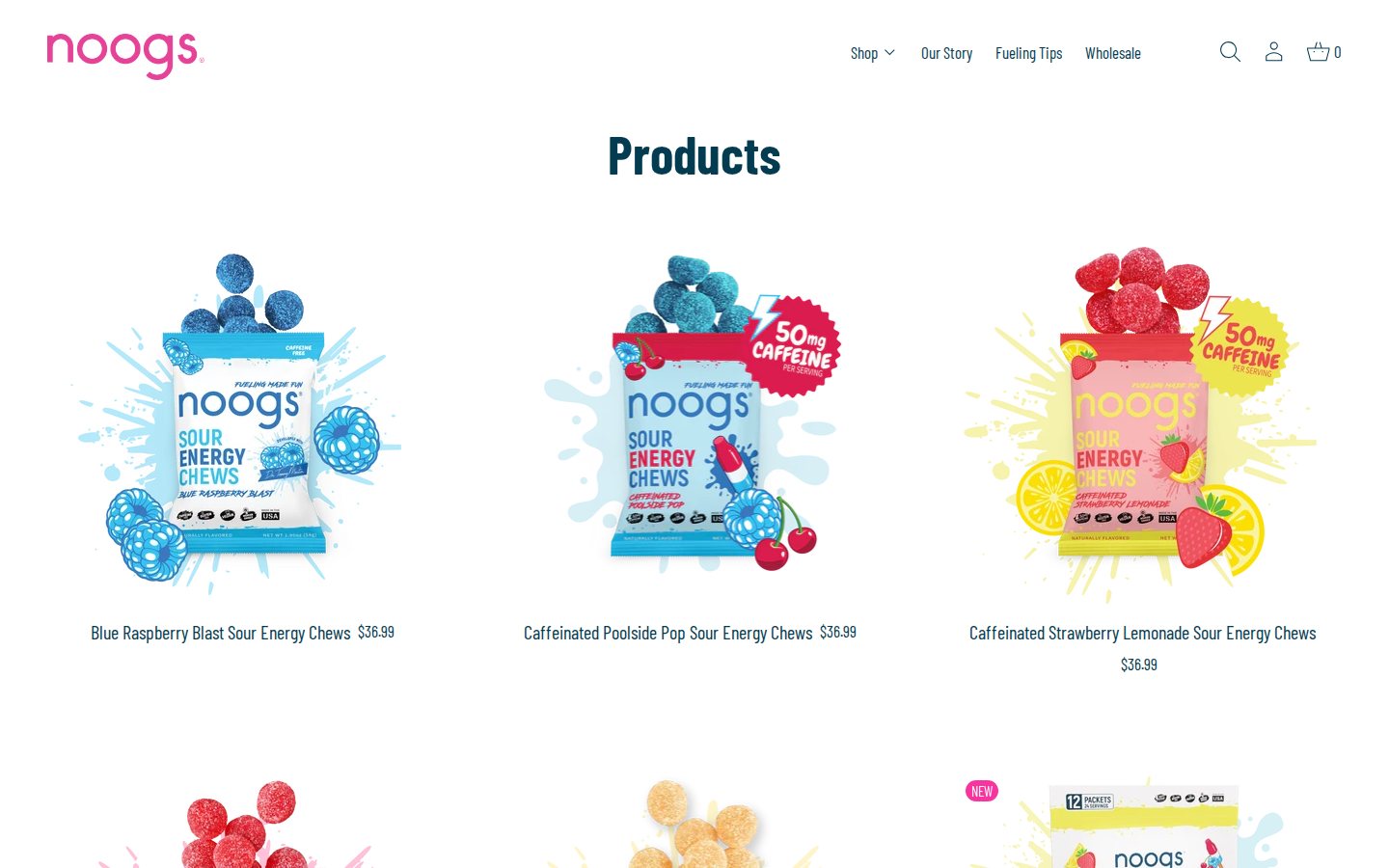
Noogs makes sour energy chews that are designed to taste like sour gummy candy. According to the brand’s own site, the founder is a dietitian who could not find the right fuel for long runs and made her own, and the story page tells it with a marathon and a dog with a nickname. The chews are vegan and gluten-free, come in flavors such as Electric Watermelon, Blue Raspberry Blast and Lemon Zinger, and are sold in boxes of 12 packets (24 servings), with caffeinated and caffeine-free versions and multipacks. The listed price for a box is $36.99, and the site also shows a consumer bundle promotion that is separate from the wholesale program.
The brand is built around the running community. Its navigation has Shop, Our Story, Fueling Tips and Wholesale, and the site also lists a store locator, an event calendar and pages for race expos and giveaways. A store locator is a useful clue for this story: it tells shoppers that Noogs wants to be on shelves in physical stores as well as in an online basket, which is why a wholesale channel matters.
The B2B model: a direct-to-consumer brand that recruits retailers
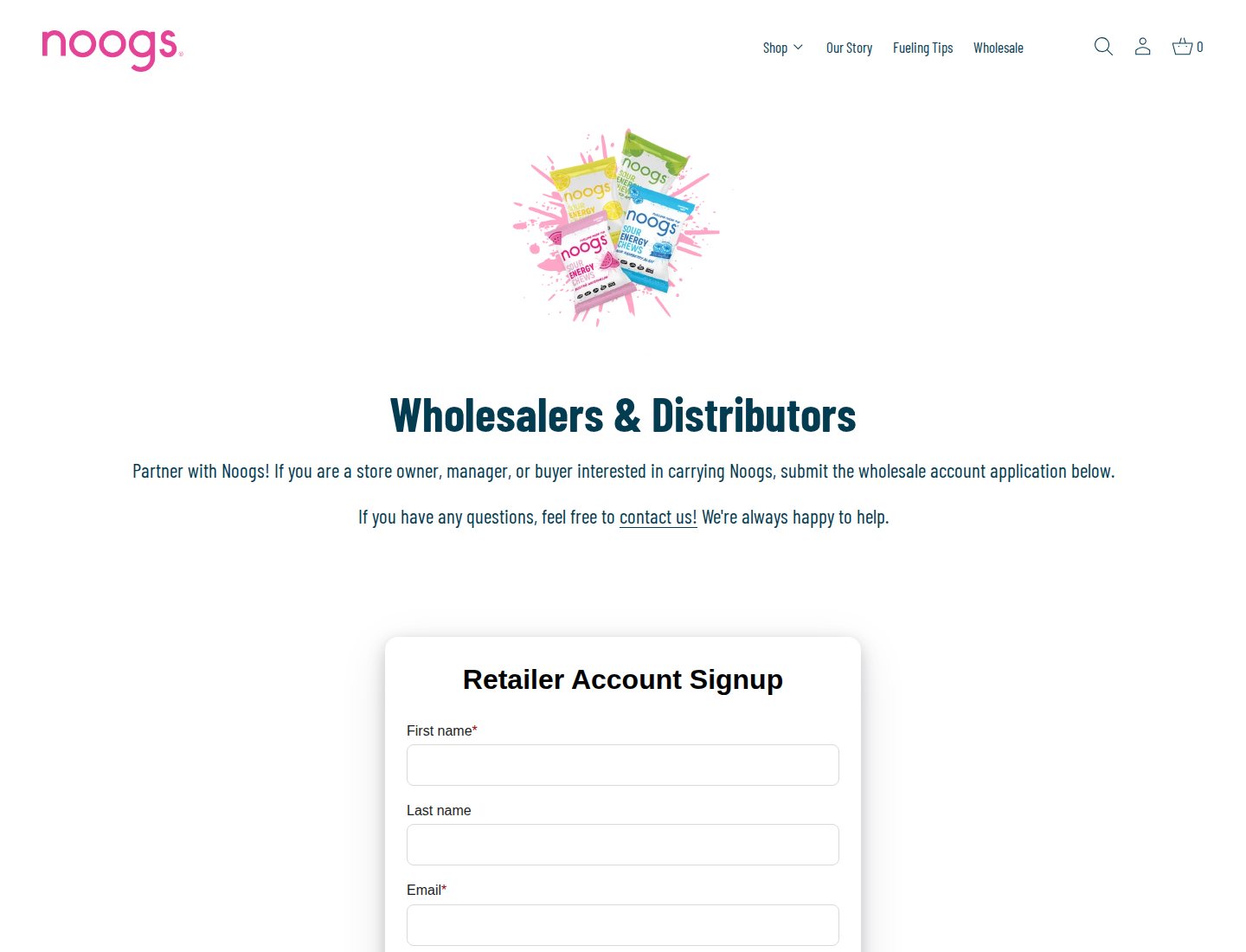
Noogs is primarily a direct-to-consumer brand with a retail channel on the side. The home page, collection page and product pages are written for runners, and prices are single retail prices. The wholesale route lives in the main menu under “Wholesale”, where the headline reads “Wholesalers & Distributors” and the copy invites “a store owner, manager, or buyer interested in carrying Noogs” to submit the wholesale account application.
This is a common shape for emerging consumer brands. They do not need a locked storefront or a separate B2B site. They need three things: a way for a retailer to introduce itself, a way to confirm the retailer is a real reseller (and, in the US, whether it holds a tax exemption), and a way to give approved retailers wholesale pricing without exposing it to consumers. Shopify’s customer tags plus a B2B pricing app handle all three. See our customer onboarding hub for the broader pattern and the use case on setting up a wholesale store from scratch.
A walkthrough of the wholesale surfaces
What a guest sees on the product page
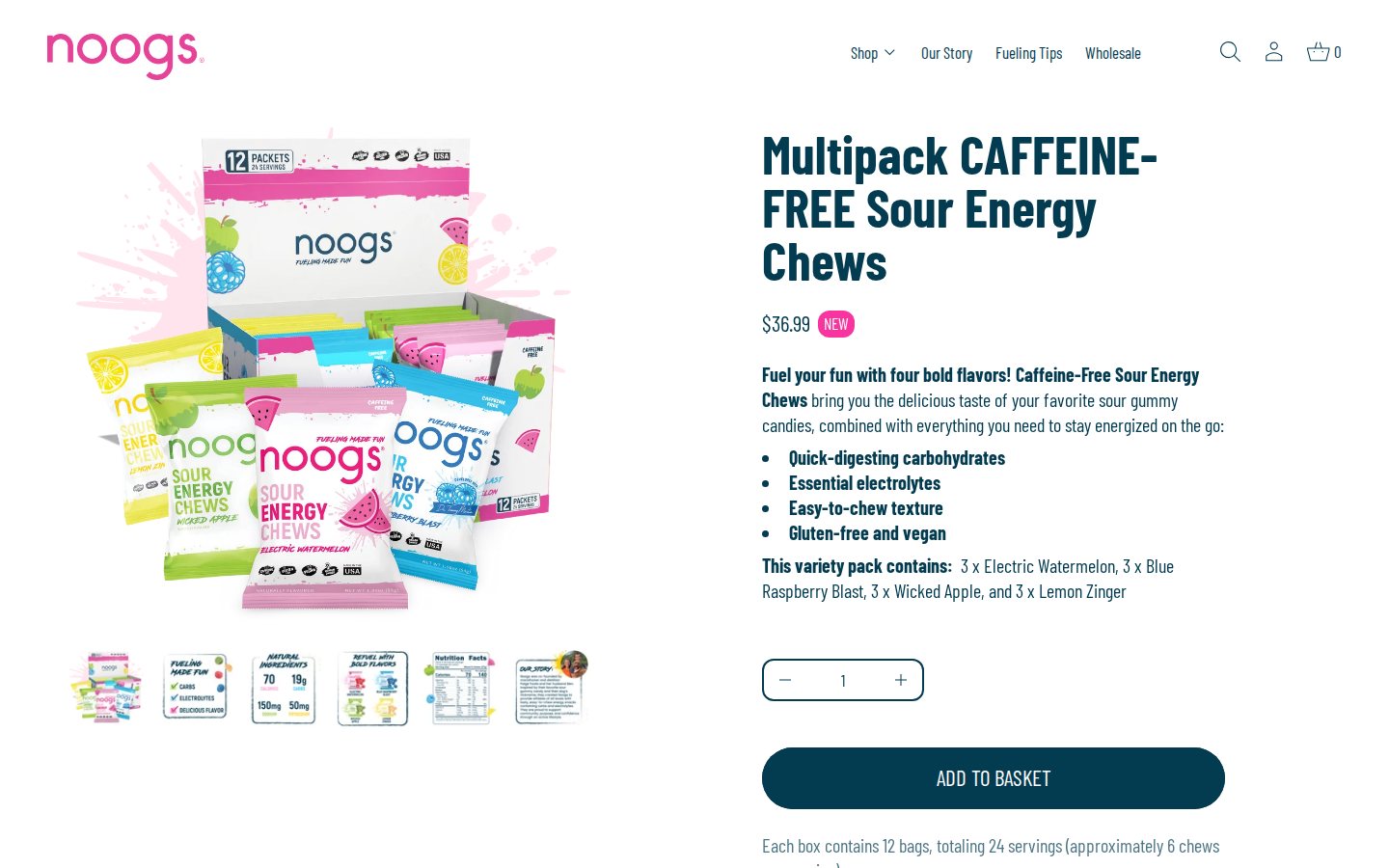
A visitor who is not signed in sees the retail price and an Add to basket button. Nothing on the product page announces a wholesale price. That is deliberate and typical of a brand that wants consumers and retailers to have different experiences: the wholesale price is revealed only to a signed-in retailer whose account carries the right tag. We could not see that logged-in view, because we do not sign in to merchant storefronts for these spotlights, but the storefront code on the product page loads BSS’s volume pricing component, which is the piece that would render a quantity table for eligible buyers.
The Wholesale page
The page is deliberately plain. A large product graphic, the heading, two sentences and then the form. For a brand whose products sell on color and flavor, this restraint keeps the focus on the one action the page exists for.
A form built to qualify retailers
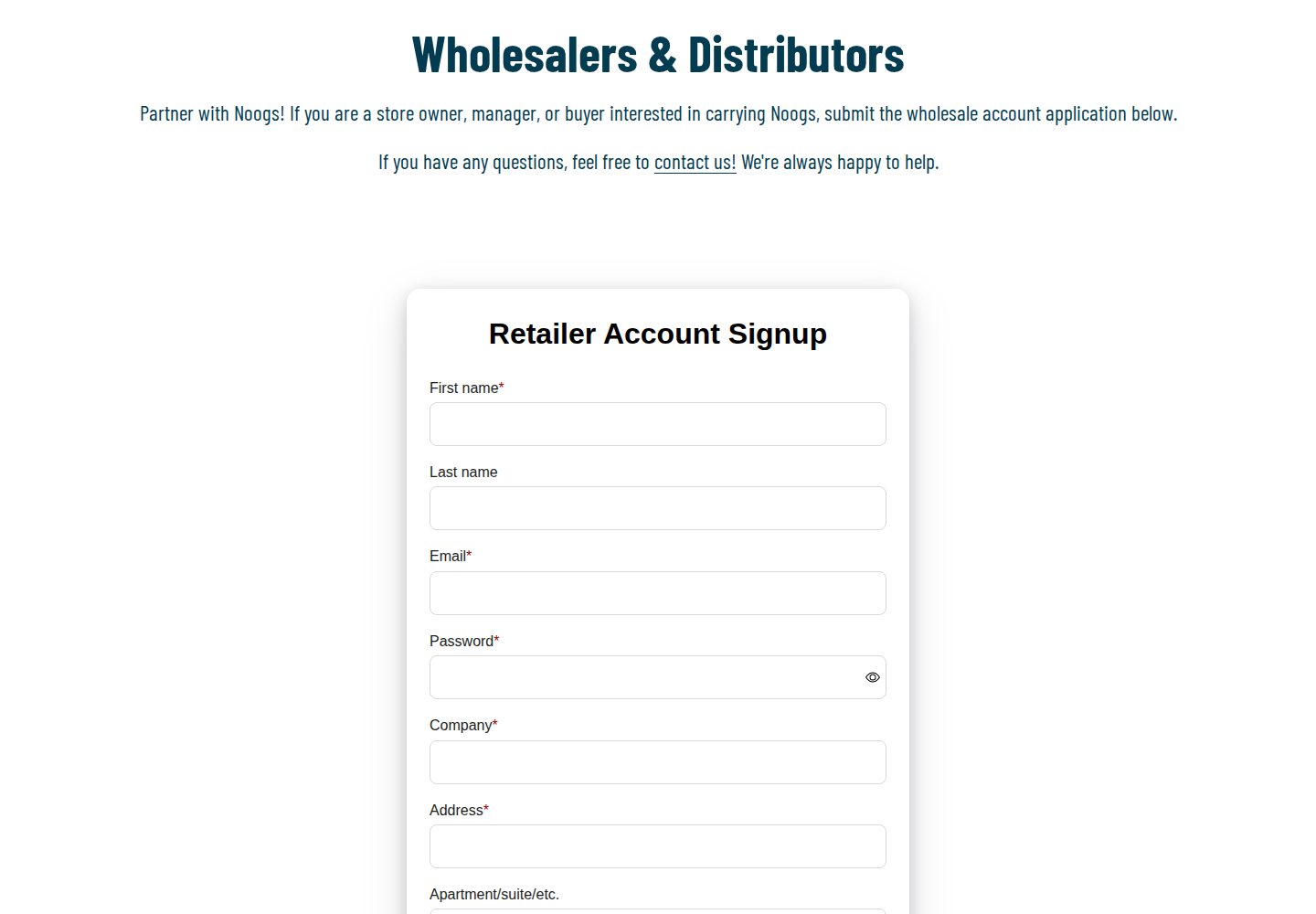
The Retailer Account Signup form collects first name, last name, email and a password, then company, address, apartment or suite, city, zip code, country and phone. Two fields do the qualifying work. The first is a file upload labelled “Sales Tax Exemption Form”, so a retailer that buys for resale can provide its certificate with the application. The second is a required question: “Is this registration for a retailer (reselling Noogs products)?” with Yes and No answers. A form that asks this up front separates real retailers from curious consumers, and the answer gives a reviewer a fast first filter. A short privacy confirmation sits above the submit button.
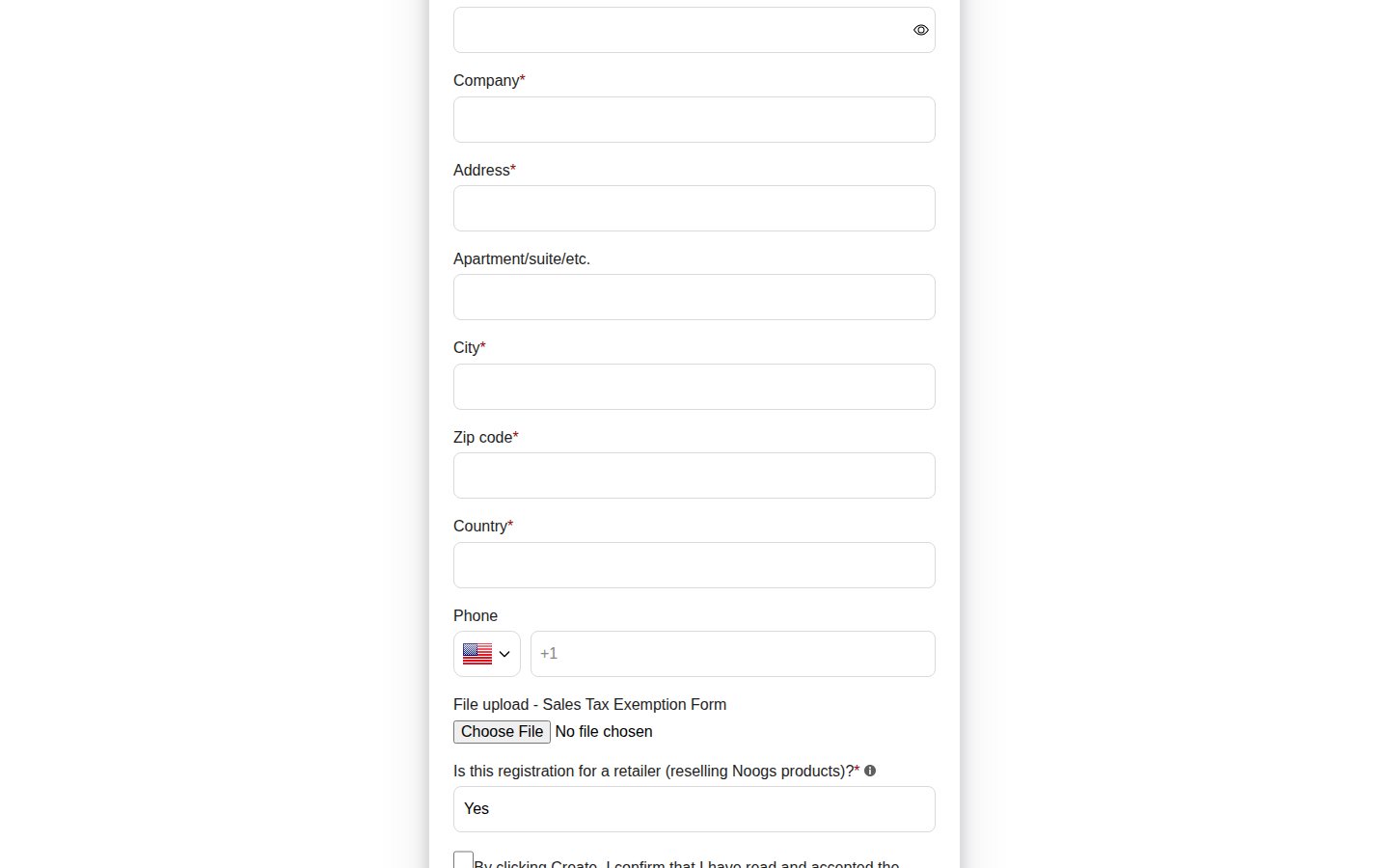
Behind the form, the configuration data shows a registration form that creates the customer account, applies a customer tag, requests a tax exemption document and records privacy consent. Because the applicant chooses a password on the form, the account exists from the moment of registration, and the tag is what decides what that account can see once the merchant approves it. The guide on building a wholesale registration form explains the field types and the file upload limits.
On a phone
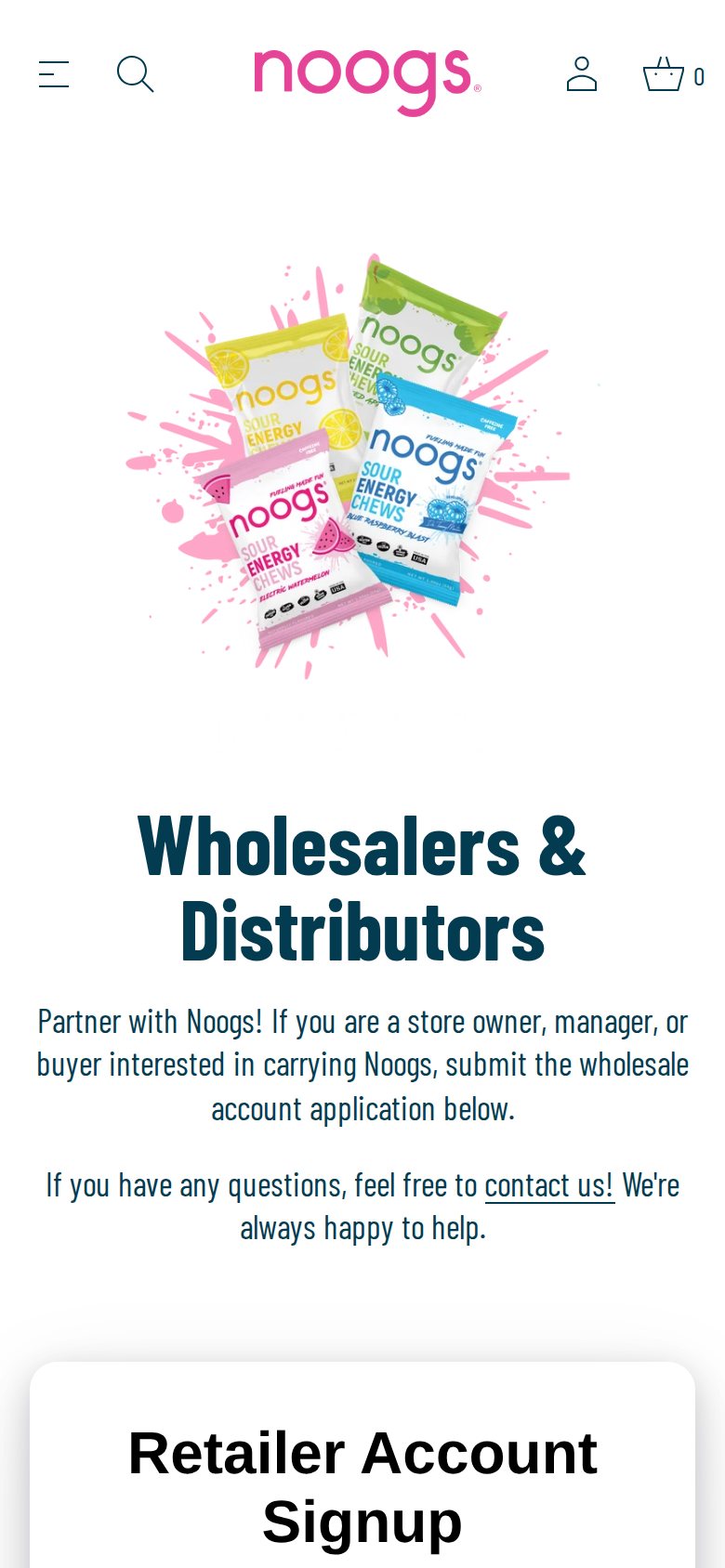
Retail buyers and store owners also browse on their phones, especially at events. The page scales down cleanly and keeps the form directly below the invitation.
Which BSS features power it
Noogs started using BSS B2B Solution in September 2024 on an Advanced plan. Using the app’s production configuration for this spotlight (feature types only, no business volumes), we can confirm a broader setup than the single form suggests.
- Custom pricing for tagged customers. Several custom pricing rules are active and target customer tags, including rules that exclude certain customer tags and rules limited to selected products. This is how one retailer tier can pay a different price from another. See how to give tagged wholesale customers special prices and which rule wins.
- Volume pricing. Four volume pricing rules are active, mostly for tagged customers and one for specific customers, with different product scopes. They give retailers price breaks as they buy more cases. See tiered pricing and quantity breaks and combining custom and volume pricing.
- Net terms. Two net terms rules are active: one for tagged customers with a 30-day term and one for specific customers. See offering Net 30 and other payment terms.
- Shipping rates. A shipping rate rule targets tagged customers, which lets approved retailers see wholesale shipping instead of the consumer rate. See handling fees and custom shipping for wholesale.
- Discount codes and auto tags. More than ten discount code rules are active, and several auto tag rules assign tags on registration and customer events. See auto-tagging customers by spend or order count.
The guest product page is consistent with this setup. Rules for tagged customers do nothing for visitors who are not signed in, so guests see only the standard $36.99 price. Our guide on how rule priority works explains what happens when more than one rule applies to the same buyer.
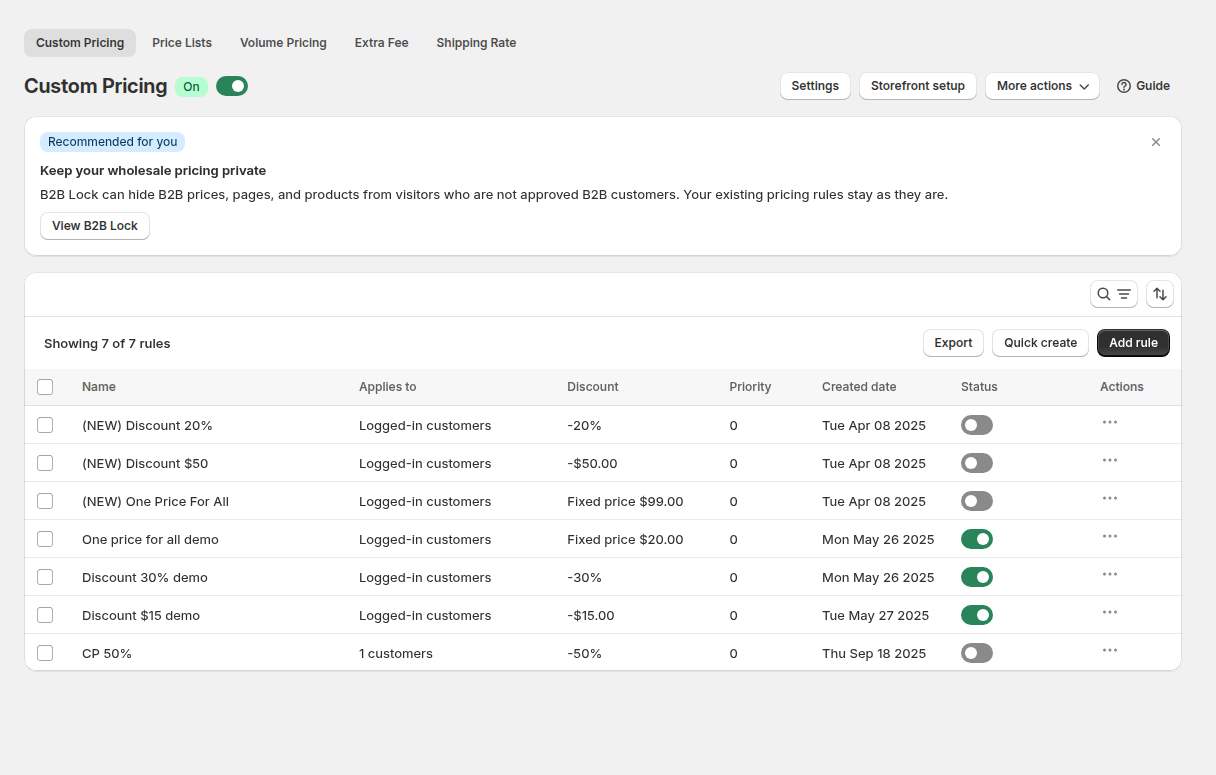
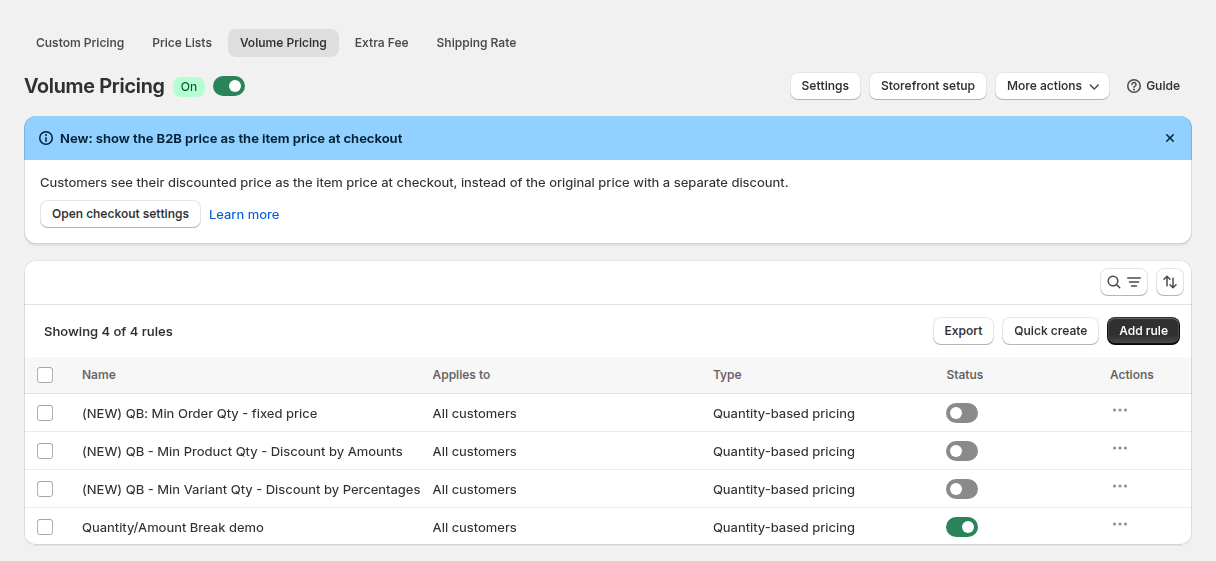
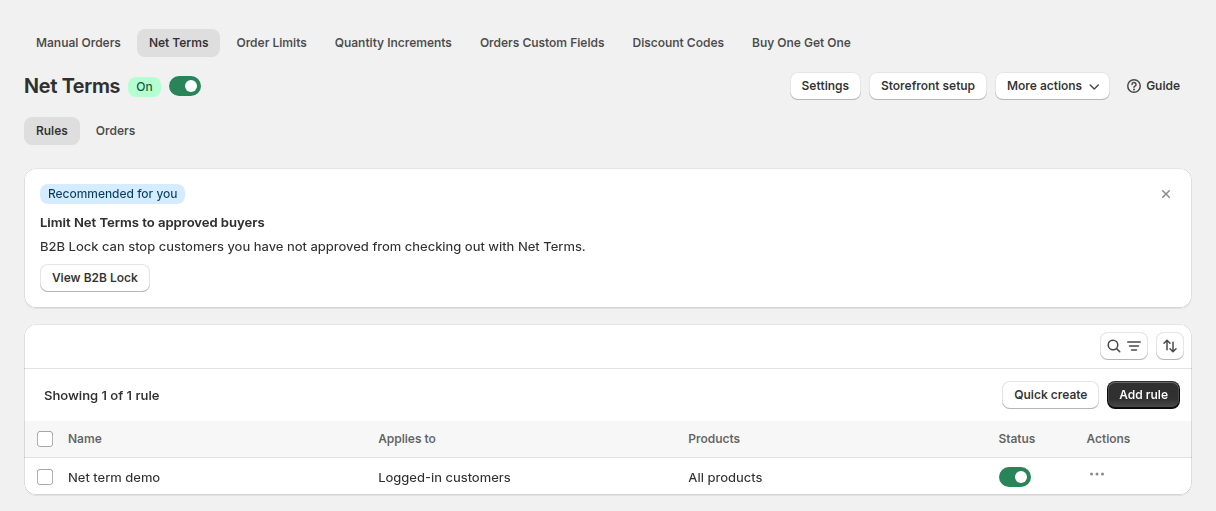
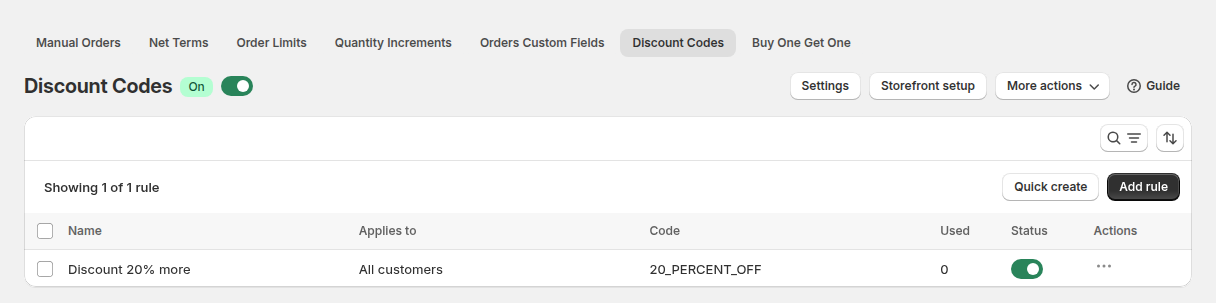
The four screens above come from a demo store. In Noogs’ case the audiences are customer tags rather than “All customers” or “Logged-in customers”, but the structure is the same: each module has a rule list with a name, an audience and an on or off switch. The wholesale pricing hub and the order rules and terms hub describe how these modules fit together.
What other merchants can copy
- Give wholesale one menu link. A single “Wholesale” item is enough for a consumer brand. Retailers know to look for it.
- Ask the resale question first. A required yes or no about reselling filters out consumers who stumble onto the form.
- Collect the tax document at the door. A file upload for the exemption certificate saves a round of emails with every retailer.
- Keep retail prices simple and let tags do the work. Guests see one price. Tagged retailers see their price through rules, so you never maintain a second catalog.
- Layer terms in stages. Start with custom prices, then add quantity breaks, shipping rates and net terms for the retailers that earn them.
- Use a store locator to prove the channel works. It gives shoppers a reason to value your retailers and gives retailers a reason to join.
The merchant’s review
Noogs left a five-star review of BSS B2B Solution on the Shopify App Store on November 20, 2024, after about two months of use. We quote the public text as written:
Namyr and the B2B team have been incredibly helpful and quick to help. Whenever I have a problem with setting anything up, they are always responsive and eager to fix the problem. Very happy with the service so far!
Noogs, United States, 5 stars, November 20, 2024, BSS B2B Solution reviews on the Shopify App Store
The review is short, but it describes what a multi-module setup needs most: someone who answers when a rule does not behave the way the merchant expects.
Start with a registration form and one tagged price rule. Add volume pricing, shipping rates and net terms as retailers come on board.
See BSS B2B Solution on the Shopify App StoreFAQ: adding wholesale to a direct-to-consumer brand
How can a consumer brand add wholesale without a second store?
Keep one storefront and add a wholesale application page. Approved retailers get a customer tag, and pricing rules for that tag give them wholesale prices when they are signed in. Guests keep seeing retail prices.
Can I ask retailers for a tax exemption certificate?
Yes. A registration form can include a file upload field, with files up to 10 MB each, so retailers can attach a certificate. Whether to treat a certificate as exempting a specific order is a separate setting, and tax rules vary, so check requirements for your state or country.
Can different retailers get different volume prices?
Yes. Volume pricing rules can target different customer tags or specific customers and different product sets, so a distributor and a small shop can have different quantity breaks.
How do I offer net terms to approved retailers only?
Create a net terms rule that applies to a customer tag. BSS creates the order with Shopify’s native payment terms, such as Net 30, when the rule applies. Customers without the tag pay at checkout as usual.
Will wholesale discounts show to shoppers who are not signed in?
Rules that target customer tags apply only to signed-in customers with that tag, so visitors see the normal retail price. Remember that hiding a price is a storefront display choice and not a security guarantee.
This store spotlight is based on Noogs’ public website and its public review on the Shopify App Store, as of October 5, 2026. Screenshots show the public storefront; admin images are labelled as example configuration and are not the merchant’s admin. Feature types were confirmed against app configuration data; no sales, order or customer figures are used.