To set up a B2B store for industrial spare parts on Shopify, combine BSS B2B Solution and BSS B2B Lock: a registration form with a live VAT number check, a Volume Pricing table for contract buyers, Tax Display so prices show before and after tax, and BSS B2B Lock to hide prices and Add to cart from guests and from Google search results. Guests can still browse the catalog, while approved buyers see their prices.
This guide is for distributors and suppliers of spare parts, components and consumables whose buyers are maintenance firms, installers and contractors, often across borders. It explains who needs this, the setup in six steps, a worked example with part prices before and after VAT, and the limits that matter, including that the VAT check is not a legal check and that Tax Display does not change what Shopify charges.
Who this is for
This setup fits you if several of these are true:
- Your buyers are maintenance contractors and service companies that order parts in bulk under agreed prices or framework agreements.
- You sell across borders in Europe, where VAT handling matters and buyers expect to see prices before and after tax.
- You want the catalog to stay public so buyers can find a part, but you do not want negotiated prices to be public.
- Public search results could expose your trade prices if you do nothing.
- A buyer’s first order should not start with an emailed VAT certificate.
If you only need to hide prices from logged-out visitors, see hide wholesale prices from guest visitors.
Why this matters
Industrial buyers do not browse casually. They order under agreements, in bulk, and often across borders, and they expect the store to match the paperwork. If your prices are public, your negotiated terms are public, and a buyer with a better deal sees someone else’s list. If your onboarding runs through email, each new account costs a round of requests for a VAT number and company details, which delays the first order.
Lift-Spares, a Swedish supplier of spare parts for elevator and escalator maintenance companies, named three risks: buyers needing confidence that prices match framework agreements, cross-border European trade with tax handling, and public search that could expose negotiated prices. It rebuilt wholesale registration so that qualification happened at entry, with a VAT validation field, added a volume pricing table with prices before and after tax, disabled Add to cart and hid prices for B2B-only products, and used BSS B2B Lock to keep price visibility to approved wholesale accounts while the catalog stayed discoverable. Read the Lift-Spares case study.
How to set it up with BSS B2B Solution and BSS B2B Lock
Follow the buyer’s path, from application to a visible price.
Step 1: Build the registration form
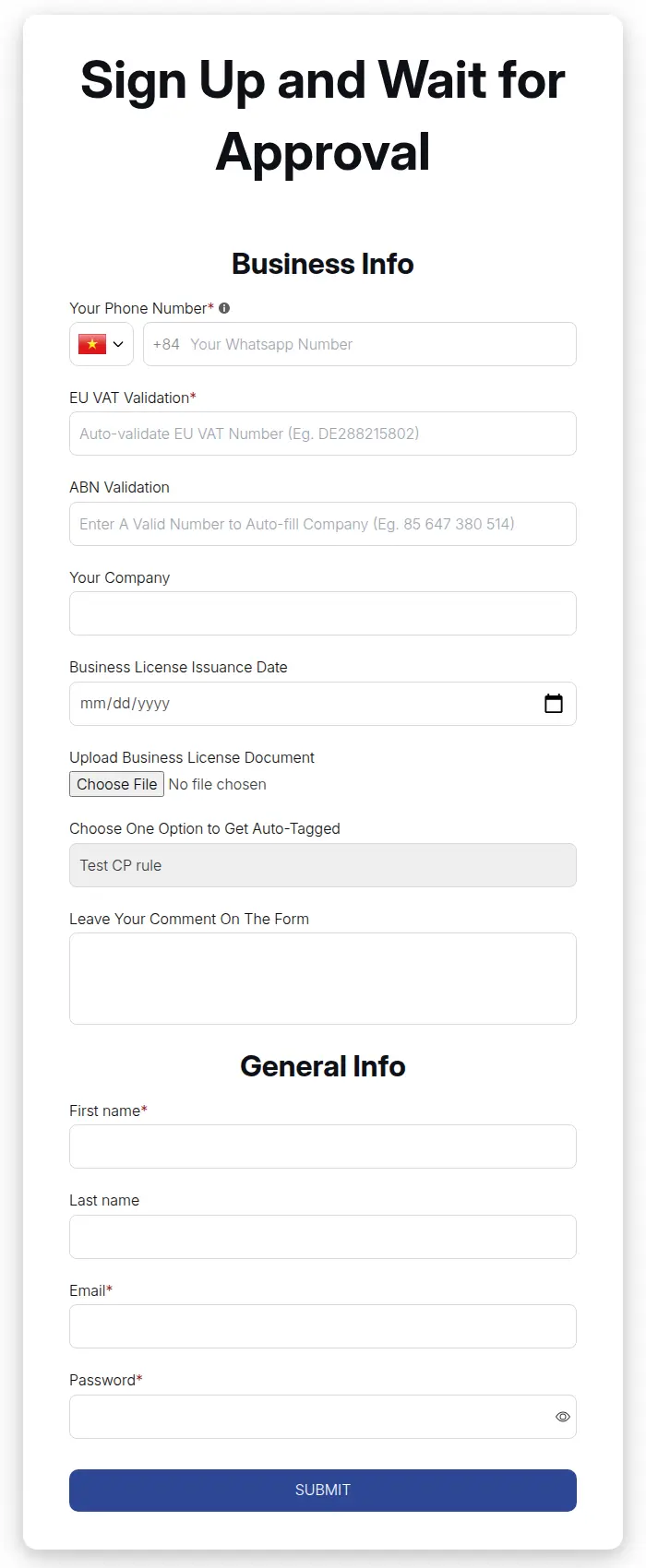
In BSS B2B Solution, add a VAT validation field and company details to the registration form, such as company name, role and service scope, and mark the VAT field required. The number is checked live as the buyer types, using VIES for EU numbers, and the form blocks submit only when the field is required and the number is invalid.
Step 2: Approve and tag
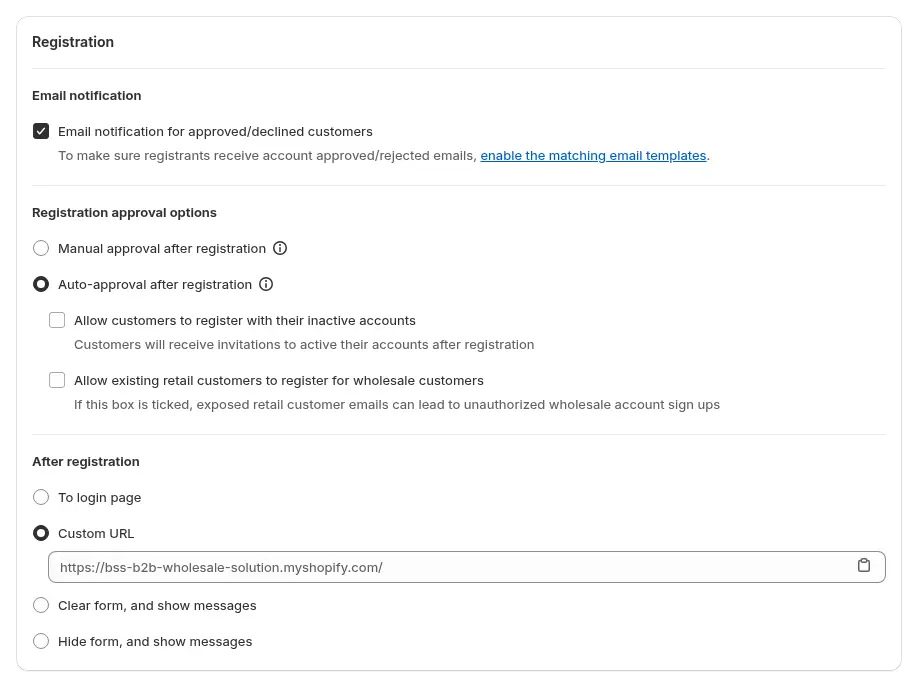
Review each application and approve it. On approval the form adds the tag that identifies contract buyers, for example `contract-buyer`. Choose manual approval if you want to check the business first, and set up the email notifications so the applicant knows what happens next.
Step 3: Set volume pricing
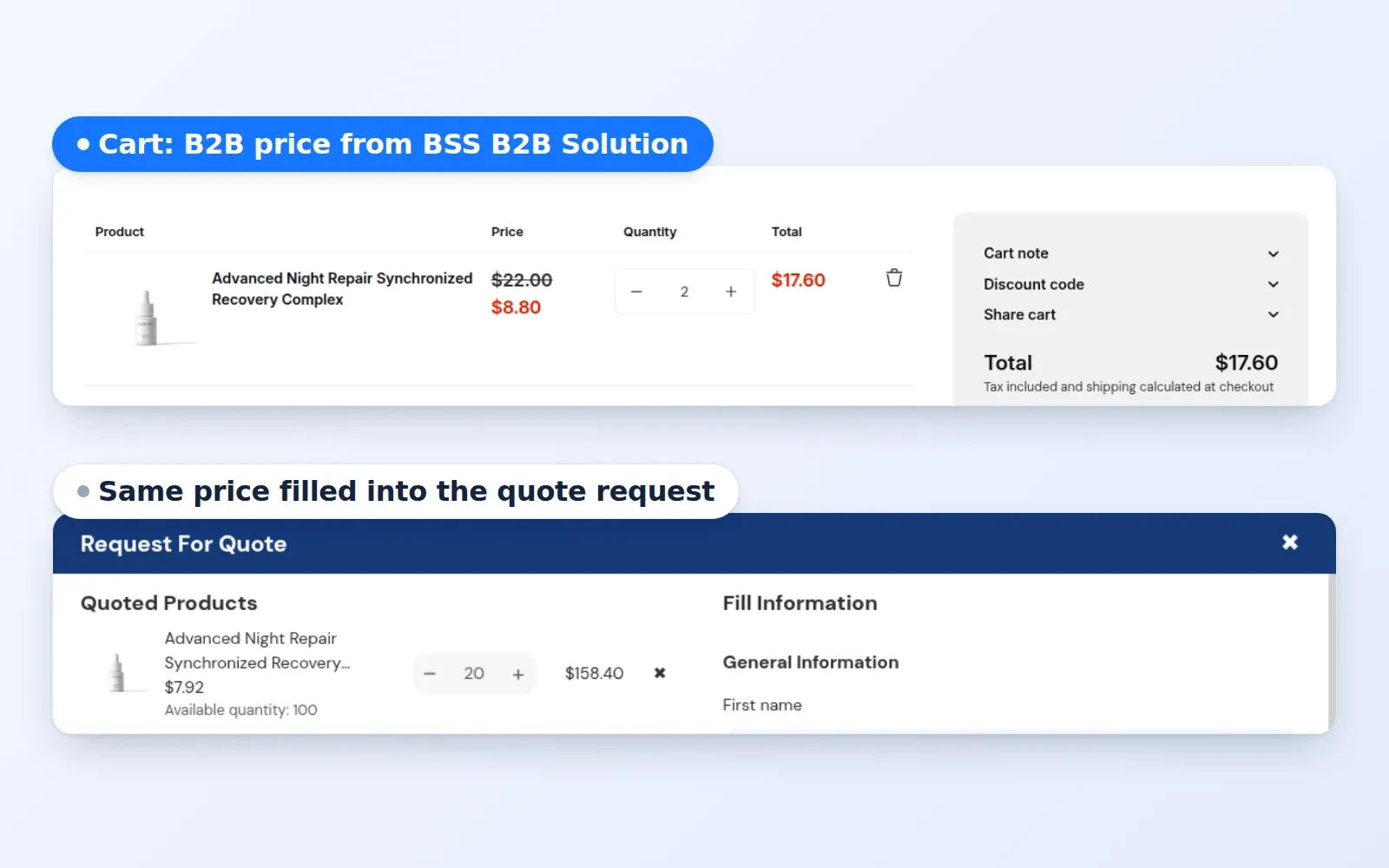
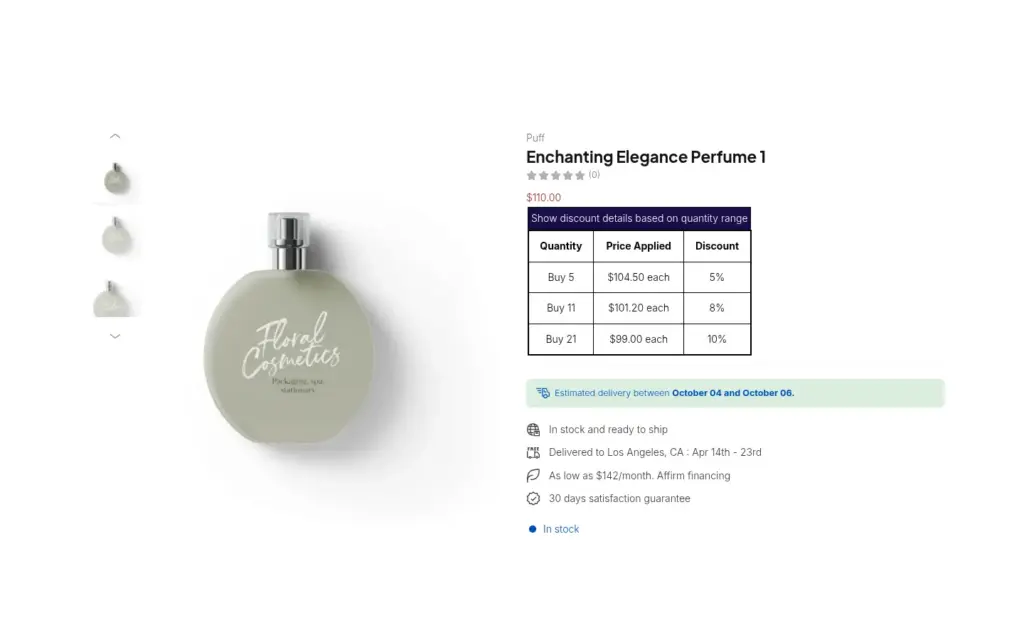
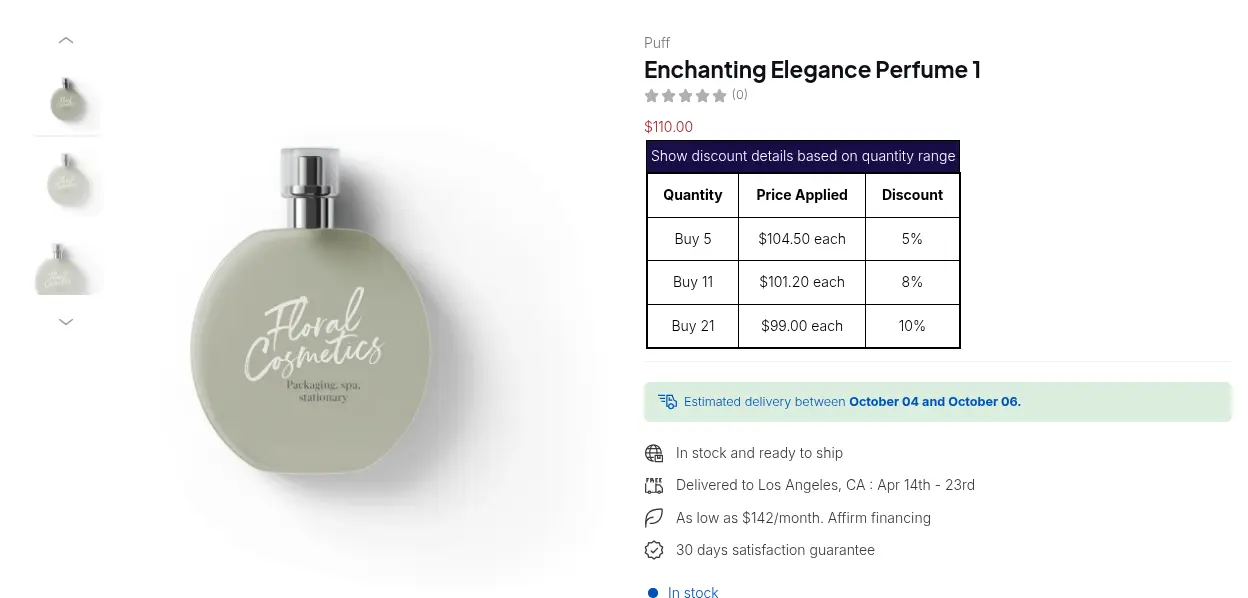
Create a Volume Pricing rule for the tag with quantity tiers, and show the volume table on the product page and in the cart. The tiers apply on top of the buyer’s price, and the table shows the quantity range, the price applied and the discount.
Step 4: Show prices before and after tax
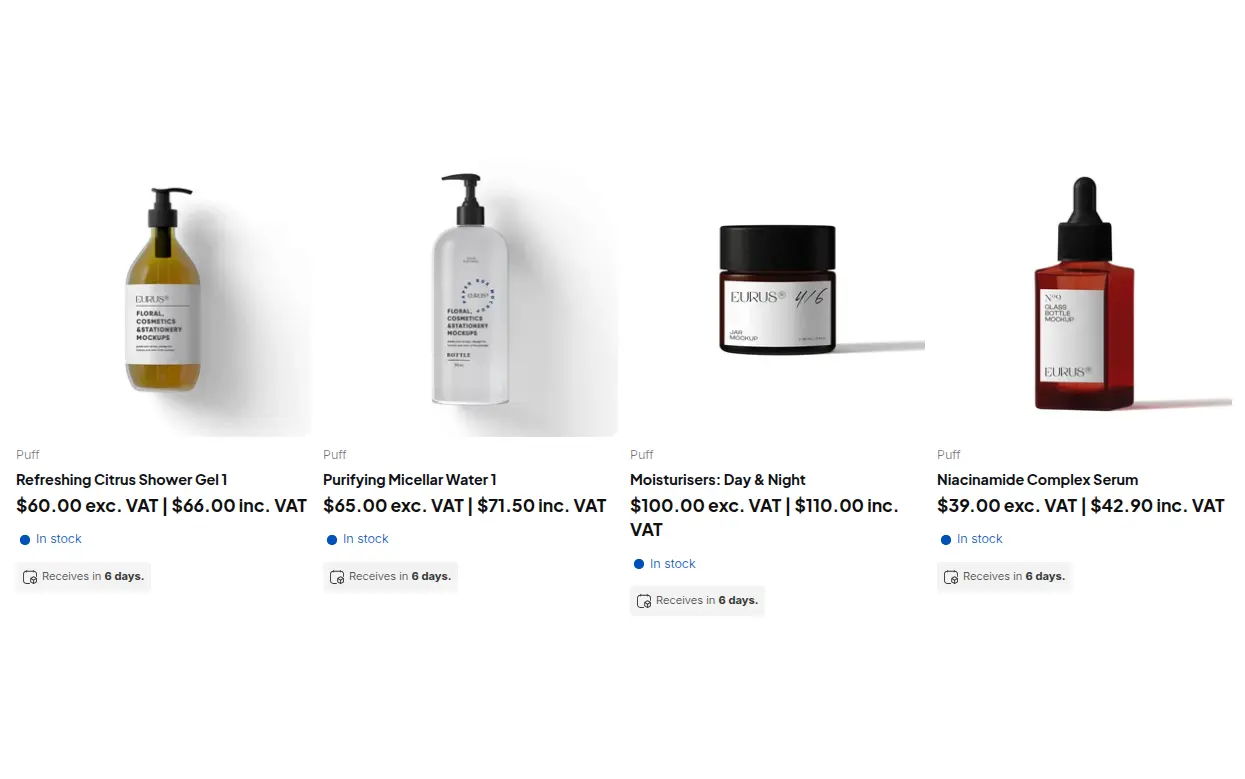
Create a Tax Display rule for the same customers so prices show including tax, excluding tax or both, on the product page, collection pages and the cart. The tax is calculated on the B2B price. Tax Display only changes what is shown, so Shopify still calculates tax at checkout.
Step 5: Hide prices from guests
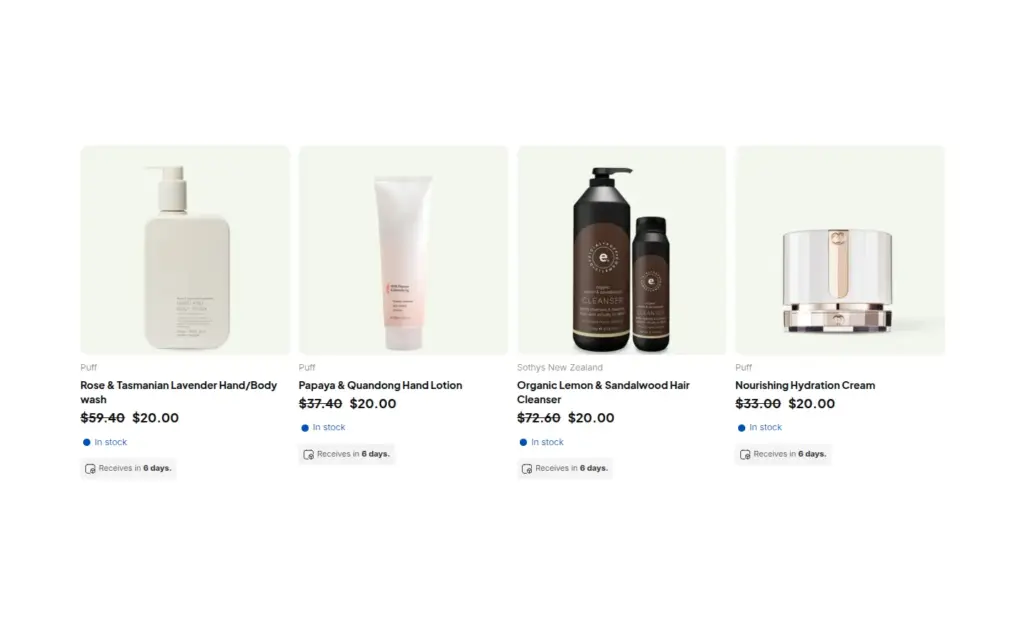
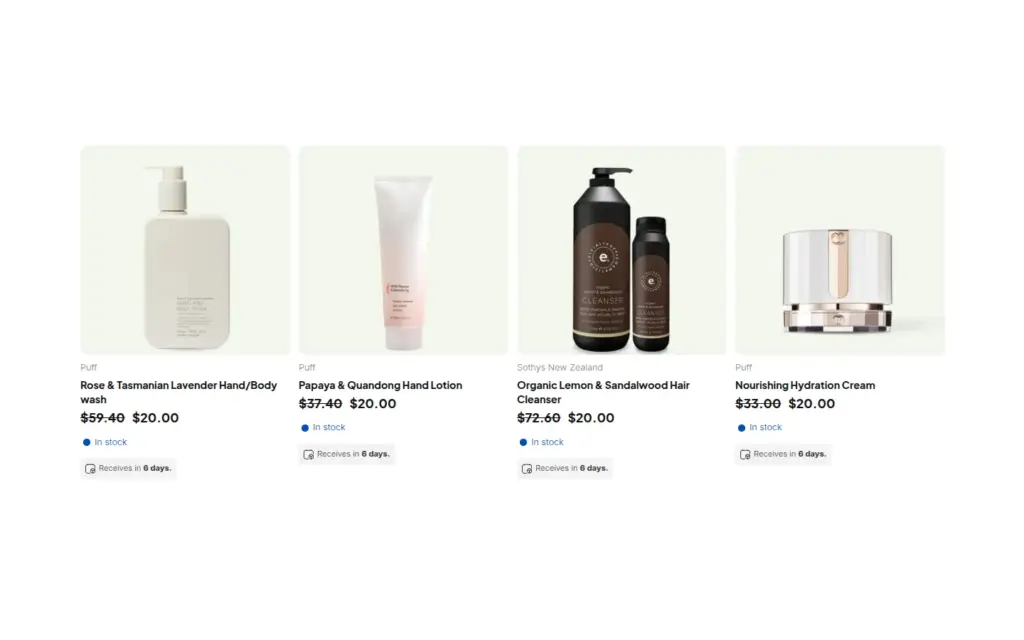
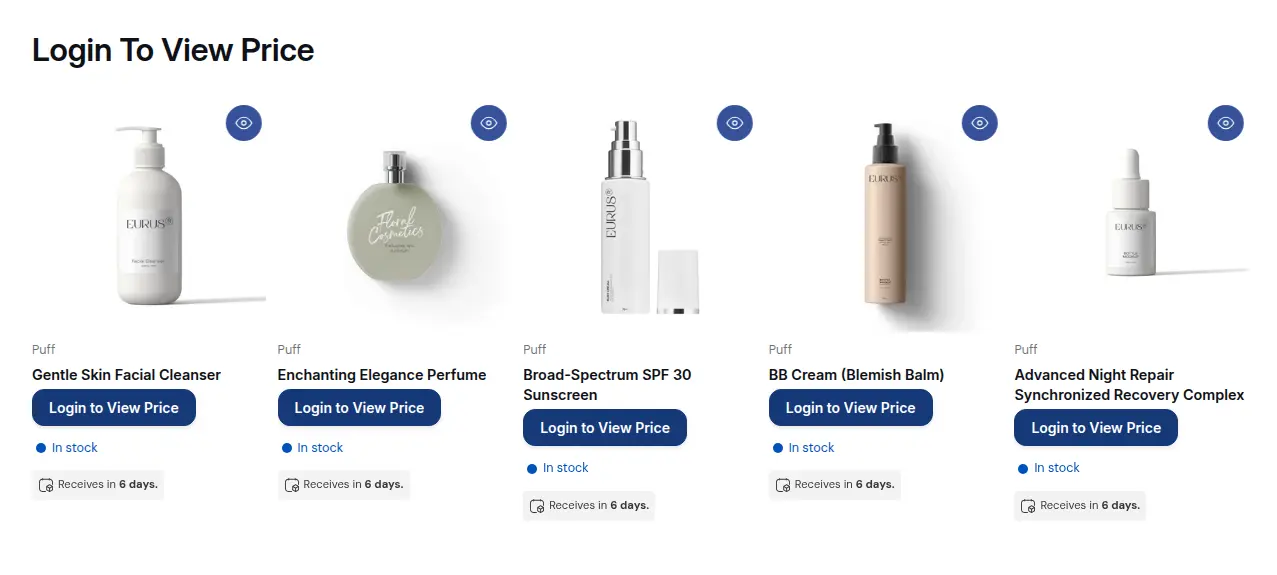
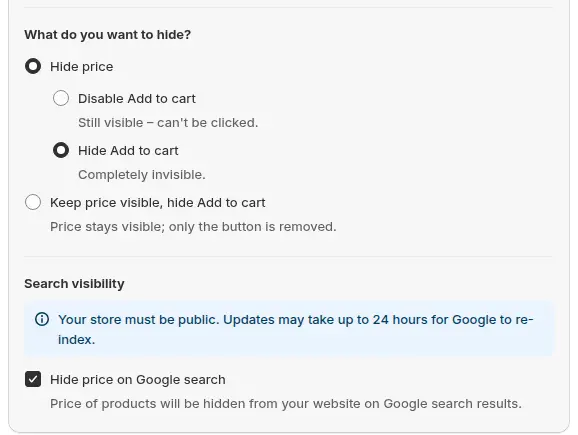
In BSS B2B Lock, create a rule with the lock target Price and add to cart, and choose to hide the price and the Add to cart button for visitors who are not signed in or who do not carry the tag. The catalog stays visible, and guests see a login prompt where the price was.
Step 6: Keep prices out of Google
In the same lock rule, tick Hide price on Google search. It changes how price data is exposed in your theme templates and structured data for visitors who do not qualify, so Google is less likely to show your prices in rich snippets. The app warns that the store must be public and that updates may take up to 24 hours to be re-indexed.
Example: a distributor of elevator door parts
This example uses illustrative numbers, not results from a real store. A distributor sells a door roller kit at €80.00 excluding VAT. A Volume Pricing rule for the `contract-buyer` tag gives 5% off from 10 kits and 10% off from 50 kits. A Tax Display rule shows both prices at a 20% VAT rate.
| Quantity | Unit price excl. VAT | Unit price incl. VAT |
|---|---|---|
| 1 to 9 | €80.00 | €96.00 |
| 10 to 49 | €76.00 | €91.20 |
| 50 or more | €72.00 | €86.40 |
A maintenance firm registers with a VAT number, which is checked as it is typed, and is approved. The contractor orders 12 kits: 12 x €76.00 = €912.00 excluding VAT, or €1,094.40 including VAT. A guest on the same page sees the part, its description and a login prompt, and Google is less likely to show a price in the rich snippet for that product.
Works well with
Each piece has a longer guide:
- Tax IDs: verify business tax ID at registration covers live validation for VAT, EIN, ABN and GST numbers.
- Tax display: show prices excluding VAT to B2B buyers covers every display option.
- Tax exemption: EU VAT exemption with VAT ID validation covers the cart-based exemption.
- Hiding prices: hide prices from Google search results and hide Add to cart and cart for guests cover the Lock side.
- Bulk parts orders: CSV bulk order upload helps buyers who order dozens of part numbers.
The tax and compliance hub, the access control hub and the wholesale pricing hub list the guides. Useful glossary entries are tax ID, hide price and tiered pricing. The apps are on the BSS B2B Solution and BSS B2B Lock pages.
Limits and common mistakes
- Mark the VAT field required. Otherwise an applicant can submit without a valid number. The check runs in the form, not again on the server.
- A VAT check is not a legal check. It validates the number against public services as it is typed, and it is a convenience for your approval team. Keep your own review in the approval step.
- Tax Display is display only. It does not change checkout. Use the Tax Exempt module if buyers need tax-exempt orders, and note that it works from the cart page, so a direct checkout link skips it.
- Hide price on Google works where your theme can be patched. It depends on the theme files that output price data, and it does not change Google Shopping or Merchant Center feeds, which need their own setup. Test your theme.
- The store must be public for Google to re-index. A password-protected store will not show the change, and updates can take up to 24 hours or more to appear in results.
- Hiding prices is separate from locking pages. Hide price and Add to cart changes what visitors see, and page, product and collection locks control access. Use both if the whole product page must be private.
- Test as three visitors. Check a guest, an approved buyer and the search result for one product, remembering that Google must re-crawl the page before the old price data disappears.
Setup checklist
- Build the registration form with a required VAT field and company details.
- Choose manual approval and set the tag for contract buyers.
- Create the Volume Pricing rule and show the table on product pages.
- Create the Tax Display rule for contract buyers.
- Create the Lock rule for Price and add to cart, with Hide price on Google search ticked.
- Make sure the store is public and the app embeds are on.
- Test the guest view, the buyer view and the Google search result for one part.
- If buyers cross borders, add Tax Exempt and test it from the cart page.
Plans and requirements
Registration with VAT validation is available on paid plans of BSS B2B Solution, and the EIN field needs Platinum. Tax Display and Tax Exempt need the Advanced or Platinum plan, and hiding prices in BSS B2B Lock needs a paid plan. See the BSS B2B pricing page for the tables and the free trials on paid plans. The Hide price on Google guide lists what it does and does not do, and the how the apps work together guide shows the combined flow. Install BSS B2B Solution from the Shopify App Store and start with the registration form.