To build a self-service wholesale portal for a coffee roaster on Shopify, tie three BSS apps together with one wholesale tag: BSS B2B Solution registers and approves cafes and gives each its price list, BSS B2B Quote gives repeat buyers a Quick Order page, reorder and quote requests, and BSS B2B Lock keeps wholesale pages and prices away from guests. Cafes apply, get approved, see their own prices and order without emailing you.
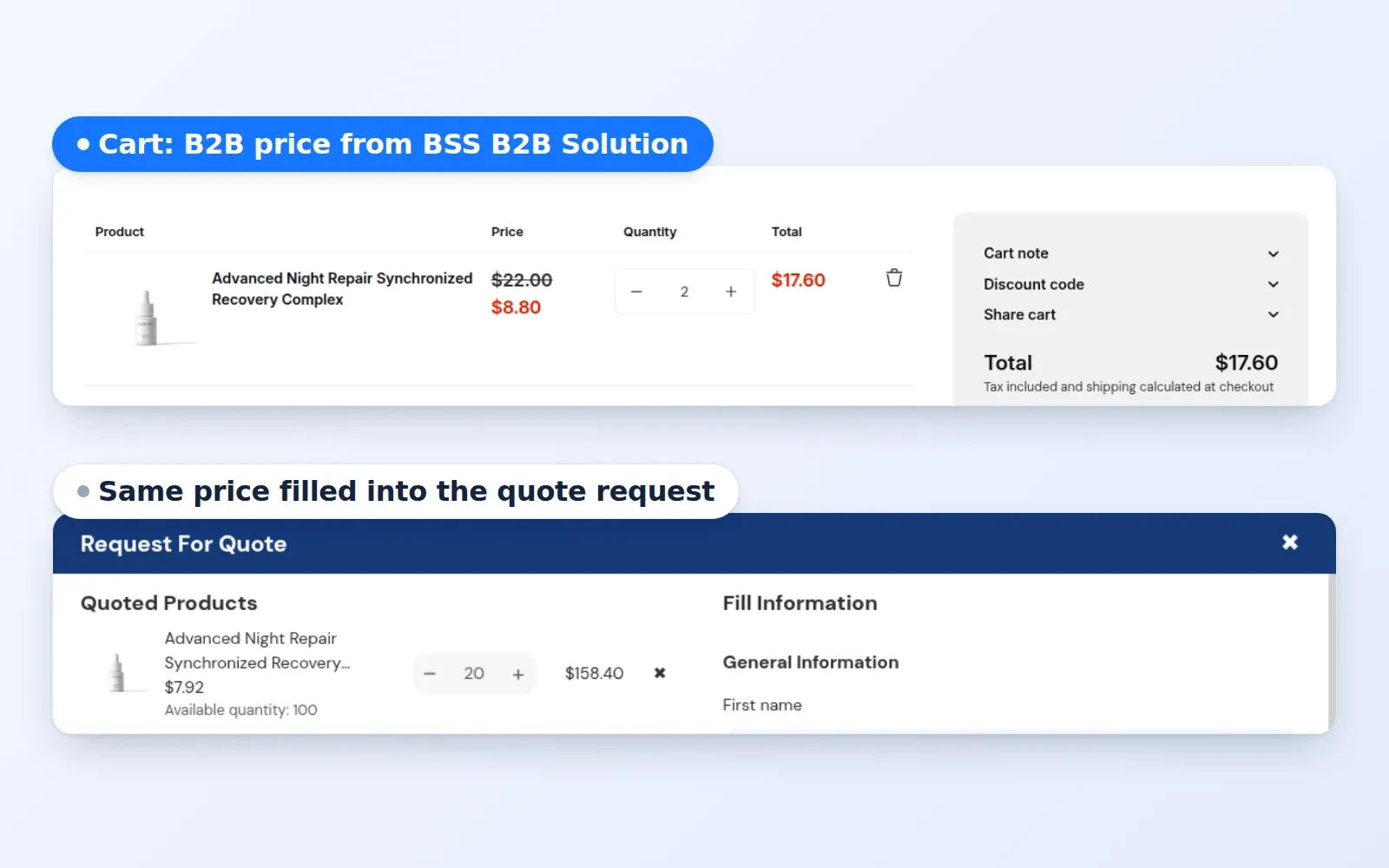
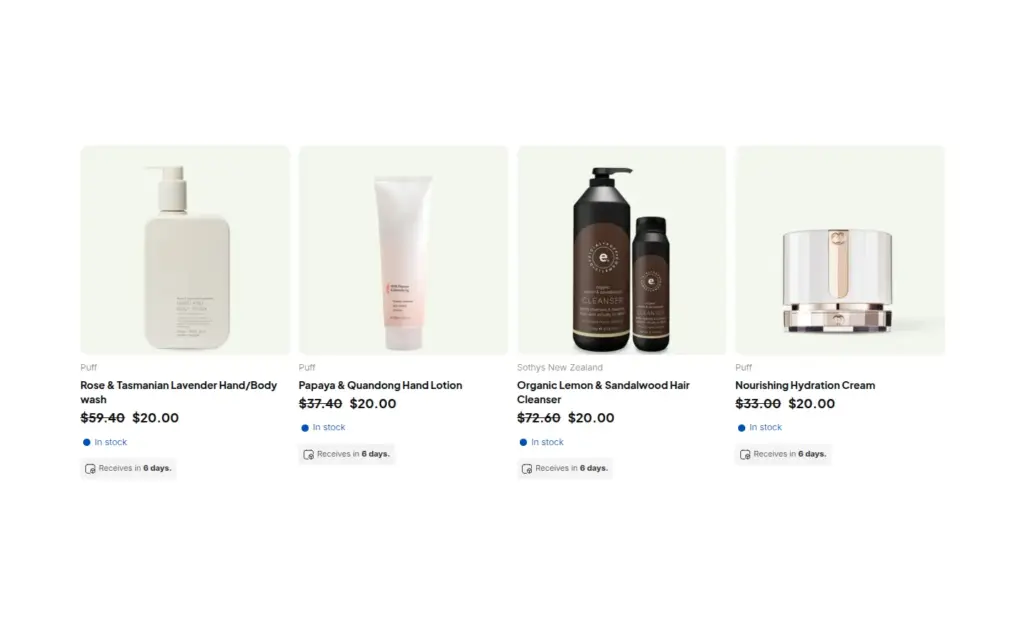
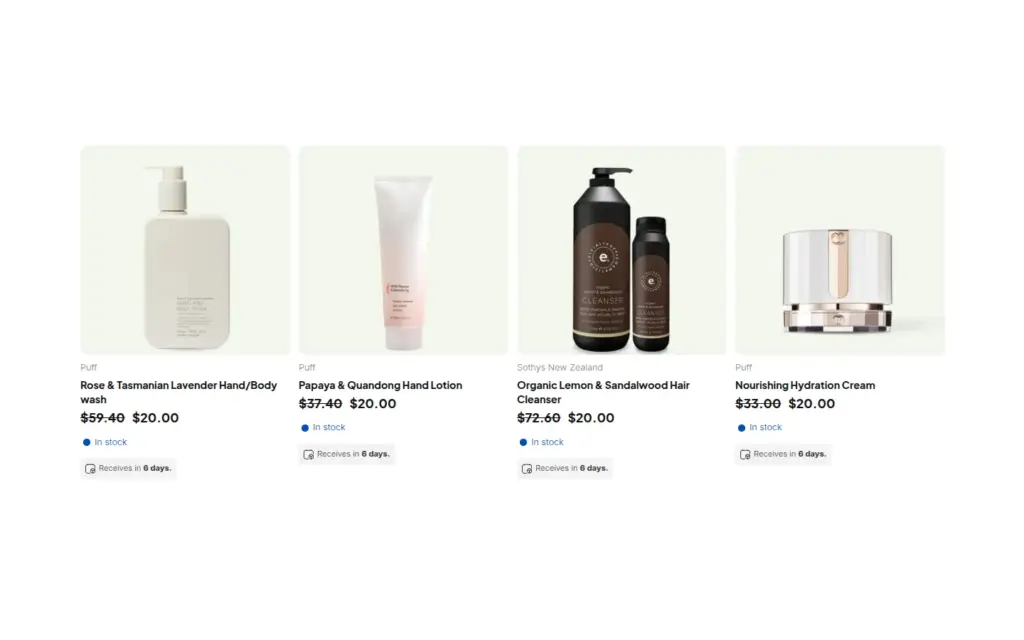
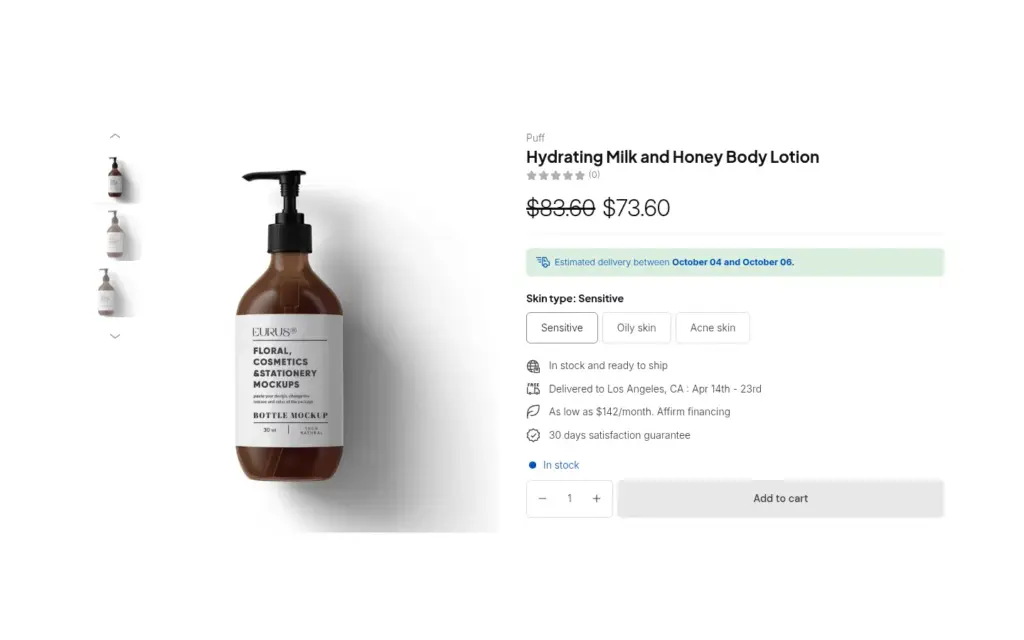
This guide is for roasters and specialty food and drink producers who sell beans and supplies to cafes, hotels, offices and retailers on a schedule. It explains who needs the portal, the setup in six steps, a worked example with a bag-size price list and a reorder, and the limits to settle, including which pieces need the Platinum plan and what the API can and cannot sync. The screenshots come from our demo store, which has a skincare catalog, so the product names differ from a coffee store.
Who this is for
A wholesale portal fits a roaster if several of these are true:
- Cafes, hotels, offices and resellers ask for your beans, and a growing share of orders arrives by email or phone.
- Each account has its own price, or its own tier, and prices differ by bag size such as 12 oz and 5 lb.
- Buyers reorder the same few products every week or two, so speed matters more than browsing.
- Retail customers use the same store, and wholesale prices and pages must not reach them.
- Your accountant or ERP expects clean customer and price data.
If you only need one app to start, begin with wholesale registration form with approval, then add ordering and access when you need them.
Why this matters
A roaster that grows past a handful of wholesale accounts hits the same wall. Alpha Coffee, a veteran-owned roaster in Utah, found that cafes, hotels and offices wanted its beans, but manual wholesale checks and fragmented email orders did not scale. It set up B2B price lists with customer tags, a buyer portal with Quick Order and request for quote, and tag-based access rules, all in one Shopify store. Koppi Roasters, a Swedish roaster, uses a registration form, VAT exemption and custom pricing together with a forced login and hidden prices, and GreenTeaEveryday serves wholesale and retail from one store. Read the Alpha Coffee, Koppi Roasters and GreenTeaEveryday case studies.
Each of those stores solved the same problem in a different mix: who is a wholesale buyer, what do they pay, how do they order, and who is allowed to see it. A portal puts the four answers behind one login.
How to set it up with BSS B2B Solution, Quote and Lock
Set the pieces up in the order a cafe uses them.
Step 1: Onboard cafes with a registration form
In BSS B2B Solution, build a registration form that collects business details, and choose manual approval so you can check each cafe. The form adds the wholesale tag when you approve. If you sell across borders, add a tax ID field, which is checked live as the buyer types. See wholesale registration form with approval.
Step 2: Price by tag or by list
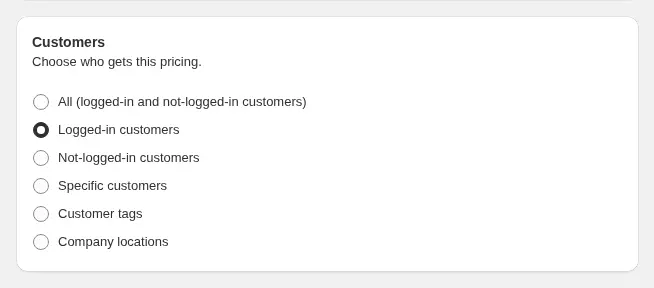
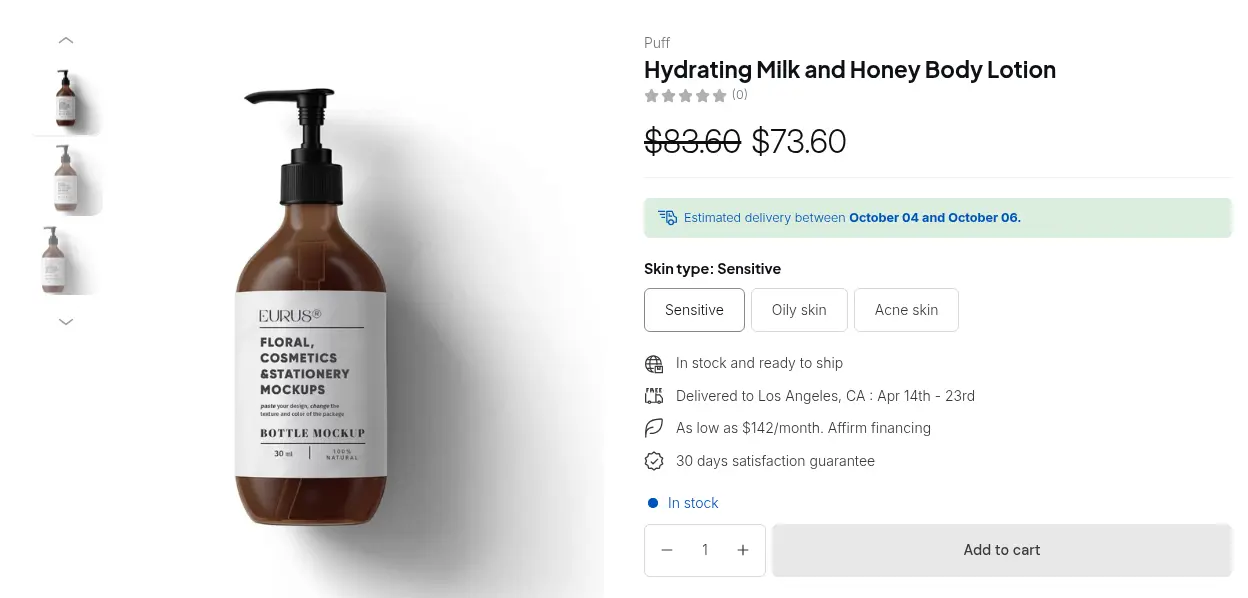
Create price lists or Custom Pricing rules for the wholesale tag, so each group sees its own price. A Price List gives exact prices per product and variant, which suits a roaster whose bag sizes are priced separately, and it is part of the Platinum plan. Custom Pricing, which targets customers by tag with a percentage or fixed price, is available on lower paid plans.
Step 3: Add volume breaks and case packs
Add Volume Pricing so a bigger order gets a better price, and Quantity Increments, on the Advanced and Platinum plans, if you sell by the case, for example multiples of six bags. See sell in case packs with quantity increments.
Step 4: Give repeat buyers a fast way to order
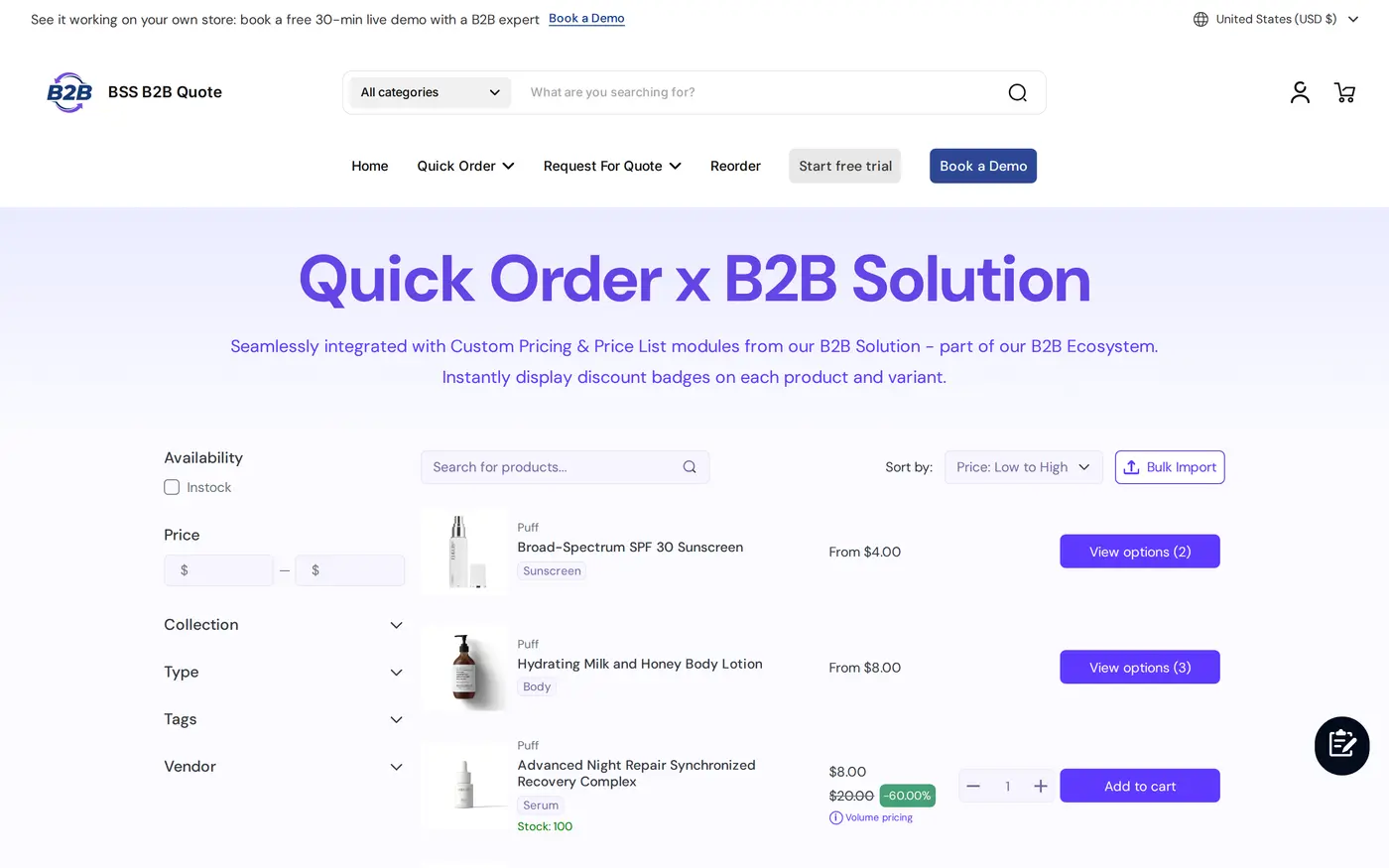
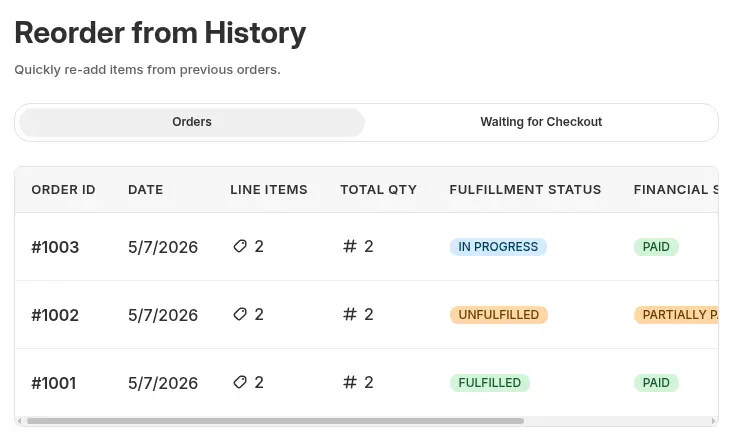
In BSS B2B Quote, publish a Quick Order page limited to the wholesale tag, so a cafe can search products, enter quantities and add many lines to the cart. Enable Bulk Import for buyers who keep a spreadsheet, a Reorder page for repeat orders, and Request for Quote for negotiated or larger deals. Quick Order rows use BSS B2B Solution prices for customers who are not on Shopify native B2B.
Step 5: Keep wholesale private
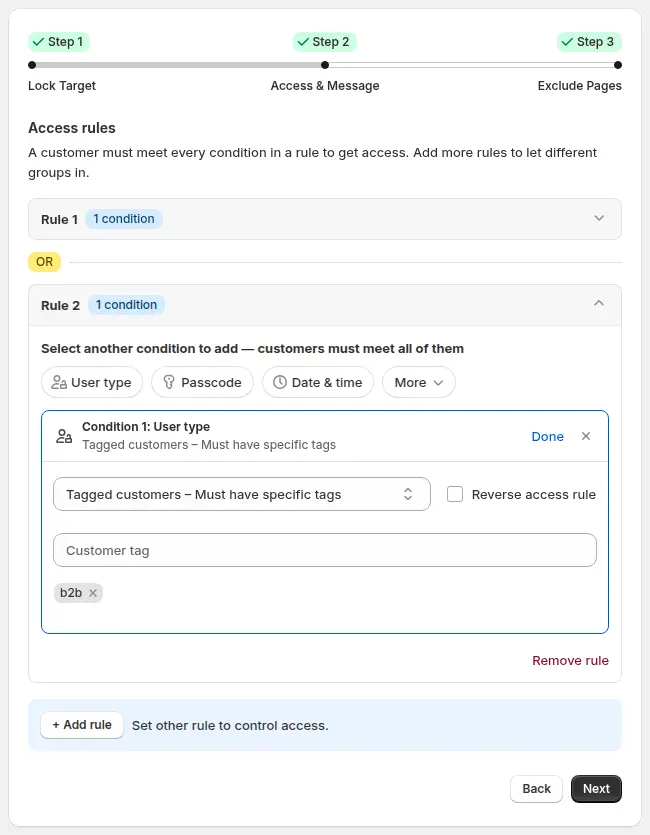
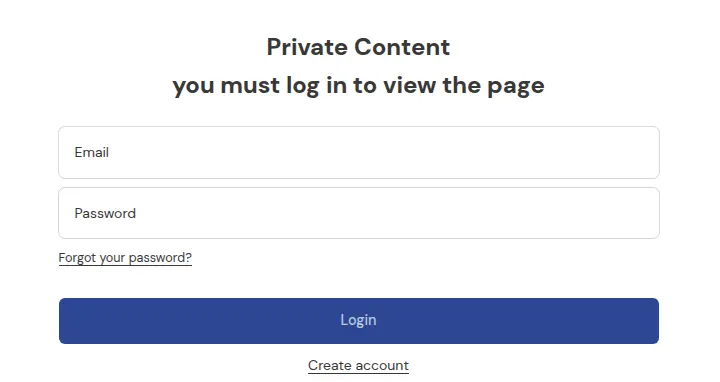
In BSS B2B Lock, create a rule that lets only customers with the wholesale tag see wholesale pages, collections or prices, and show everyone else a login prompt. Keep retail prices public if you also sell to consumers, and lock only the wholesale pages and prices.
Step 6: Connect your accounting tools
On the Platinum plan, the BSS B2B Solution Public API lets your developer or integration partner manage price lists and pricing rules from an ERP or accounting tool. It has no orders endpoint, so order data stays in Shopify and your accounting connector for Shopify keeps handling it. See sync B2B data with ERP via the public API.
Example: a roaster with three bag sizes
This example uses illustrative numbers, not results from a real store. A roaster sells a house blend in 12 oz, 2 lb and 5 lb bags. The 5 lb bag retails at $62. A cafe with a wholesale price list pays $48 for it. A Volume Pricing rule takes 5% off from four bags, calculated on the list price.
The cafe’s manager logs in and opens the Quick Order page. The page lists the blends, with the 5 lb bag at $48. The manager enters eight bags of the house blend, so each bag is $48 less 5%, which is $45.60, and eight bags cost $364.80. Two weeks later the manager opens Reorder, repeats that order with six bags, and checks out. A guest sees $62 on the retail page and a login prompt on the wholesale page. The roaster did not exchange a single email about prices.
Works well with
A portal combines several single-purpose pages:
- The three-app flow: run a B2B-only store with all three apps explains how one tag drives registration, price, access and ordering.
- Repeat orders: reorder page for repeat buyers and CSV bulk order upload cover the ordering tools.
- Tiers: Silver, Gold and Platinum wholesale tiers covers cafes at different levels.
- Hidden pages: hide wholesale collections from guests covers the Lock side.
The Shopify B2B guide, the quick order and RFQ hub and the customer onboarding hub collect the full guide set. Useful glossary entries are price list, case pack and reorder. The three apps are on the BSS B2B Solution, BSS B2B Lock and BSS B2B Quote pages.
Limits and common mistakes
- Use one wholesale tag across the three apps. Spell it the same everywhere, because tags are matched as text.
- Price Lists and the Public API need the Platinum plan. Custom Pricing is available on lower paid plans, and Quantity Increments need the Advanced or Platinum plan.
- The API does not sync orders. It manages pricing rules, price lists and registration records, with read-only lookups, so keep order sync in a separate connector.
- Restrict the Quick Order page by tag. A page set to all customers is open to anyone who has the link.
- Reorder needs a login and uses current prices. It is not part of the Starter plan of BSS B2B Quote.
- A lock is a theme rule. It depends on the app embed, so confirm it is on and test as a guest after any theme change. If retail and wholesale share the store, lock only the wholesale pages and prices.
- Check who needs tax handling. If you sell to businesses in other countries, tax exemption is a separate module, and you should confirm the rules with your accountant.
Setup checklist
- Choose the wholesale tag and use it in all three apps.
- Build the registration form with manual approval.
- Create the price list or Custom Pricing rule for the tag.
- Add a Volume Pricing rule for larger orders, and quantity increments if you sell by the case.
- Publish a Quick Order page limited to the tag, and enable Bulk Import and Reorder.
- Create the Lock rule for wholesale pages and prices.
- Test as a guest, a retail customer and an approved cafe.
- If you use an ERP, scope the Public API work and keep order sync separate.
Plans and requirements
The three apps each have their own plans. BSS B2B Solution has a free plan with limits, Custom Pricing and the registration form on lower plans, and Price Lists and the Public API on Platinum. BSS B2B Quote runs on paid plans, and BSS B2B Lock allows the Entire store target on its free plan while other targets need a paid plan. See the BSS B2B pricing page for the tables and trials. The how the apps work together guide covers the combined setup. Install BSS B2B Solution from the Shopify App Store and begin with the registration form.